
Question
Can't import Photos from the 'Desktop Source Directory' in Lightroom Classic
Hi guys,
Long time user of Lightroom Classic here. All of a sudden, I can't seem to be able to select my desktop folder to import images from to work on from the lefthand Source panel.
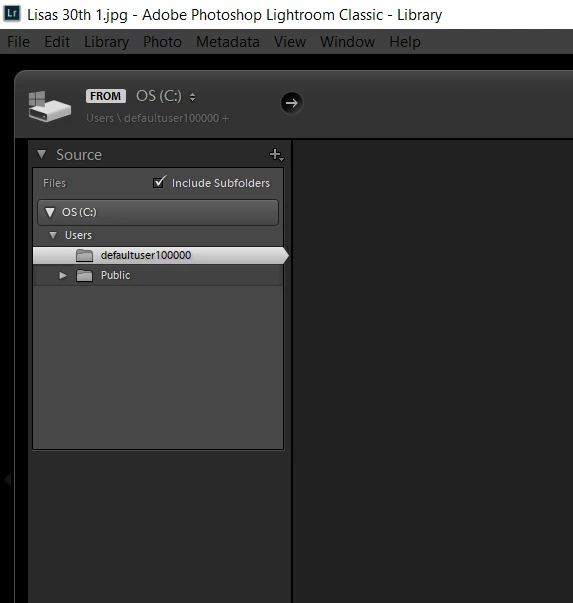
Previously, this had always shown up as my Windows account name, and was selectable as a directory which I could open to find all my sub folders in.
I've tried reinstalling Lightroom classic and several previous older versions but each time and faced with the same problem.
Any ideas on a solution?
Cheers.
{Moved from Lightroom Cloud to Lightroom Classic Forum by Moderator}
 AdChoices