
Question
can't make the masks work correctly
I cannot make the masks work correctly. I make a mask (for instance for the subject) yet when I adjust something like the exposure, the whole image brightens or darkens instead of the part selected by the mask. It used to work but now has this problem. Using MacOS
My understanding is that I am adjusting the exposure on the basic panel instead of the mask panel but I cannot find the adjustment for the masked image. I think there should be a little triangle to twirl next to where I see Mask 1, and this should bring upthe mask panel. What am I doing wrong?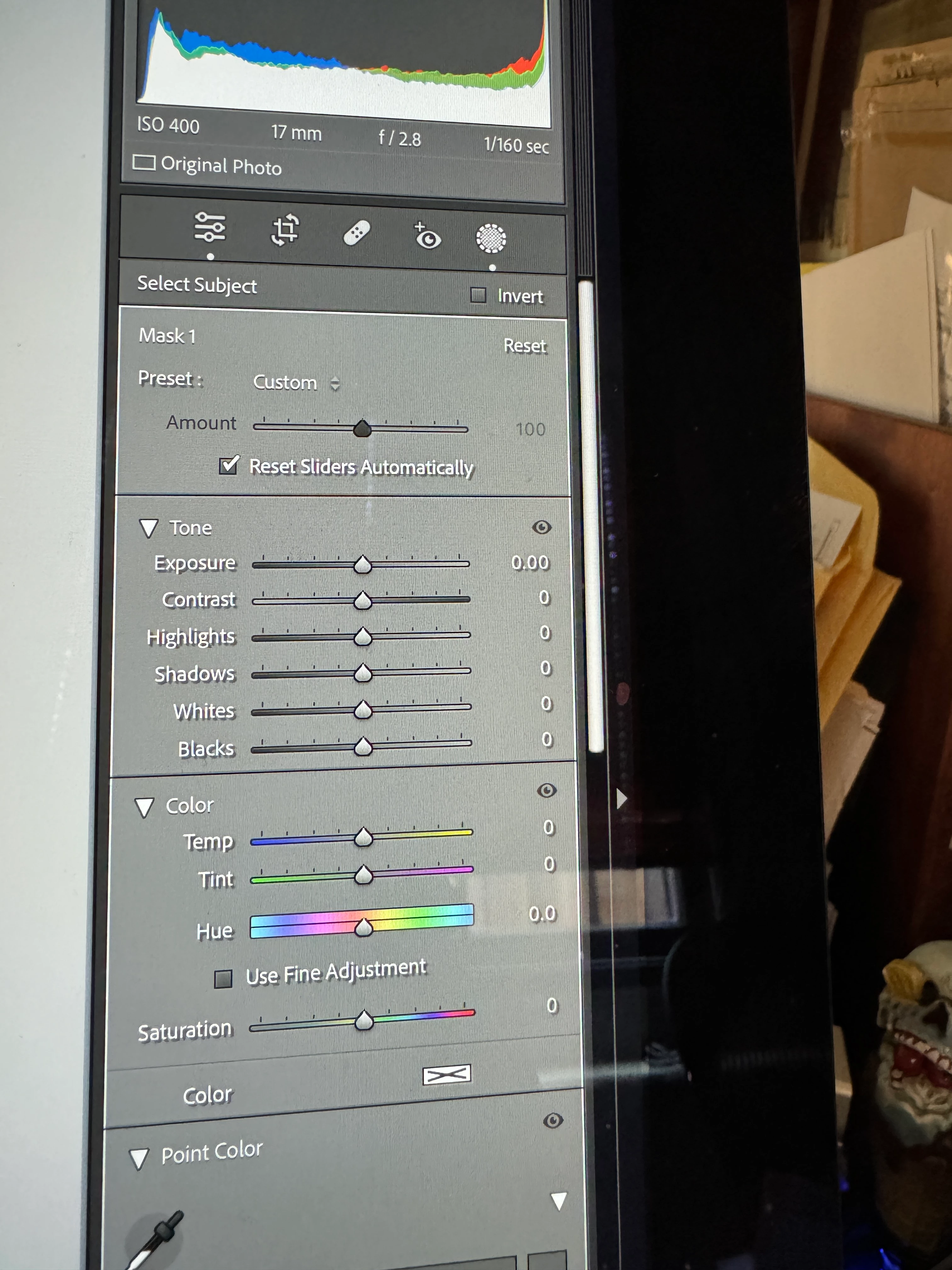 but it is not there. See attached image.


 AdChoices