
Inspiring
November 19, 2024
Question

Can't modify image in Develop; message No photo selected"

  • November 19, 2024
  • 2 replies
  • 445 views

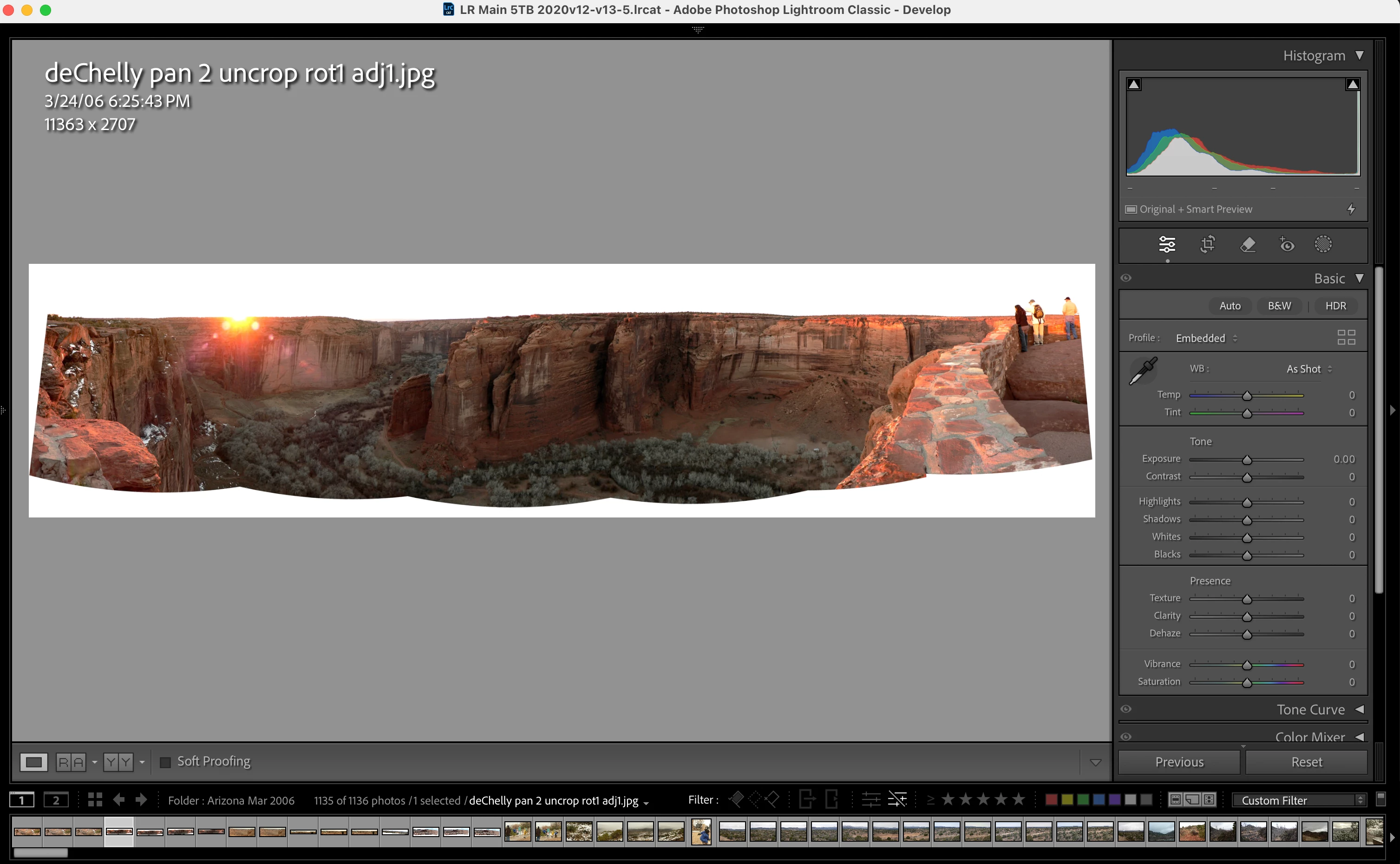
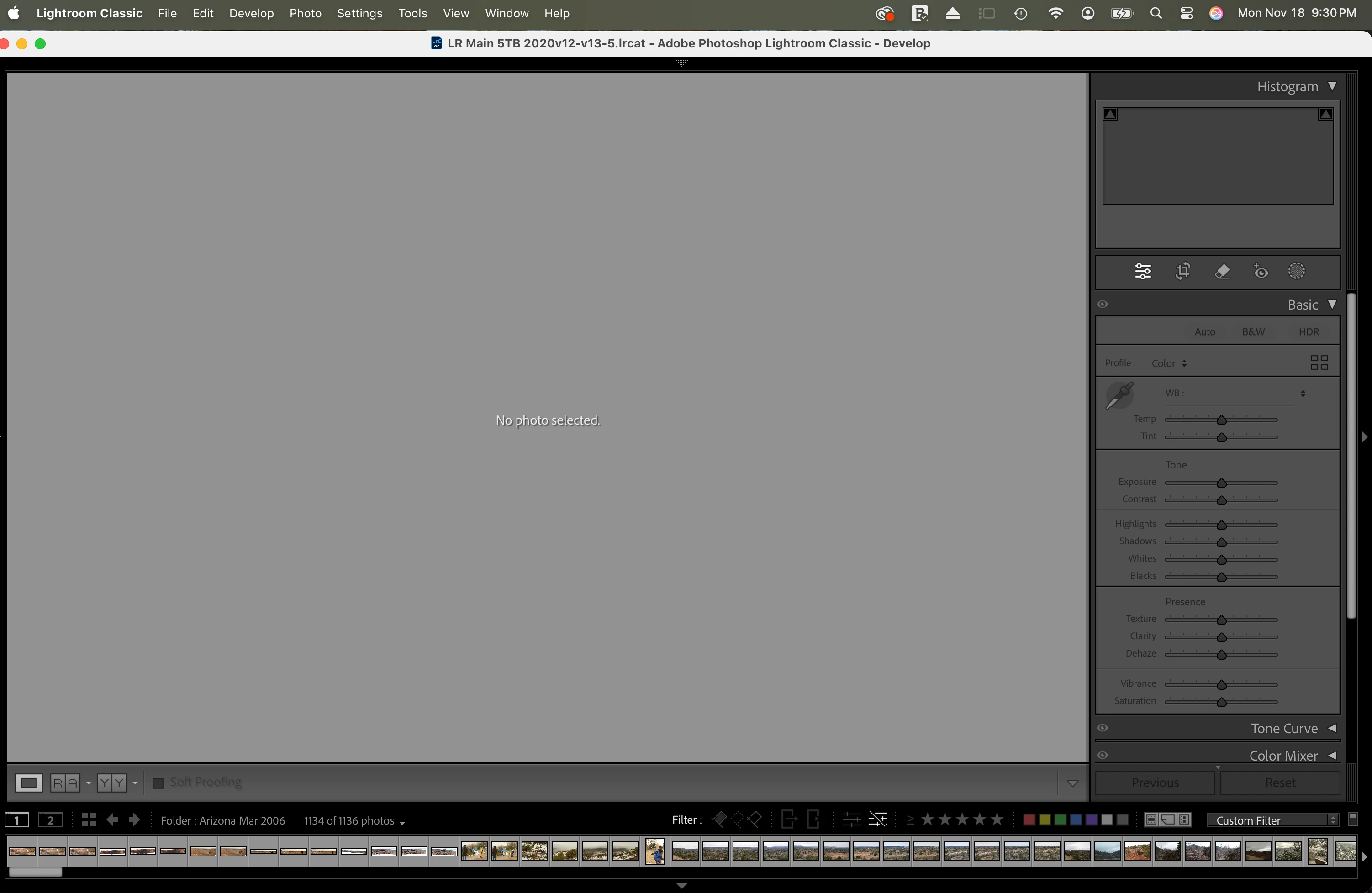
Symptom: I can locate an image in Library/Grid view.   I'm sure the file is there (I recently ran Find All Missing Photos, and only  30 of 114K images were missing).  I go to Develop mode.  The image displays.  I change a slider (I picked Shadows), and image disappears, replaced by message  "No photo selected".  


Background

I'm on MacOS 15.1, LRC 14.0.1/Cam Raw 17.0

Catalog on external 2TB SSD; images on external 6TB HDD

I recently moved disk drives around.  But ran Find Missing to make sure LRC was seeing the drive.  It is.  Only 30 missing of 114K.  


I recently built Smart Previews for all images.  Took several runs as there was a power failure.  But catalog has passed the validity check and optimization consistently.  No errors reported.  


I have made sure that LRC has Files and Folders access in MacOS 15.1 (24B83).  I tried granting Full Disk Access but this did no good.


I'm at the end of my capabilities to address this.  


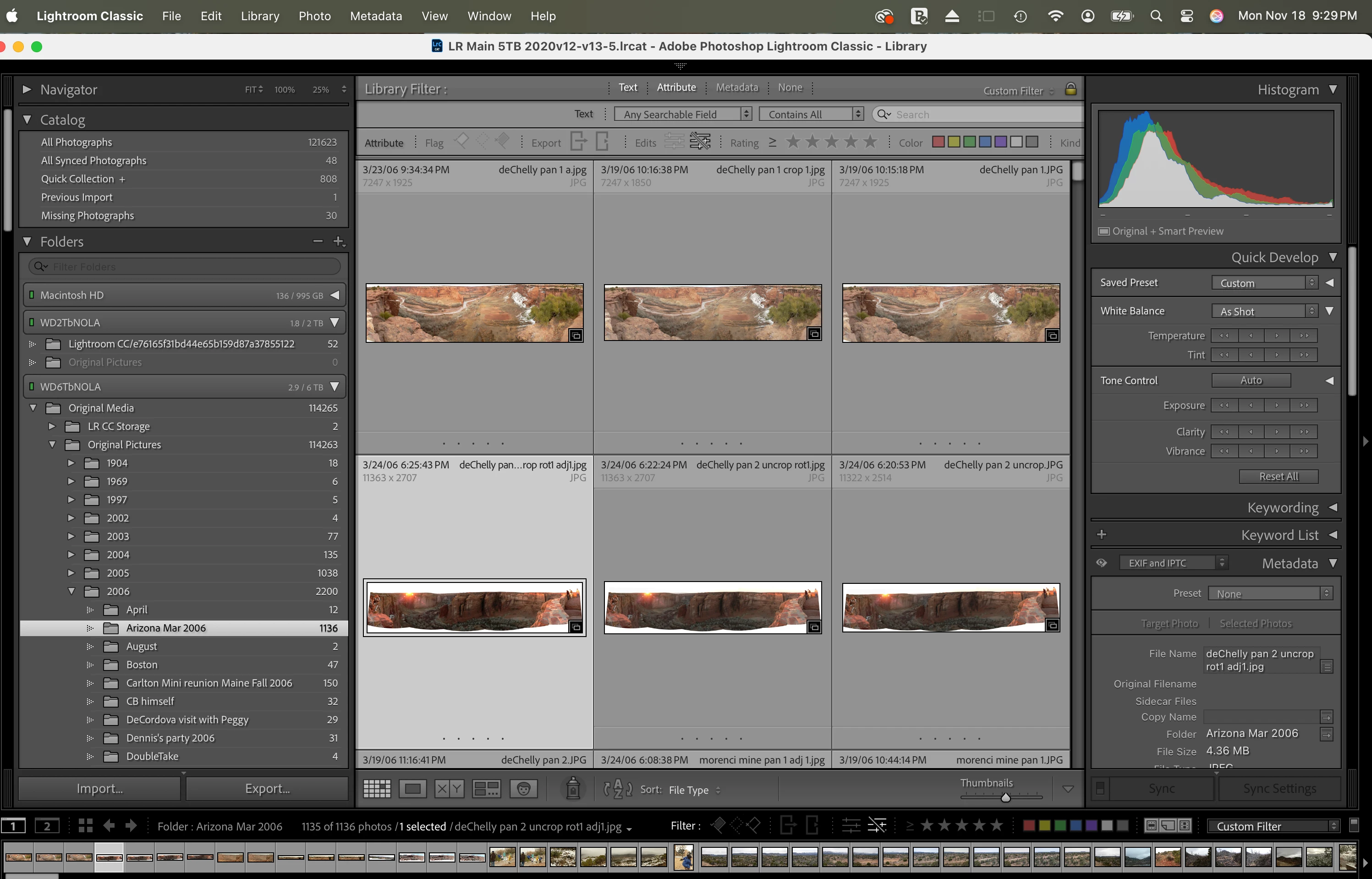
1. Library/Grid view:
 

2. Upon entry to Develop
 

3. After modification on Shadows slider
 

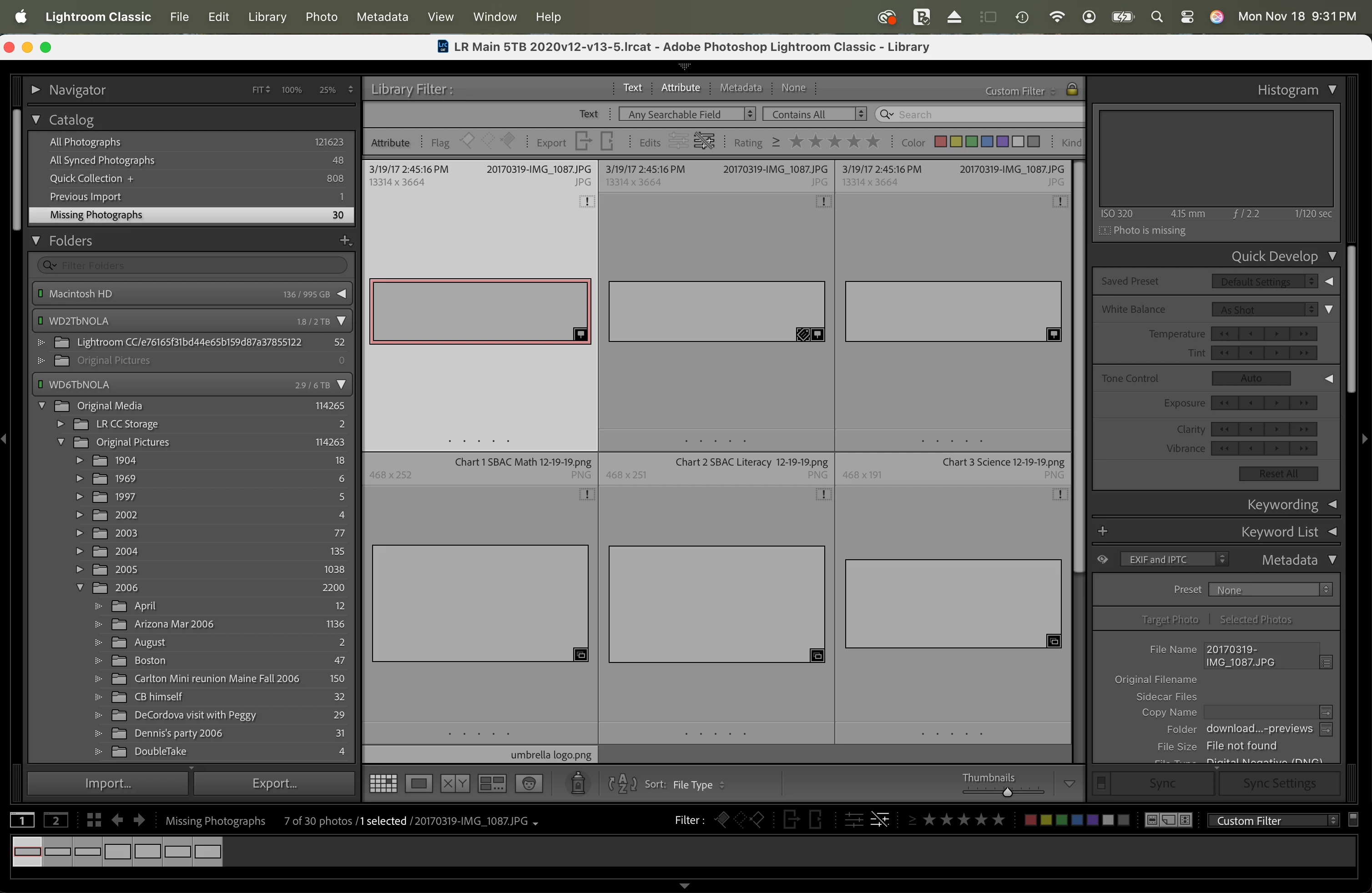
4. Just to clarify: Grid view of Missing Files folder showing a) only 30 of over 114K images and b) missing badge shows as expected.  
 

I would appreciate knowing if I should have uploaded the image files rather than pasting inline.  

Thanks!!

This topic has been closed for replies.

2 replies

johnrellis
Legend
November 19, 2024

[This post contains formatting and embedded images that don't appear in email. View the post in your Web browser.]


"I change a slider (I picked Shadows), and image disappears, replaced by message  "No photo selected". "


That's because you've set the filter to show unedited photos only:


As soon as you make an edit to the photo, it no longer matches the filter and disappears from the selection.  Turn off the filter and this won't happen.  


This behavior has confused many people over the years.


Inspiring
November 19, 2024

Good lord.  Thank you.  

I know I should be embarrassed but instead I am just asking myself why I have invested so much time ande effort in a package that is apparently far too "powerful" for me.  Yet I don't know any other product that would address organizing 114k images.  Are there others?  


There's a further question that would help me.  On my Mac, and all past systems on which I have run LRC (maybe 3 or 4), hovering the pointer over an icon such as the "filter on edit status" one, brings up an explanatory pop-up phrase about 1 time in 1,000 tries.  It's so frustrating that I wind up just giving up and judging whether I've put the right criteria in by the results.  I have tried the various User Guides, but Adobe's never contain screen shots of what is being discussed; you're supposed to be able to guess from the text description.  So, what's the best resource to learn the filtering system?  Thanks again! 

johnrellis
Legend
November 20, 2024

"On my Mac, and all past systems on which I have run LRC (maybe 3 or 4), hovering the pointer over an icon such as the "filter on edit status" one, brings up an explanatory pop-up phrase about 1 time in 1,000 tries."


Yeah, the tooltips have been very fussy in Mac LR (though not Windows LR) since the earliest versions. Adobe has never prioritized a fix.

Inspiring
November 19, 2024

1 further addition: I first noticed this behavior after I tried to edit an image with only the smart preview present -- ie I disconnected the 6TB drive with the actual raw images on it.  When that didn't work (to my surprise, as that is supposed to be a feature of Smart Previews), I reconnected the drive with the images.  What I don't remember is whether I've tried editing any images at all since building the Smart Previews.