
Can't Sync LR Classic | MacBook Pro Monterey | LR Classic 13.1
I can't sync a collection in LR Classic to LR Desktop/LR App. I understand I can only have one catalog synced. I've had a single catalog for many years, and this used to work. I recently moved my catalog to my husband's Adobe account (he doesn't use LR and has never had a LR catalog), but I am using the same single catalog I've always used and everything works fine.
How do I check to see what catalog LR thinks it should be syncing, and reconnect my primary catalog? I suspect LR thinks I should be syncing another catalog.
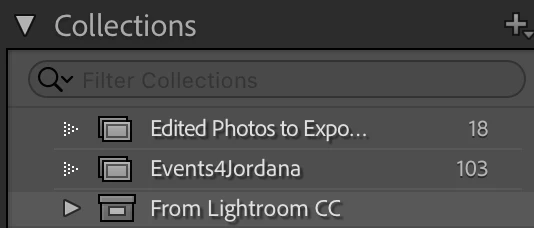
1) I don't have the option to click "sync" on any collections in LR Classic to the left or when I right-click
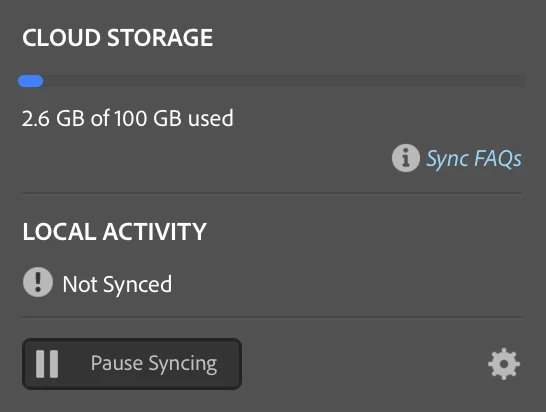
2) Cloud shows: Local Activity: Not Syncing: Start Syncing
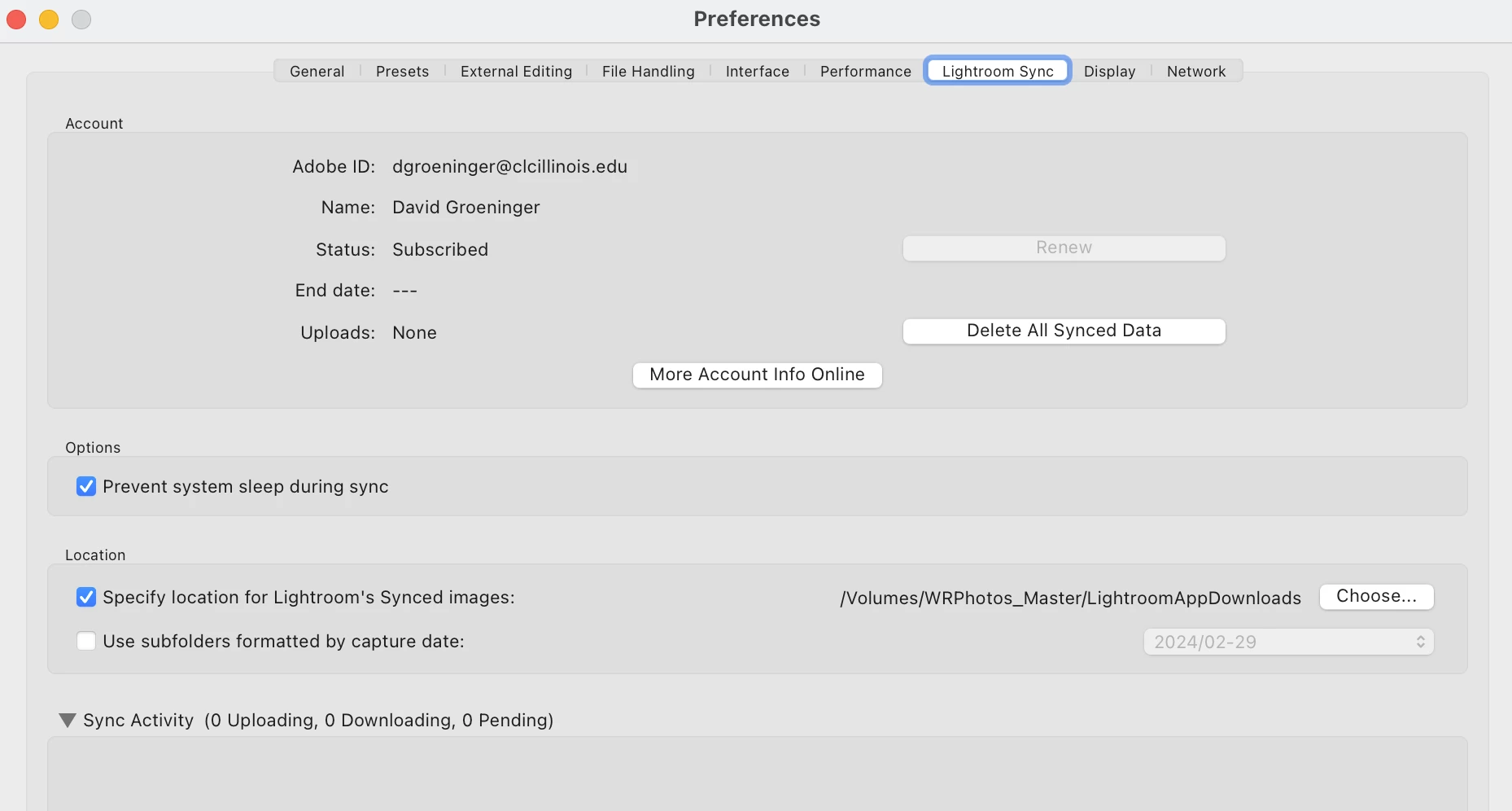
3) Cloud Preferences: I selected a new location for downloads.
Thanks for your help!!
 AdChoices