Cannot change info view mode for 2nd monitor while in Develop
While in the Library Loupe pressing the I key toggles both screens through the 3 view overlay options (None, Info1, Info2)
However, in Develop pressing I only changes these options for the first/primary monitor.
The info view of the 2nd monitor stays on whatever was applied in the Library info view options instead.
I need to go back to the Library Loupe where I can then modify view options for both Library and Develop for the 2nd monitor.
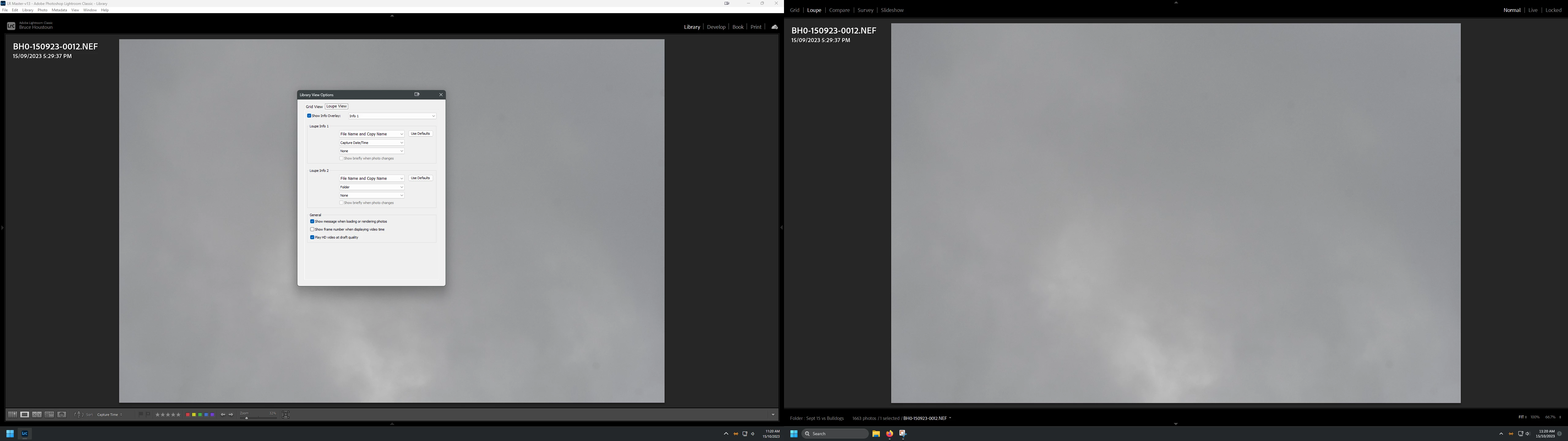
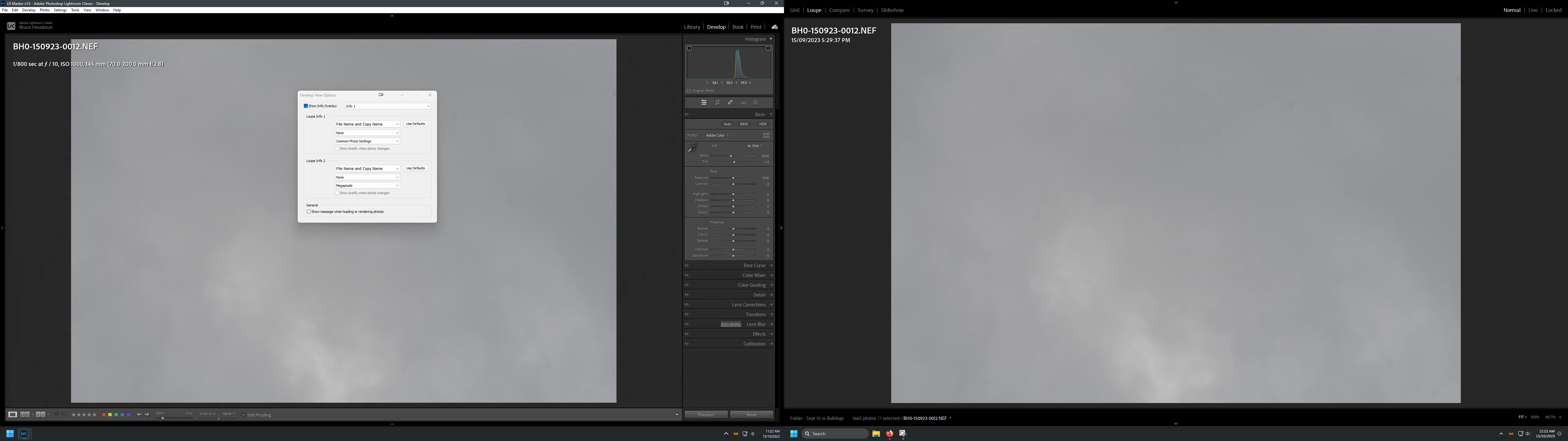
The attached screen captures show that the Develop view info on 2nd montior is still showing the setting that was applied in Library Loupe
Library - Info1 = Filename & Date/time:
Develop - Info 1 = Filename and Common Photo settings
(Monitor 2 shows the library settings for Info 1)
Windows 11, LRClassic 13, NVidia RTX3060Ti with 537.58 Studio driver
 AdChoices