Participant
August 26, 2021
Answered

Canon R5 Import Issues

  • August 26, 2021
  • 5 replies
  • 4078 views

Hi All, 

I have the Canon R5 and use a Macbook Pro 2020 model. 
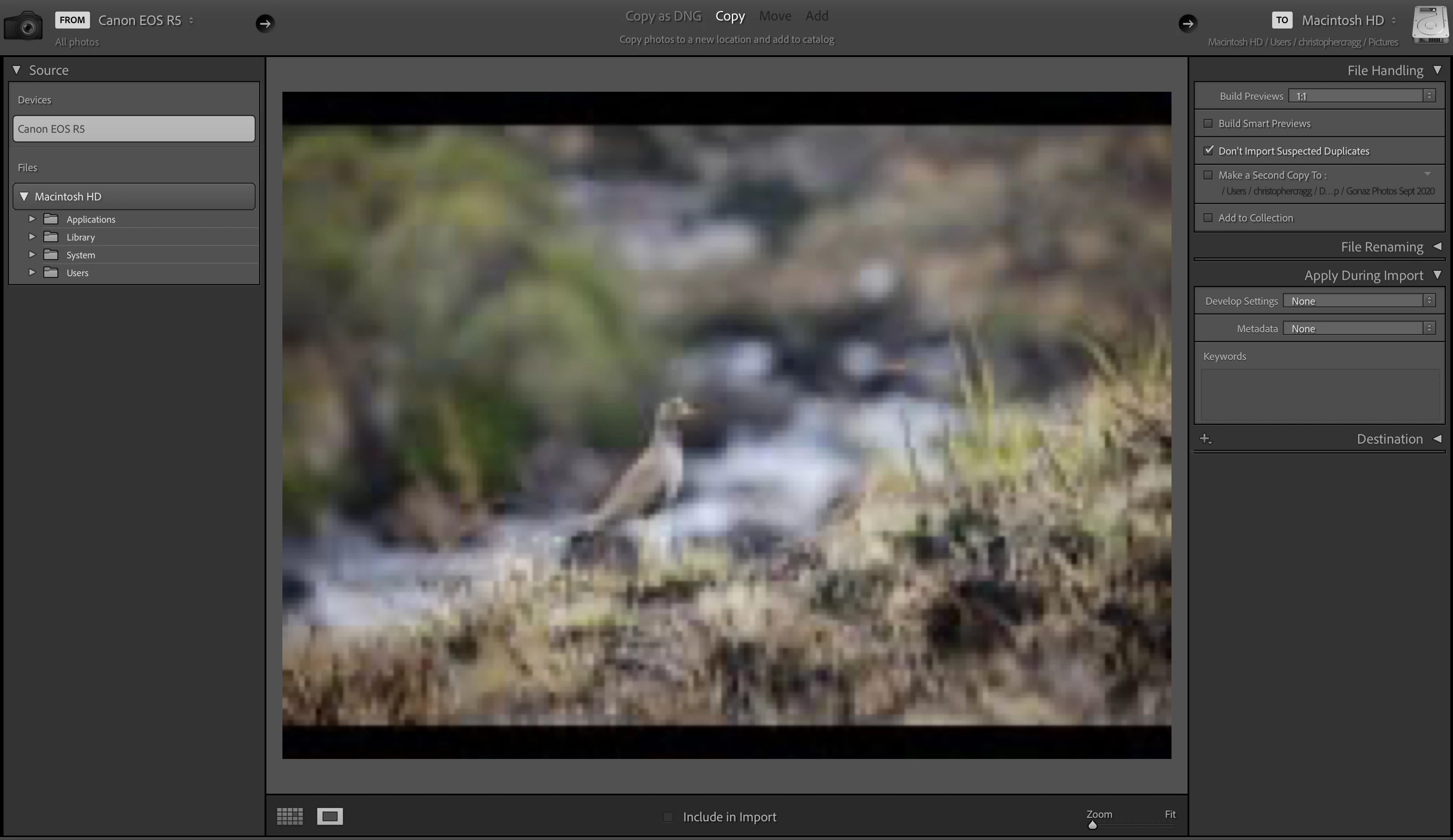
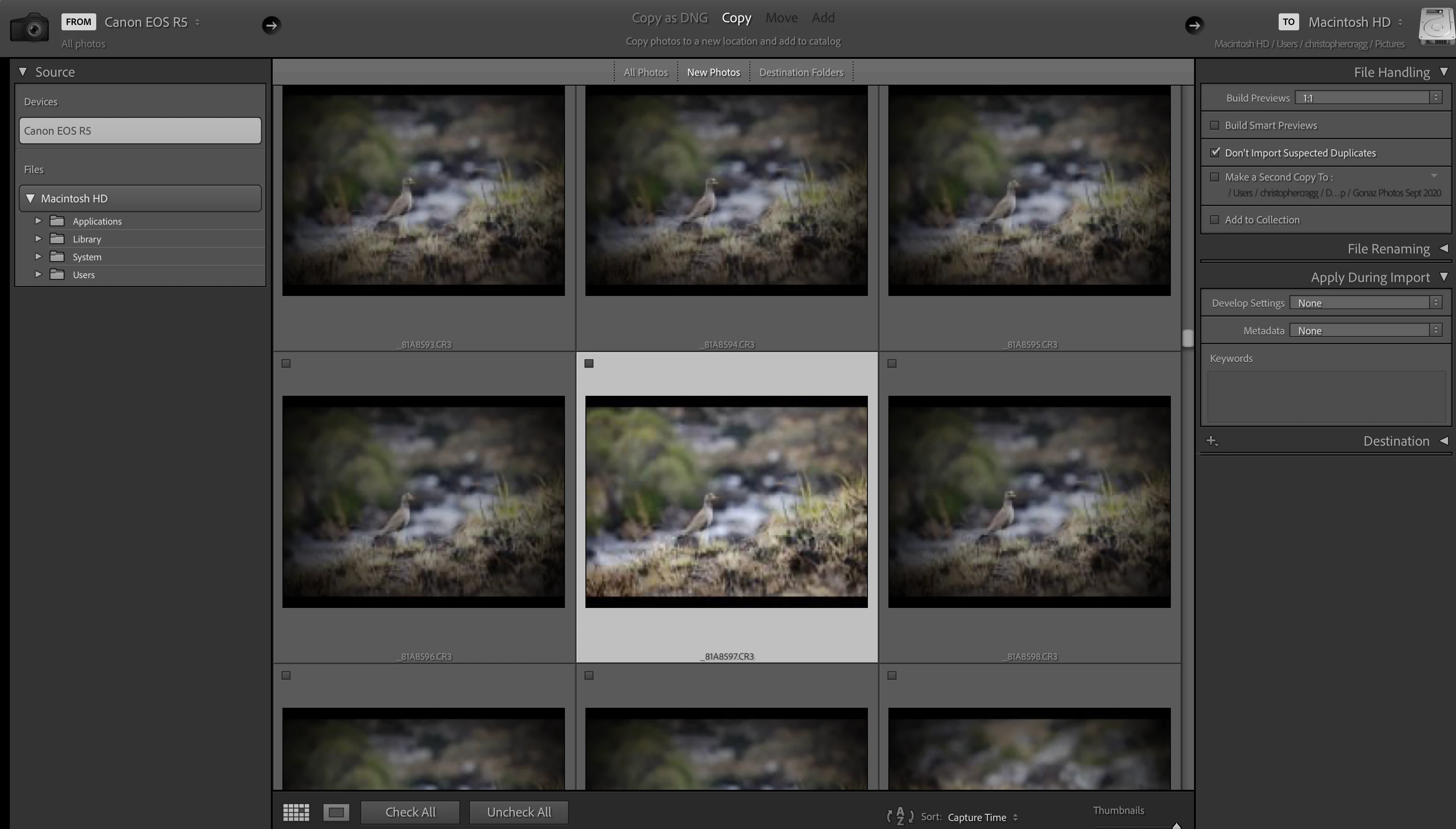
I am having trouble seeing clear previews in Lightroom Classic in the import dialogue box. The previews are extremely low quality even in the thumbnail version. I mainly shoot wildlife, so need to be able to see good quality in focus previews as it is a huge pain to go through and delete hundreds of pics after importing my whole CF card. 
I have updated my lightroom to the recently released update that supposedly provides for support for new cameras. 
When importing I connect the R5 directly to the computer through the USB type C connections.. 

I have spent hours chatting to the Adobe support team who even remotely changed settings to see if it would  work but still nothing. Examples of images below. After importing the photos are perfect.

7DMKii used to show clean previews... 
PLEASE HELP...

This topic has been closed for replies.
Correct answer Rikk Flohr_Photography

I am seeing the same issue here. I normally import on Windows so I hadn't noticed it. I will log a bug with the team.  Thank you for the report.

5 replies

CMCzwAuthor
Participant
September 1, 2021

Thanks all..

With regards importing onto the computers drive first... The R5 is not mounting so I can't see it in finder... Any ideas on how to get it to mount?

I guess best thing would be to buy a card reader for this new CF Express card and see if that works. 

thanks so much for the help.

Participating Frequently
June 7, 2022

Am having similar problems and it's happened completely out of the blue. No software or OS updates. Was working fine yesterday, no changes, but today, I cannot see the thumbnails on import from the R5 on a direct cable connection. Doesn't matter what the file type is for photos or which card is being read, but, perversley, videos show up fine. Done power cycle resets of both my MBP and camera. 

Luckily I do have a CF Express card reader (primarily for downloading video rather than photos) and files show up fine on that. While a direct connection is slower than a card reader, I have not had to use (as opposed to chosen to use) a card reader directly for years, so, this problem is a retrograde step. More kit to carry around and far more wear on the card and pins to continually remove it from the camera. For a device costing hundreds of pounds, it isn't something I want to do regularly and risk damage. 

Canon EOS Utility 3 sees the files and displays thumbnails without problem, so, it seems the fault is entirely LR Classic, so, downloading that way is now a two step process rather than one. Will speak to Adobe support directly when I can.

Participating Frequently
February 23, 2023

Exactly the same issue here.  My R5 does not get listed on Lightroom Import, but is fine when using Canon EOS Utility 3.  Are there any fixes out yet?

GoldingD
Legend
August 26, 2021

Two things to try, second more likely, but first can be immediately attempted.


1. On that MAC, with the camera connected via USB, and card in camera (not the recommended method) . Instead of clicking on the card under devices, do that under Files. Hmm, you may need to turn camera off then on for it to show up. 


2. Obtain a high quality card reader, Use it in the future, and for now, see if that improves the issue at hand.


Ian Lyons
Community Expert
Community Expert
August 26, 2021

I have an EOS R5 and don't recognise the issue you describe. The quality of the import module previews are fine (see below screenshot). 


May be your issue is due to the direct connection between the camera and the MacBook Pro. In my case, the images have already been copied to the hard drive. Have you tried doing the same?


Rikk Flohr_Photography
Community Manager
August 26, 2021

I am seeing the same issue here. I normally import on Windows so I hadn't noticed it. I will log a bug with the team.  Thank you for the report.

Rikk Flohr: Adobe Photography Org
Rikk Flohr_Photography
Community Manager
August 26, 2021

On additional note: This may be an OS issue as Lightroom Desktop shows the same issues with Direct Connect Cable and Mac.  The team is investigating.

Rikk Flohr: Adobe Photography Org
Ian Lyons
Community Expert
Community Expert
August 26, 2021

Rikk,


I just carried out a check to see whether I could reproduce the issue demonstrated by the OP but using a card reader, and couldn't. Therefore, I suspect the issue is limited to direct connection between camera and computer.

dj_paige
Legend
August 26, 2021

Any possibility that your camera is accidentally set to produce low resolution JPGs?


What happens if you use different connection to the computer (for example a card reader) or copy the files to the hard disk first?