
Canon R6mii not importing images on tethering in lightroom classic
Hi everyone, I have seen some disscussion about this online, but havent been able to find the solution.
I have a canon R6 mii (with firmware 1.5) and use an HP laptop (windows 11 updated) with lightroom Classic (latest version 14.0). I'll leave the specs under my issue.
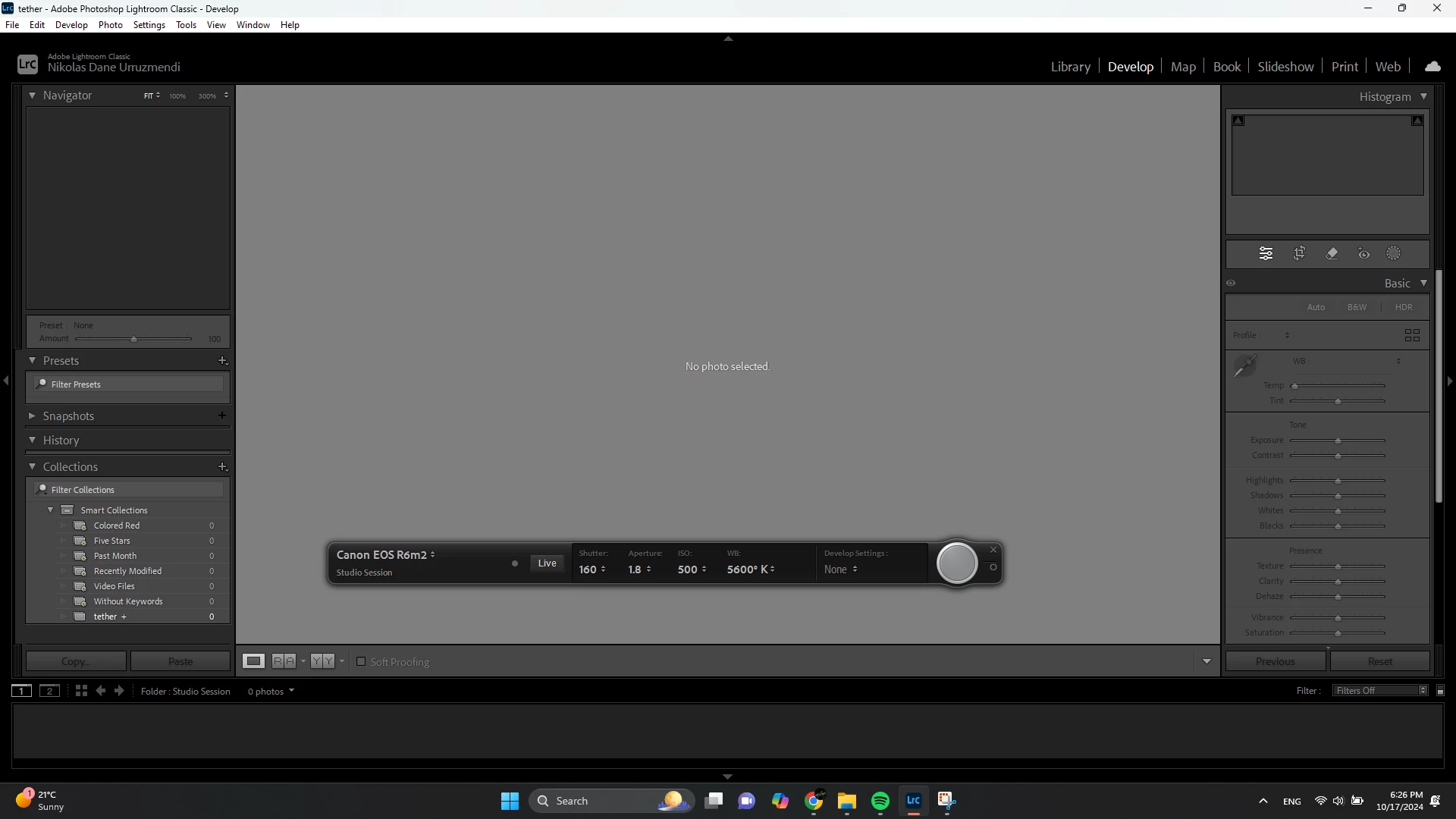
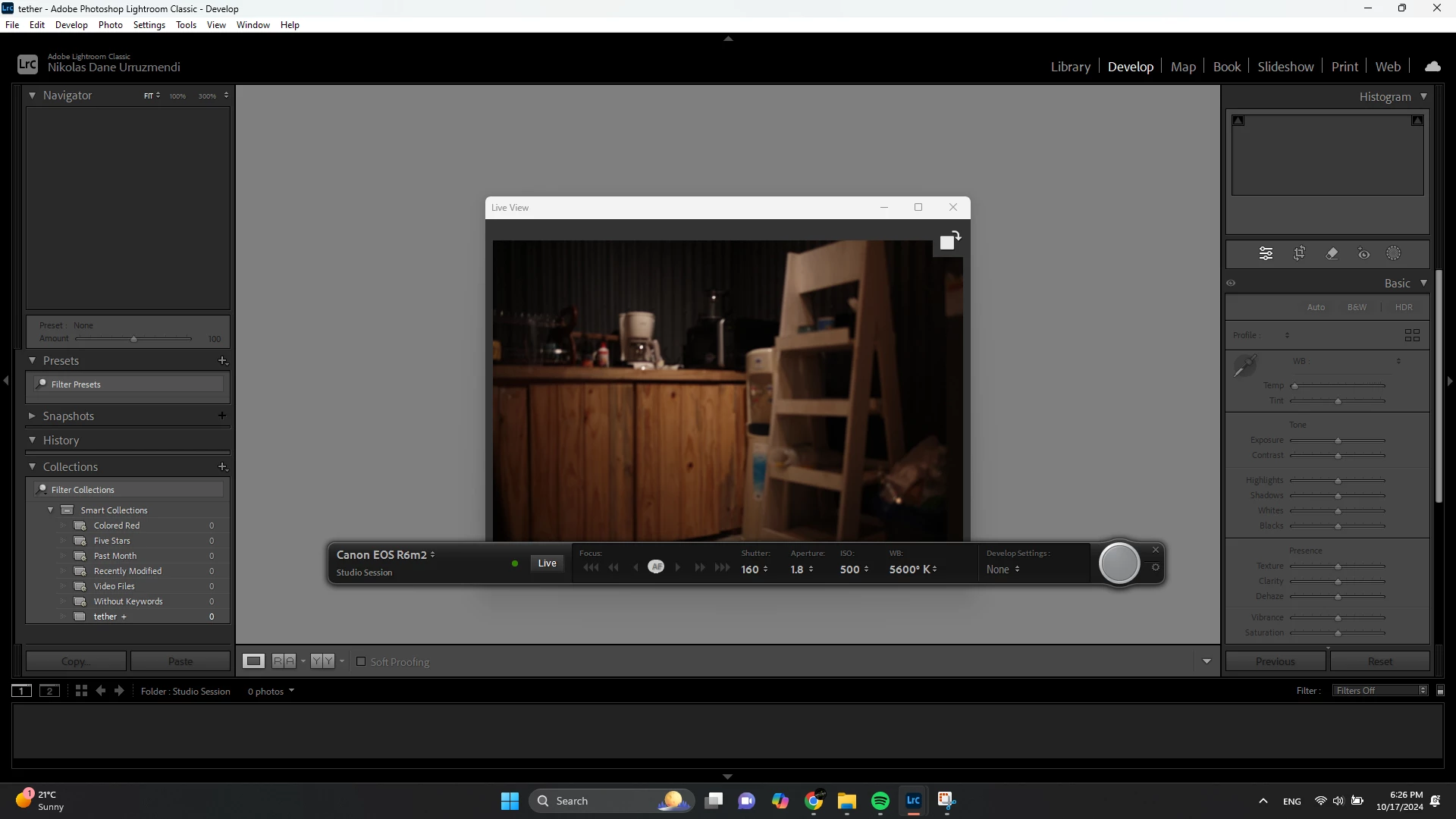
After upgrading to a Canon R6mii in august 2024 (already the camera was supported) I am unable to see the photos while tethering on lightroom classic. The Camera is recognized in lightroom, able to see the screen on live view and even use the trigger to take a picture, but files do not pop up in lightroom.
I tried resetting preferences, created a new catalog,changed the destination location, etc etc but the photos still did not pop up, so I ended up going to the folder that I assigned and it seem that it doesn't import the photos to that folder either. I have tether before with my Canon R6 with no problem. Maybe its a setting that I am not seeing either on Lightroom or my camera?


 AdChoices