
Canvas size for a collage using LrC Rel 12.1
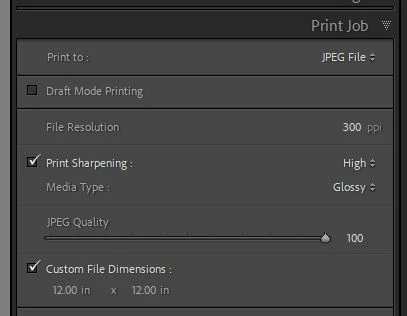
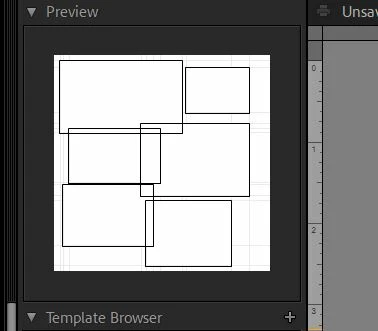
Trying to create scrapbook size collages (12"x12") using LrC Rel 12.1 on a Windows 11 PC.
All the tutorials I can find show two buttons at the bottom of the left panel
[Page Setup] and [Print Settings] but I only see one button [Page Setup]
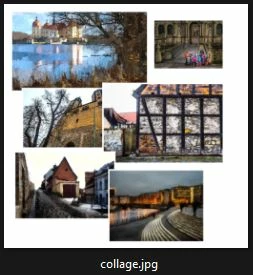
When I click on [Page Setup] get the Print Settings window. While I can select a paper size from that screen - it is tied to the printer that I have. (I don't have a large format printer). For one of my printers I can select a Custom Paper size - but it will not allow for a paper that the printer can handle (12x12). The Video Tutorials (YouTube) seems to use a different version of LrC and the [Page Setup] button opens a different screen tha does allow any size paper. - which they use to create a Collage and of course save it as a .jpg that you can send to have printed.
FYI - I used to use PSE to create my Scrapbook Pages - BUT PSE-2022 only allow 8 photos in the "Create" Collage.
One work around I have tried - with mixed results - is to set up an 8x8 paper size in LrC - buld my Collage - save it as a jpg - open in PSE 2022 and resize it to 12x12. Problem is the photo borders get unacceptalby large. . . .
Help!
 AdChoices