
Inspiring
December 27, 2019
Question

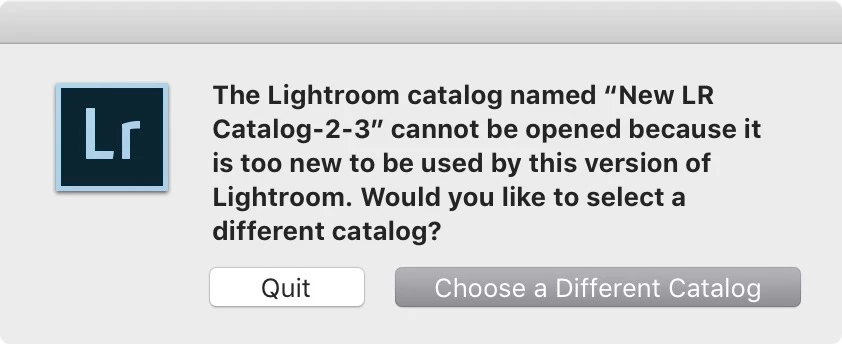
catalog cannot be open because it's too new

  • December 27, 2019
  • 3 replies
  • 951 views

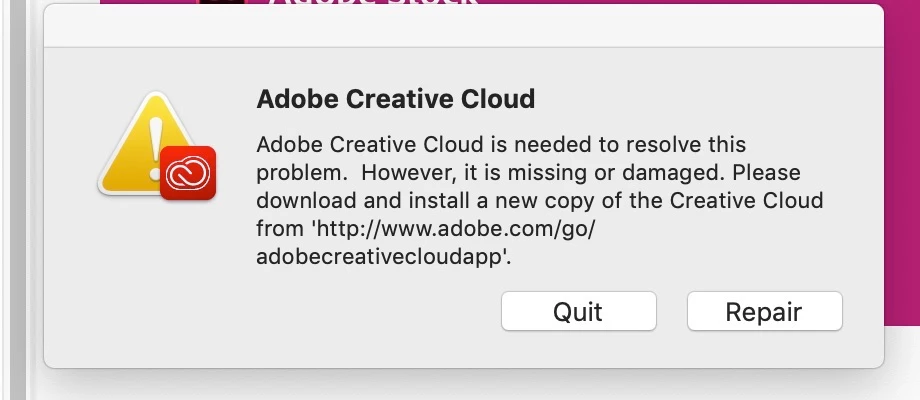
Creative cloud crashed and I received the following error msg so I clicked on the lonk and reinstalled CC again.


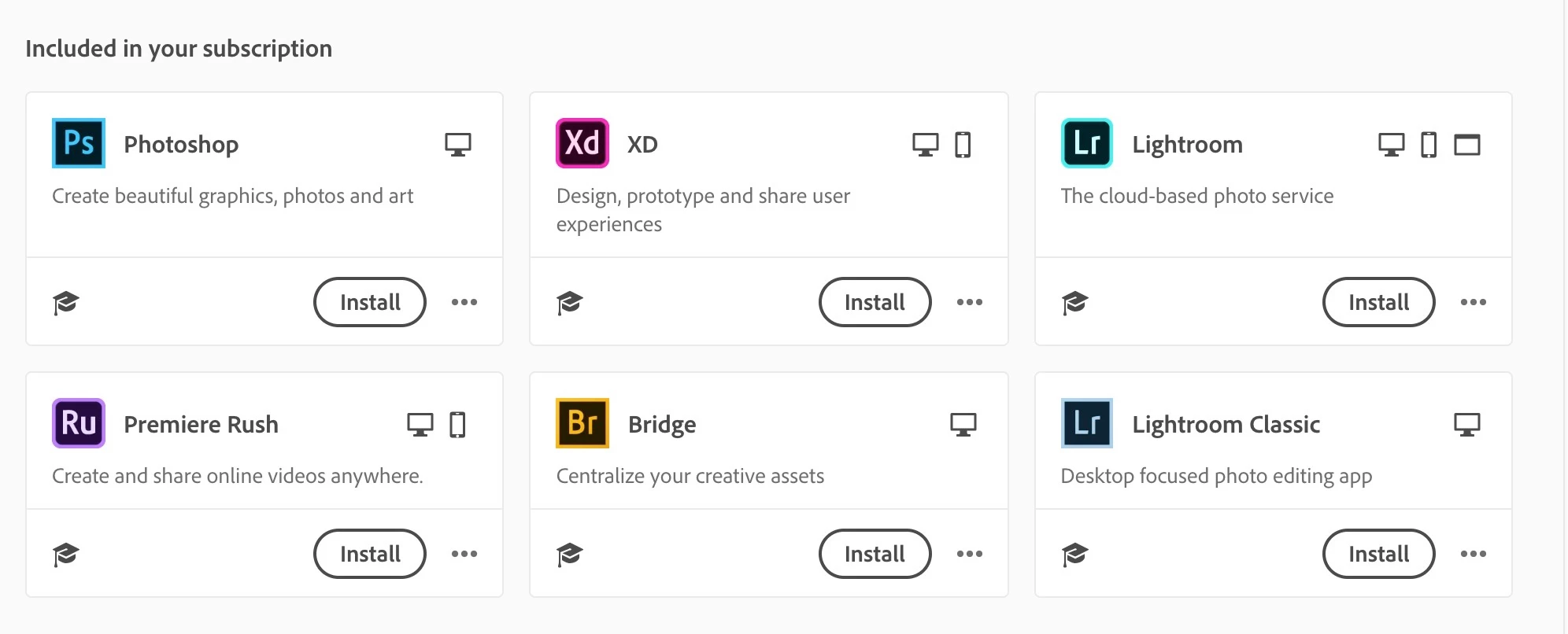
After installing CC I opened it up and received this so I started reinstalling the apps.
So after reinstalling LR classic, I tried opening to see how much adobe screwed up my catalog but was unable to tell as I now am getting the following error msg.
 

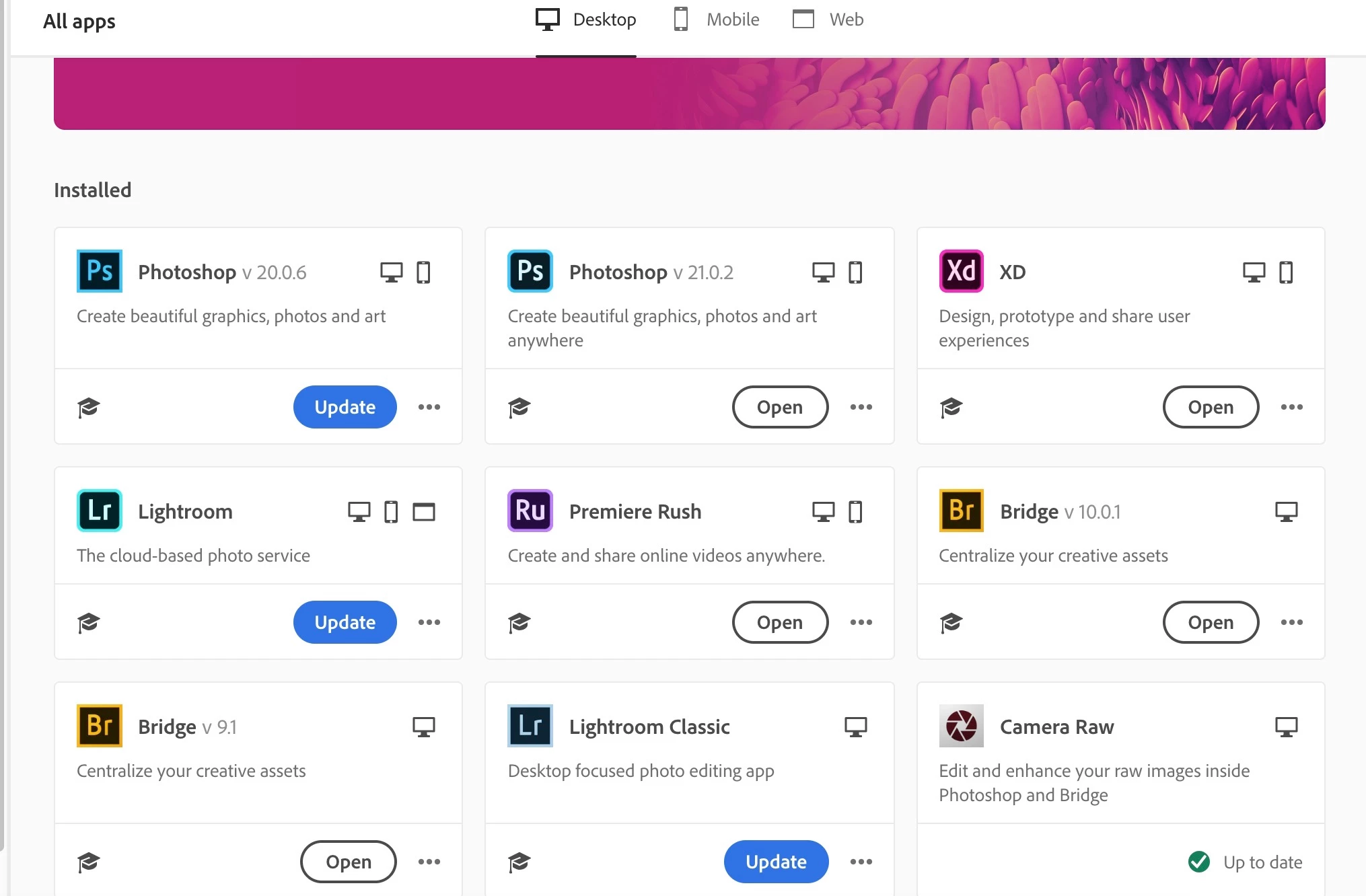
So I decided to check if there was an update to the CC that I just DL and installed from your site from your link and I'm not surprised but there are updates to the program that I just Dl from your link.


This topic has been closed for replies.

3 replies

GoldingD
Legend
December 27, 2019

My first assumption is that you have more than one version of Lightroom Classic installed. This is not normal. Usually this takes a bit of trickery to accomplish as the Adobe applications want to uninstall the old while installing the new.


So launch Lightroom Classic. See if you still get the error, create a new catalog if you cannot open the existing catalog. Click on Help, click on System Info, and note the Lightroom Classic version.


What is it?


cmgap
Community Expert
Community Expert
December 27, 2019

Try opening Lr from here after you  have installed the lates update. Are  you getting the same message?

AxelMatt
Community Expert
Community Expert
December 27, 2019

... and what's your question and/or problem now?

Please explain more detailed.

My System: Intel i7-8700K - 64GB RAM - NVidia Geforce RTX 3060 - Windows 11 Pro 25H2 -- LR-Classic 15 - Photoshop 27 - Nik Collection 8 - PureRAW 6 - Topaz Photo AI