
Known Participant
September 11, 2023
Answered

Catalog confusion.

  • September 11, 2023
  • 2 replies
  • 430 views

Hi Community,

I am reaching out because I am trying to organize my Lightroom Classic. It is quite organized already. But....


CATALOGS!!!!

Since I started using LR classic 3 years ago, I have been using just one Catalog. The one that ends with v12. Well that's what I thought! I see that I actually have 3 other catalogs as shown on the screeshot here.
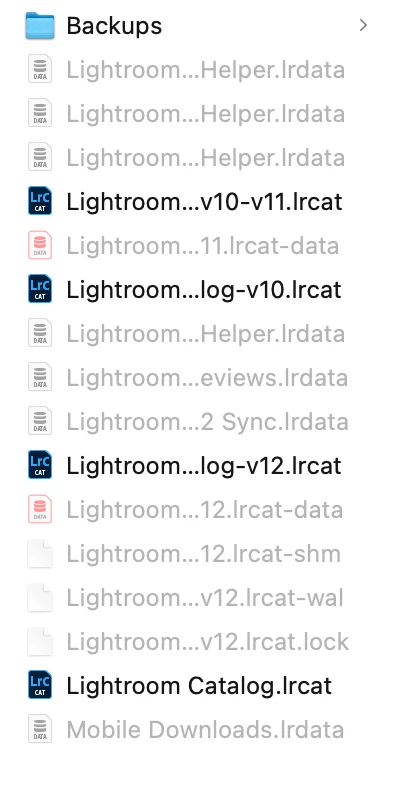
I've been curious to see what each catalog contains.

Side Story : 1.5 years ago, the main drive I was using to organize all of my photos crashed and I lost everything. So since then, I have been using a different drive. So I have lots of photos unlinked that belong to the first drive that crashed.

So, back to the topic of finding out what's in the 3 other catalogs I don't use (well, that's what I am thinking), I went to LR classic Flie>Open Catalog and I choose one of the catalog. 


When I relaunch LR and choose .lrcat or v10.lrcat I get the following message.
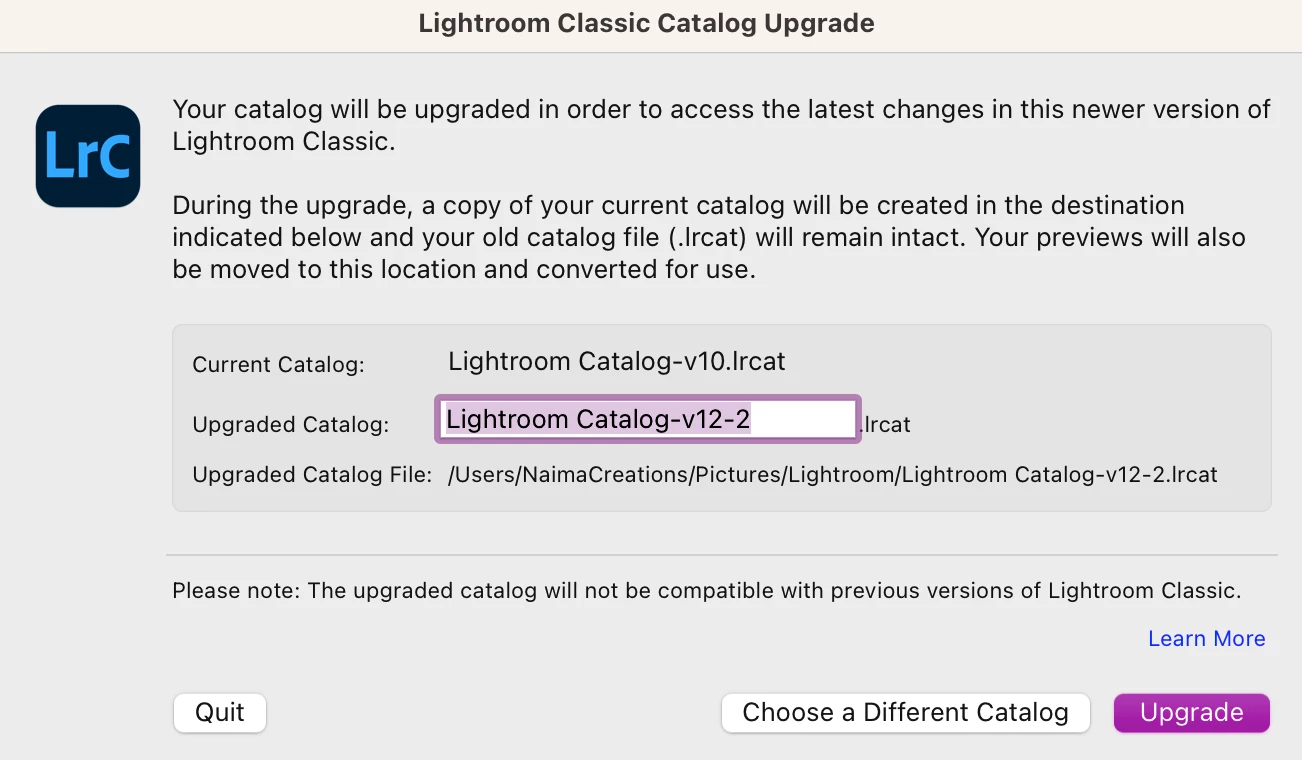
 

So I just quit.....


When I try to relaunch v10-v11.lrcat, I get the following message
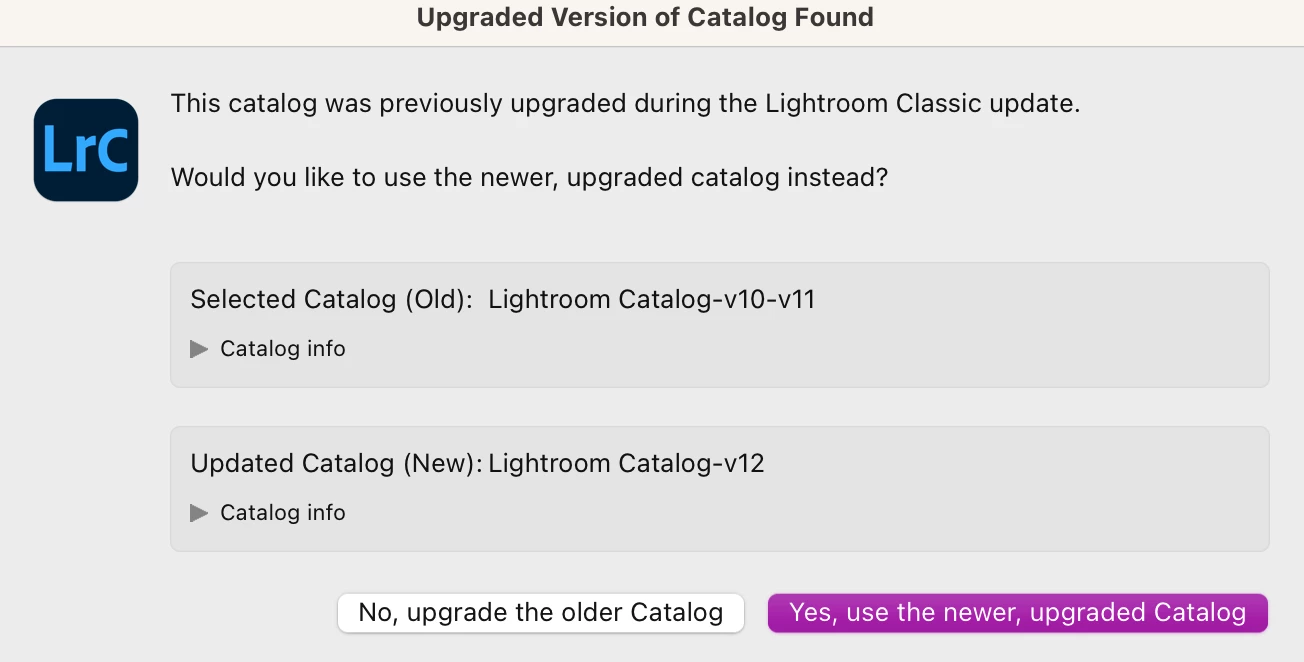
When I choose "yes" it open v12, the one I have been using.

When I choose "no" it open the following window.
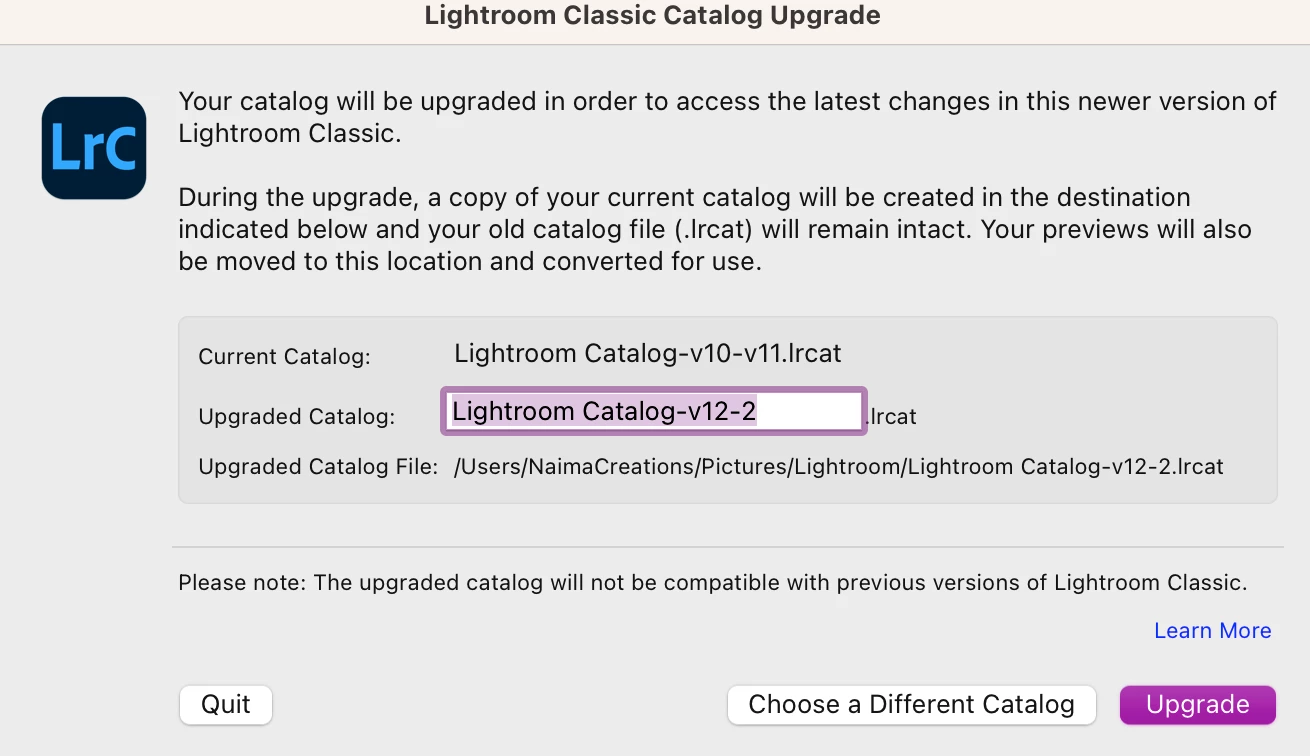
which would be creating a new catalog, based on v10-v11. 


All I am trying to do, is know what each catalog contains and group everything into one and maybe delete the old ones.


I'd love to know what you recommend / think.


This topic has been closed for replies.
Correct answer GoldingD

When you upgrade (upgrade, not update) LrC, say from v10.something to 11.0, and again later when you upgrade from v11.something to v12.0, LrC needs to upgrade the catalog. And LrC typically names the new catalog with the version included at the end. LrC does not toss the old catalog out, it still exists, LrC does not edit the catalog, instead it copy's and at the same time upgrades it as to work with the new database engine in the upgrades LrC.


Those additional catalogs with v10, v11, as part of the catalog name are your old pre upgrade catalogs. They will not work directly with the new LrC version, hence if you try to open them, you will get the prompt stating they are to be upgraded.


The following long will explain better:

https://www.lightroomqueen.com/lightroom-upgrade-catalog/


2 replies

JohanElzenga
Community Expert
Community Expert
September 11, 2023

Each time that Lightroom tells you it needs to upgrade the catalog, it upgrades a copy. So what you see here are the old versions of the same catalog. Don't try to open them again, because then Lightroom needs to upgrade them again and you'll get the dialogs that you see. Keep working with the current catalog and trash these old ones.


-- Johan W. Elzenga
GoldingD
GoldingDCorrect answer
Legend
September 11, 2023

When you upgrade (upgrade, not update) LrC, say from v10.something to 11.0, and again later when you upgrade from v11.something to v12.0, LrC needs to upgrade the catalog. And LrC typically names the new catalog with the version included at the end. LrC does not toss the old catalog out, it still exists, LrC does not edit the catalog, instead it copy's and at the same time upgrades it as to work with the new database engine in the upgrades LrC.


Those additional catalogs with v10, v11, as part of the catalog name are your old pre upgrade catalogs. They will not work directly with the new LrC version, hence if you try to open them, you will get the prompt stating they are to be upgraded.


The following long will explain better:

https://www.lightroomqueen.com/lightroom-upgrade-catalog/


Known Participant
September 15, 2023

Thank you! Thant's helpful