Known Participant
February 22, 2025
Question

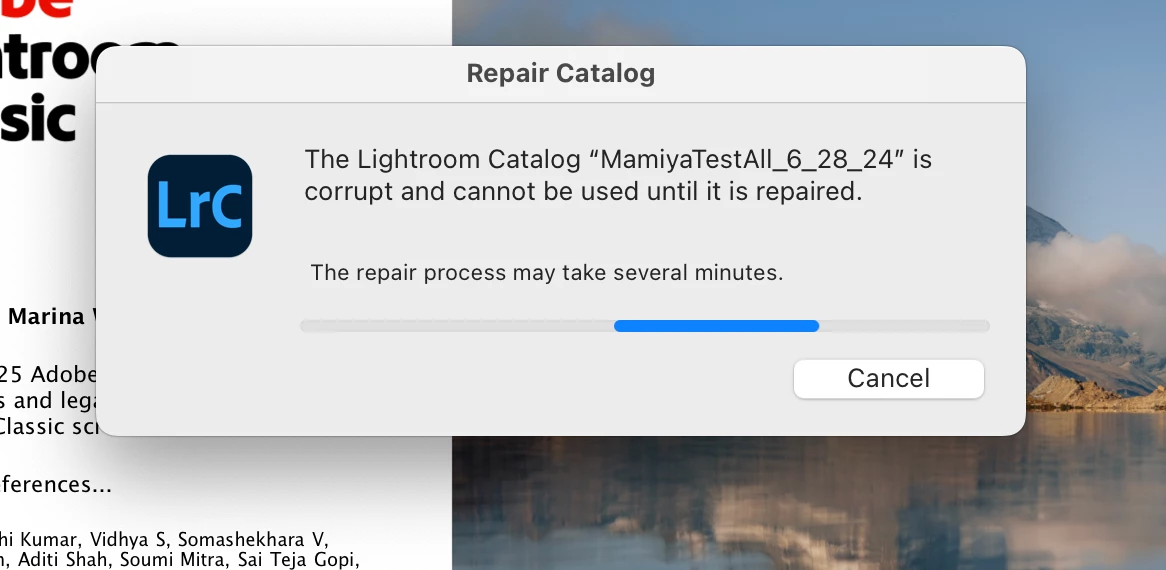
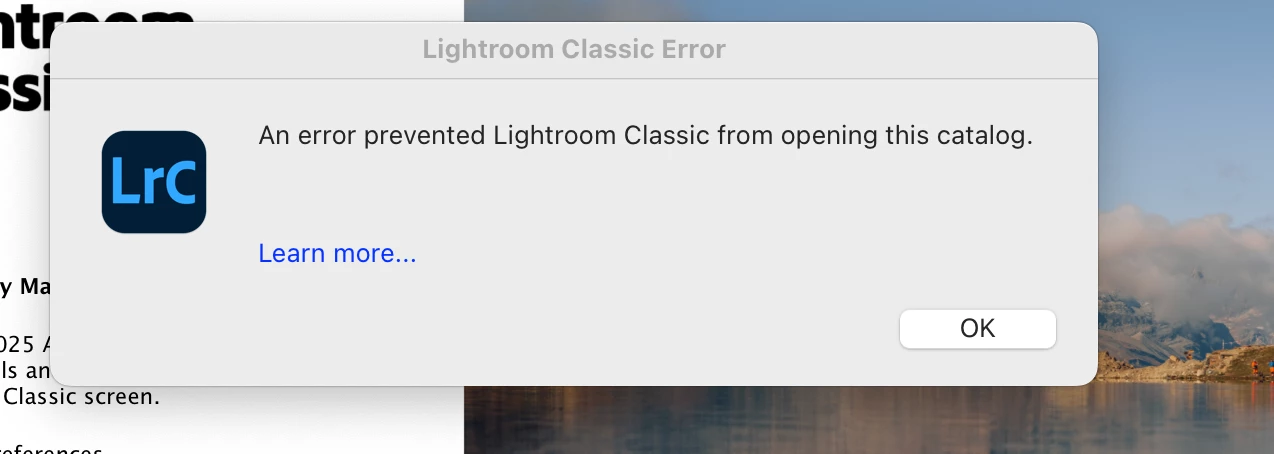
Catalog corruption with LRC 14.2

  • February 22, 2025
  • 3 replies
  • 249 views

It appears 14.2 has problems  It has corrupted two of my catalogs I dont dare even try any others.

I cant work.

I have tried resetting prefercences
3 replies

dj_paige
Legend
February 22, 2025

Repeated corruption of catalogs is a sign of a malfunctioning hard disk. You need to run diagnostics on your hard disk to check its health, and likely you will need to replace it. In the mean time, find a recent backup of you catalog file and unzip it to a different disk than where the original catalog is stored; and see if it opens from there.


This is not something caused by LrC.

Participant
March 17, 2025

while I generally agree with you, I've also been experiencing file corruption problems with catalogs, images, and previews. Whenever I run CHKDSK (I'm on Windows 11), the corruption issues always occur in the folder LrC writes to. CHKDSK has yet to flag a file outside of that folder.

dj_paige
Legend
March 17, 2025

There are more intensive disk checking applications than CHKDISK which you should try. I don't know what their names are, as I haven't had to use them in years. But, you have all the symptoms of malfunctioning hard disk.


Or the other possible cause is putting the catalog or photos in folders that are somehow synched to a cloud service such as Dropbox, OneDrive, etc.

AxelMatt
Community Expert
Community Expert
February 22, 2025

If the repairing fails, restore the catalog(s) from your recent backup.


My System: Intel i7-8700K - 64GB RAM - NVidia Geforce RTX 3060 - Windows 11 Pro 25H2 -- LR-Classic 15 - Photoshop 27 - Nik Collection 8 - PureRAW 5 - Topaz Photo
Known Participant
February 22, 2025

It appears 14.2 has problems  It has corrupted two of my catalogs I dont dare even try any others.

I cant work.

I have tried resetting prefercences.