Catalog export - many folders/files, not just 2 files
Hi all,
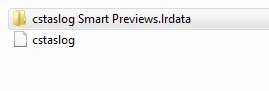
I am wanting to work with a freelance image editor by making the most of exporting catalogs and smart previews. All instructions I have read indicate that I should end up with two files after exporting - .lrcat (catalog) and .lrdata (smart previews).
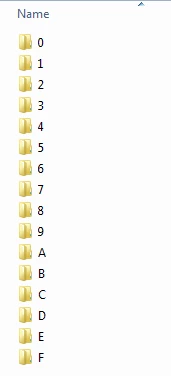
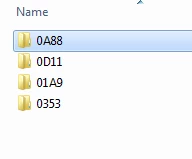
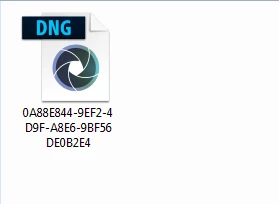
However, when I do it, it is exporting a .lrcat file and then a .lrdata folder, which contains several other folders, which in turn contain one dng file per folder, but renamed beyond comprehension (see below). So when I try to import the edited catalog, it cant simply apply the edits to the exiting raw files because the naming does not correlate.
If it helps, I am working in Windows, selecting all 'starred' images and then exporting from there, although I have also tried copying/moving files to a separate folder etc.
Help please 🙂
 AdChoices