


richs61807160
Participant
October 12, 2025
Question

Catalog issue?

  • October 12, 2025
  • 1 reply
  • 105 views


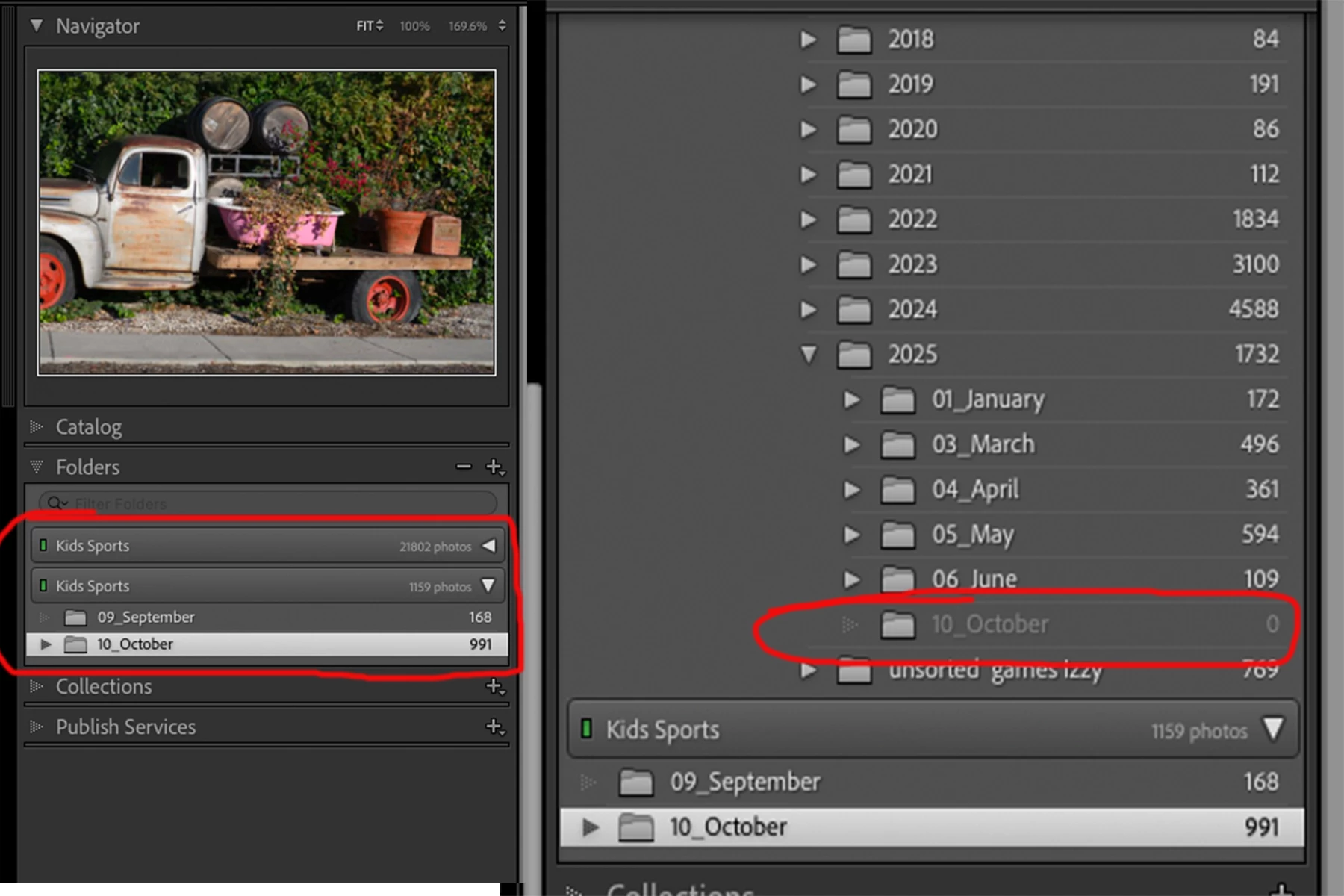
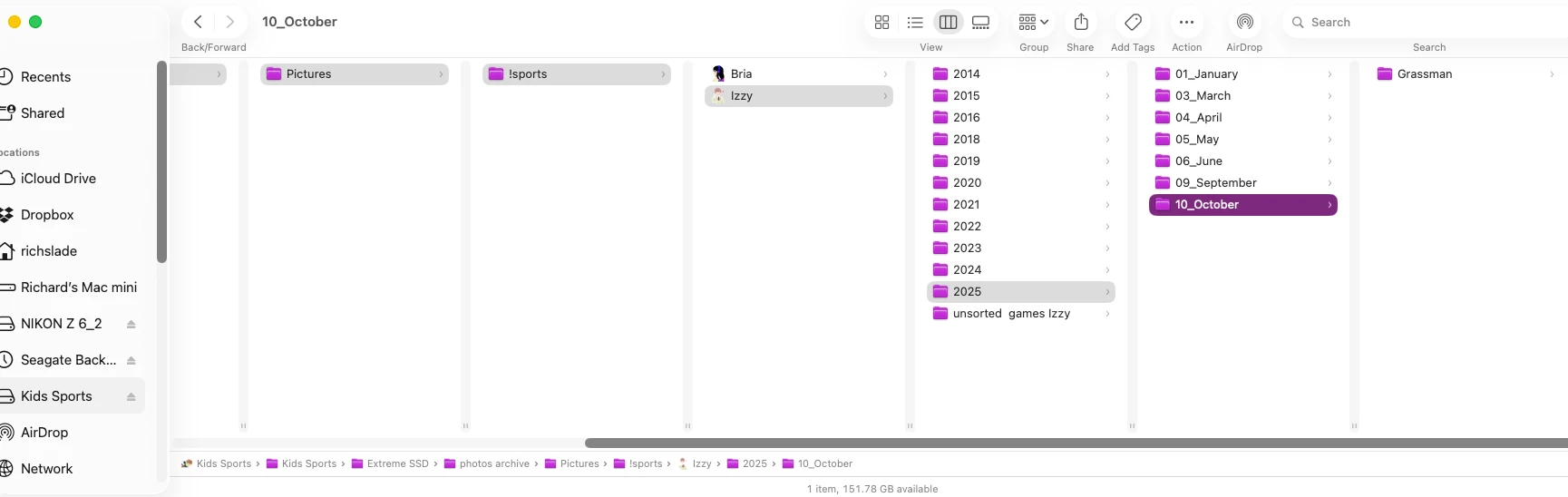
I hope I can explain this. on the left is LRC my SSD. September and October Arent showing up in what I think of as "the usual place" now they are appearing in another location? I tried to sync but that made it worst. My file system show fine. 

1 reply

Rob_Cullen
Community Expert
Community Expert
October 13, 2025

This looks very much like a problem sometimes called the "Capitalization error" where Lightroom gets confused between upper and lower case letters in a disk & folder pathway. A Disk drive can appear twice. Folders can appear in the wrong location.

You must follow a specific series of steps to correct this problem. Simply trying to drag and drop folders in the Folder panel does not work (and will give error messages.)

See this blog article for an explanation- (and do the catalog backup before you start!)

CAPITALISATION FIX (LrQueen)


Regards. My System: Windows-11, Lightroom-Classic 15.1.1, Photoshop 27.3.1, ACR 18.1.1, Lightroom 9.0, Lr-iOS 10.4.0, Bridge 16.0.2 .
JohanElzenga
Community Expert
Community Expert
October 13, 2025

Here's a link that is specifically about the capitalization error with a hard disk showing twice: 

https://helpx.adobe.com/lightroom-classic/kb/lightroom-displays-same-hard-drive-twice.html


-- Johan W. Elzenga