
catalog nightmare
I just moved everything from a windows 10 pc to a new windows 11 pc using Laplink PC mover pro. I am trying to clean up old catalogs which seem to date back to Lightroom v4.
Here is a screen shot showing the folders in windows explorer. What I want is one catalog. How do I determine which of these many catalogs Lightroom is now using? And can I delete all the folders that don't apply?
There are 9 folders here suffixed with the number 13, the version of Lightroom classic which I am using. There are 4 other folders labeled Lightroom 12 and Lightroom 13. The total size of all these is 70.1 GB, comprising 76,627 Files, 101,007 Folders.
I'm pretty good at photo processing but obviously my organization skills need work.
Thank you,
Herman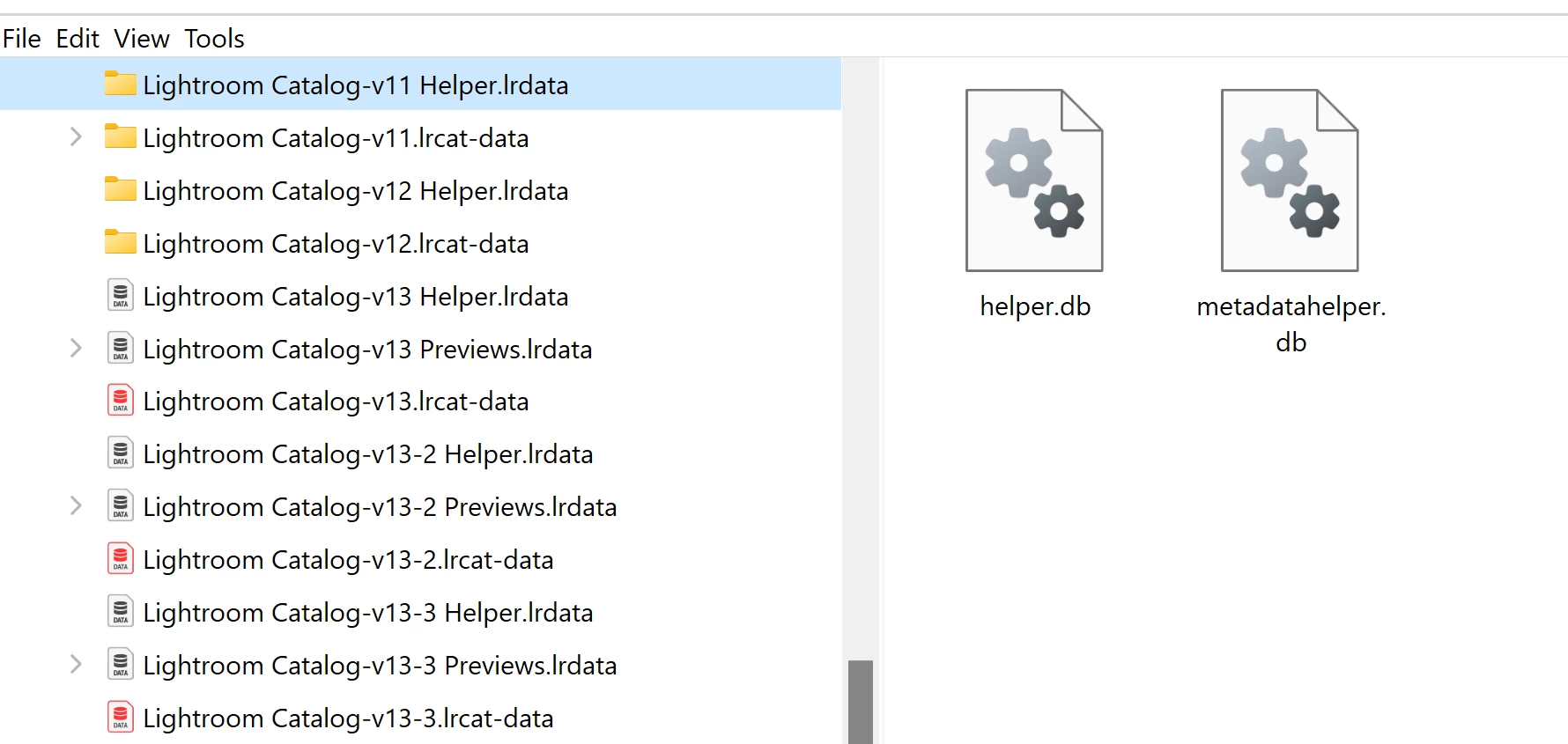


 AdChoices