Participant
October 19, 2017
Question

Catalog upgrade failed

  • October 19, 2017
  • 2 replies
  • 798 views

When stating Lightroom Classic CC it's asking for upgrading the catalog.
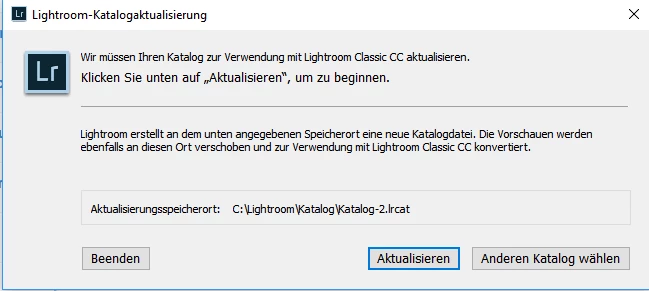
The update process starts, but after a few minutes it stucks forever:
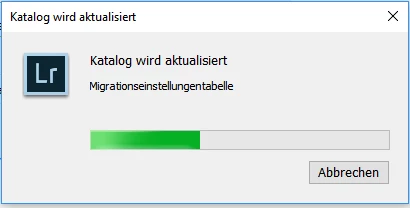
I let Lightroom stay with this window for hours, but no more progress.

The catalog is 1.22GB.

Any help is appreciated.

Norbert

This topic has been closed for replies.

2 replies

Community Expert
October 21, 2017

Are all photos on internal drives or, when located on external drive, are these drives connected?

Axel

My System: Intel i7-8700K - 64GB RAM - NVidia Geforce RTX 3060 - Windows 11 Pro 25H2 -- LR-Classic 15 - Photoshop 27 - Nik Collection 9 - PureRAW 6 - Topaz Photo AI
Participant
October 21, 2017

Yes, all pictures on one internal drive.

Participant
October 21, 2017

Adding this is hope of getting help. I had the same problem. My photos are on multiple external hard drives. Not all connected at the same time

Participant
October 21, 2017

My Solution:

* create a new catalog in LR Classic CC

* Open File / Import from different catalog

* LR tells you the catalog has to be updated

* this went through (fast, only a few minutes)

* cancel import and open the updated catalog