Inspiring
October 25, 2024
Answered

Catalogs keep getting corrupted every single day! (v14.0.1, macOS 15)

  • October 25, 2024
  • 6 replies
  • 2069 views

All of my catalogs keep getting corrupted almost every day (sometimes even multiple times a day), and this is absolutely frustrating!
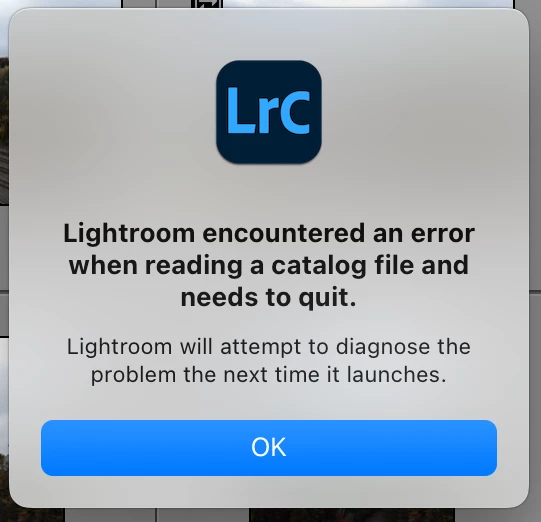
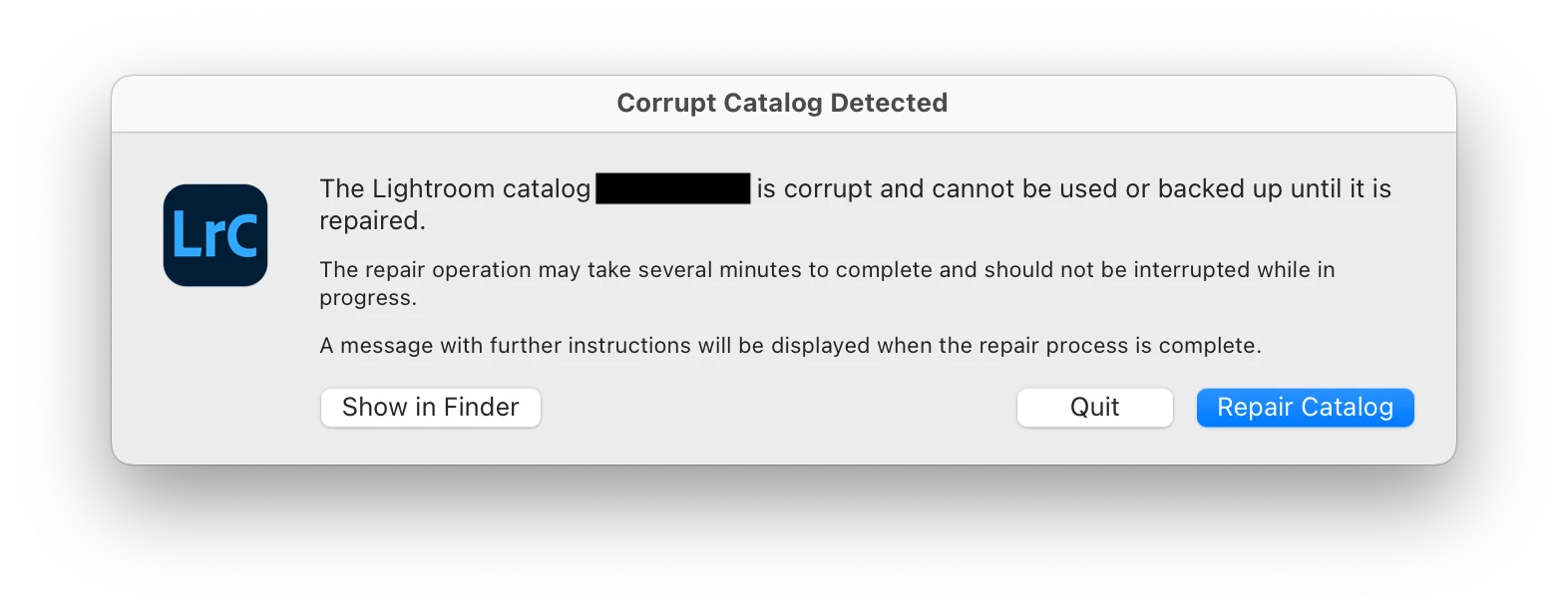
 

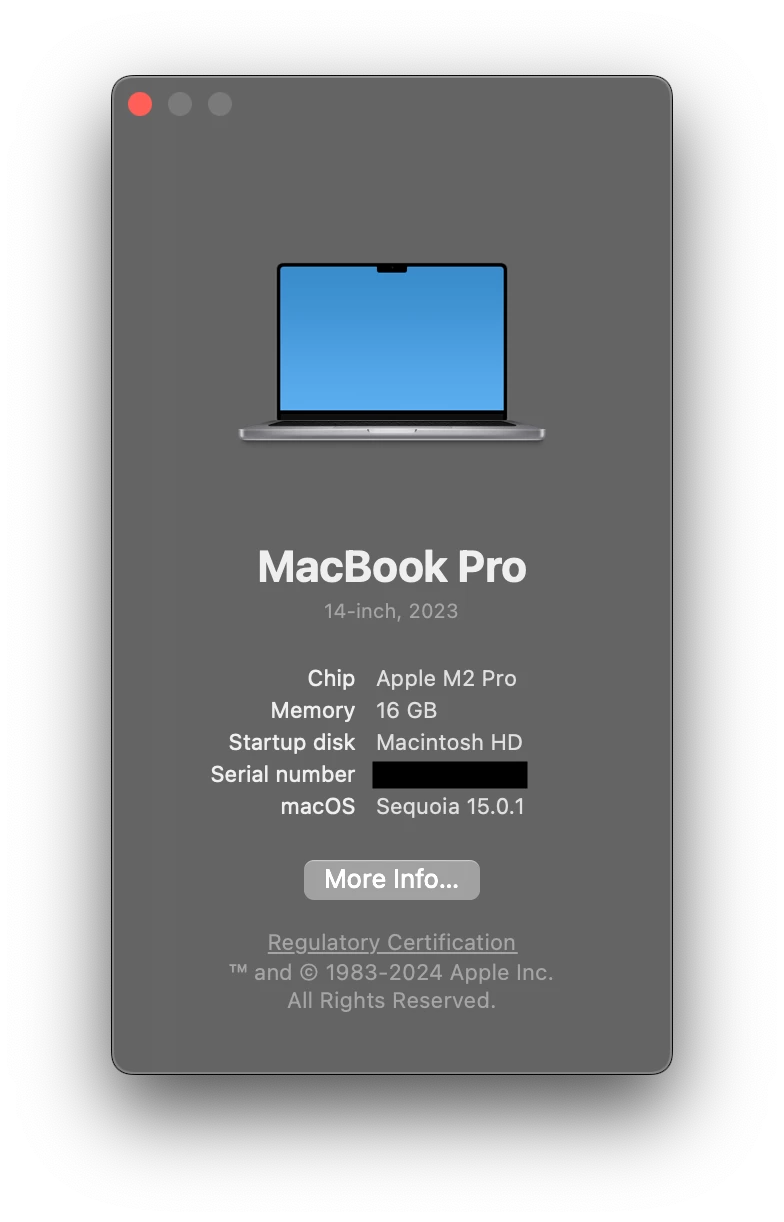
I am using Lightroom Classic version 14.0.1. Running on macOS Sequoia 15.0.1. MacBook Pro M2 Pro.
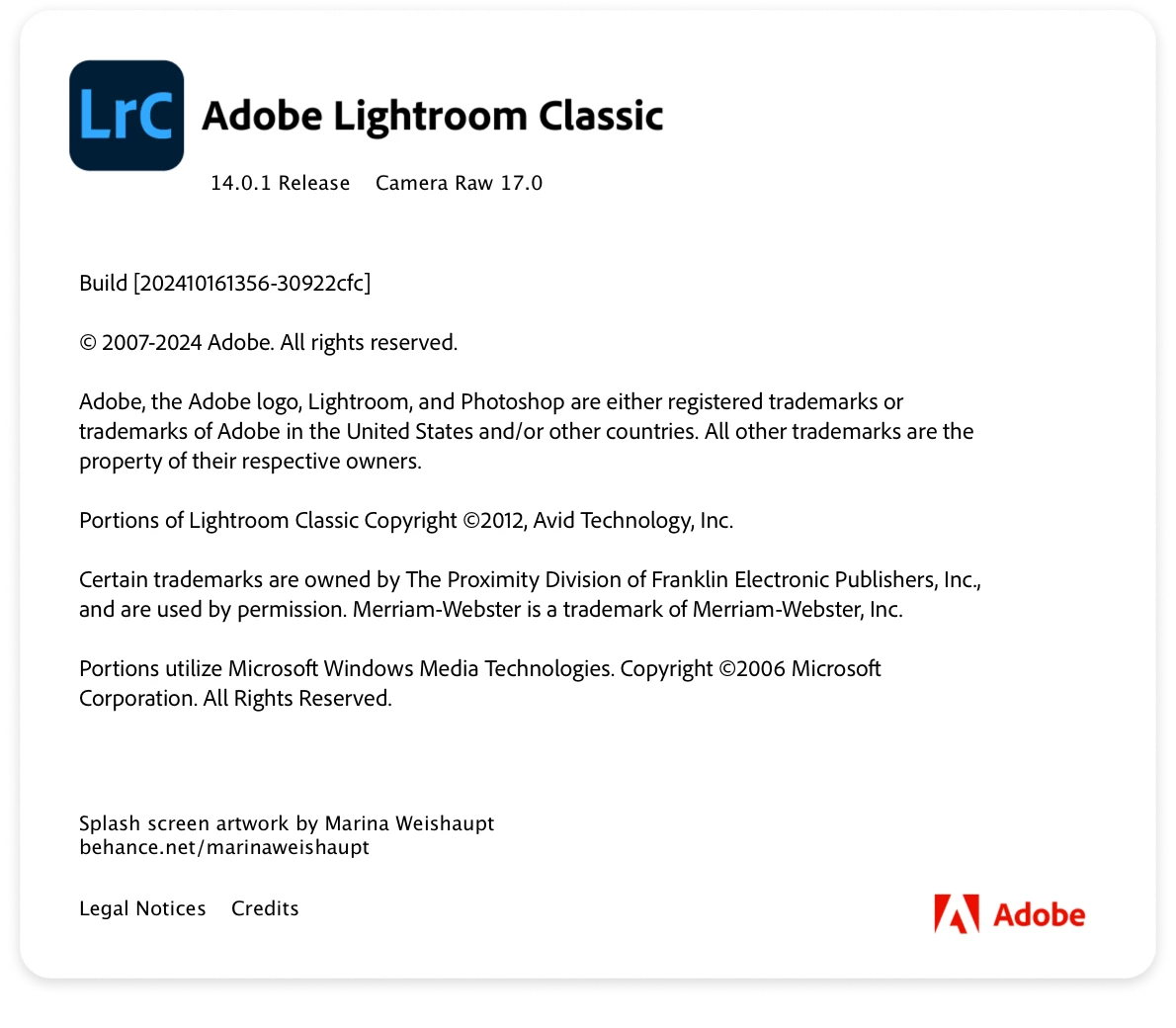
My catalog files are stored on external SSDs along with my RAW files. I don't save catalogs on my laptop's internal storage because the Lightroom previews take up a significant amount of space. Before you start suggesting that it might have something to do with my SSDs, I'm pretty sure that's not the case because this is how I have been working with the previous versions of Lightroom Classic and I never had a problem. I have five different external SSDs (some new, some a few years old) with five different catalogs, and ALL of them keep getting corrupted multiple times a week.


Usually, after repairing the catalogs, they start working again, but I don't want it to keep happening since it significantly slows down my workflow. I'm afraid I might even permanently lose all my years of work due to some unfixable issue.


Please fix this Adobe.


[moved from bugs to discussions according to the community rules - Mod.]

Correct answer makedits

Update:


I couldn't find a solution to my issue.


I ended up making a new catalog and then importing all the photos and folder structure from the previous catalogs. The new catalog is working fine, and there has been no corruption so far.

6 replies

makeditsAuthorCorrect answer
Inspiring
February 4, 2025

Update:


I couldn't find a solution to my issue.


I ended up making a new catalog and then importing all the photos and folder structure from the previous catalogs. The new catalog is working fine, and there has been no corruption so far.

Known Participant
February 4, 2025

Unfortunately this didn't work for me.

alsalphotography
Participant
February 4, 2025

Same problem here, running OS 15.1.1 on a Mac Mini M4 Pro. Lightroom behaves very wierd lately, even before I changed my computer recently (I had a Macbook Pro before). The catalogue keeps getting corrupted, not every day but often enough to be an absolute pain. I should not happen, I completly agree. Also the merge to panorama and HDR functions decide not to work at all very often and I have to reboot the computer to get them working again. The metadata and info on the side panel sometimes don't show at all and I have to reboot to make them come back but sometimes not even that works.

Really weird and frustraiting behaviour and I agree this is a Lightroom issue of not keeping up to date with firmware updates.

dj_paige
Legend
February 4, 2025

99.99% of LrC users don't have this problem. It can't be Lightroom Classic. Now what is different between you and all those other LrC users, that you have the problem and they don't? Could it be hardware? YES! That's it!

makeditsAuthor
Inspiring
February 4, 2025

These forums exist to report our issues and possibly find a solution. I don't care if 0.1% of the users are having this problem or 99%. Just because the majority of users don't have an issue doesn't mean that problem should be ignored because it can happen to you, too. So stop with these unhelpful comments.

johannesh
Participant
November 9, 2024

I'm gonna chime in on this one - since the last update the catalogue is corrupted regularly.

johannesh
Participant
February 4, 2025

One of the recent updates seems to have fixed it for me, at least it hasn't happened again since then.


What I did when it occured to mitigate damage was:


  • backup the catalogue every time Lightroom closed.
  • in case of catalogue corruption I overwrote the current catalogue with the last backup.


Caused the loss of edits in some cased but got me over the period where things got corrupted regularly.

Participating Frequently
October 28, 2024

I upgraded to the latest version of Lightroom Classic 1 hour ago and have had several issues. I closed the catalog, saved like every time. When I tried to open it again, it said the catalog was corrupt and I should open another one (???! Yes). I tried it again, then LR started to repair it, but I got the information „Unexpected error opening catalog“. I opened three times copies of the old one. Finally a catalog has opened with nothing but exclamation marks, no connection to my smart previews.

Since I just read Makedits post, I won’t open my other catalogs, since I’ll be forced to make upgrades as well.


Is there any way to tell LR to connect to the Smart Previews? My masters are 9000 Miles away, I’m traveling.


My RAW files are stored on external SSDs, my 6 different catalog files are on my Mac Pro´s internal storage (SSD 2 TB, LR 14.01, mac OS 15.01, 2 GHz Quad-Core Intel Core i5, Memory 16 GB) and I work almost always with smart previews. Yes, this needs a significant amount of space. Like Makedits I have been working like this for years.

makeditsAuthor
Inspiring
October 28, 2024

You're not alone. Many users are having catalog issues after updating to v14. Reddit is full of these complaints. Adobe seriously needs to look into this because it is causing people to lose years of professional work through no fault of their users.


I also faced the unexpected error the first time one of my catalogs got corrupted, and Lr attempted a repair. Fortunately, I had a backup of that catalog, so I was able to restore it from there. But after the repair, all my editing history was gone. My edits were there, but there was no history of how I got to that edit.

makeditsAuthor
Inspiring
October 25, 2024

I knew that the blame on my hardware was coming.


I'm not taking my Mac to the Apple store because it's perfectly fine. It is clearly a Lightroom issue. Everything else on my laptop is working exactly as they should. I also color-grade videos using DaVinci Resolve directly off of my SSDs and it has never spewed out any error messages.


And yes, it is the same case when my SSDs are connected to the other USB-C ports as well.


Creating a new catalog defeats the whole purpose of me posting this so that Adobe can look into this issue and find a fix. Your older catalogs are supposed to work with the newer versions of Lightroom. It is an official feature - it should work as promised.


"LrC just does not do that to your catalogs." Well you might wanna take a look at my post again.

dj_paige
Legend
October 25, 2024

It's the hardware. Not only is hardware the only known cause of corrupted files, but 99.999% of LrC users do not have this problem.

KR Seals
Community Expert
Community Expert
October 25, 2024

Does this happen when the external SSD connected to each of the different USB-C ports? It's certainly a hardware issue. For test purposes, I have run the LrC catalog from an external SSD on my MBP M1 Max with no issue.


Do you happen to be using SanDisk Extreme SSDs? There have been problems with those.


Just for test purposes, create a new catalog on the internal SSD and import a bunch of photos to see if it happens then.


I suggest you take the MBP in to an Apple store for diagnosis.


LrC just does not do that to your catalogs.


Ken Seals - Nikon Z 9, Z 8, 14mm-800mm. Computer Win 11 Pro, I7-14700K, 64GB, RTX3070TI. Travel machine: 2021 MacBook Pro M1 MAX 64GB. All Adobe apps.