
Answered
Collection sort error
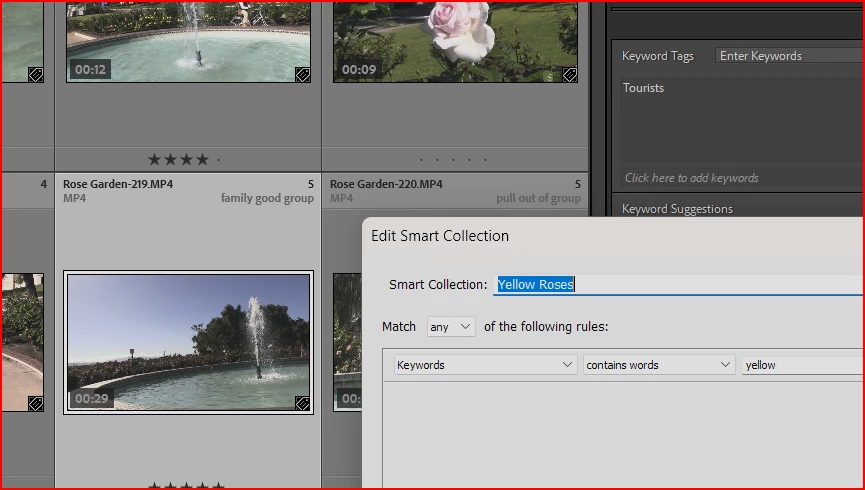
Don't understand why I get this unexpected result from this Smart collection.
This is just one of the many unexpected results I'm getting.

Don't understand why I get this unexpected result from this Smart collection.
This is just one of the many unexpected results I'm getting.
An image can be 'deemed to have' a certain keyword (for purposes of searching or filtering, also exporting) even without that keyword being explicitly and directly assigned, in several circumstances:
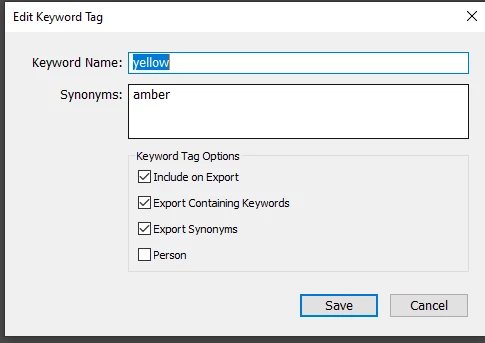
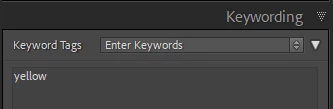
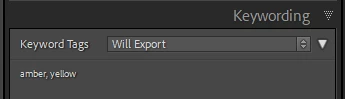
Thus, if I've assigned a keyword "yellow" and add a synonym "amber" to that, a search on "amber" will find that photo (and also it will include in export) even though it does not have any "amber" keyword directly assigned, and even though I did not search on "yellow". This despite "amber" not even showing in the keywords list.
Similarly for parent keywords. There are keyword options on whether any parents should, or should not, auto-include for export. But they operate regardless "as if assigned" (implicitly) for searching and filtering. Dragging the child keyword out of that nesting, would cease this relationship with the former parent keyword - unless that keyword was also explicitly assigned in its own right.
Already have an account? Login
No account yet? Create an account
Enter your E-mail address. We'll send you an e-mail with instructions to reset your password.


 AdChoices