Question
Color and contrast shift when editing from LR to PS
Lightroom help! When I export a RAW image directly from LR to photoshop CC through the "edit" function, the photo takes on an overall ORANGE hue and a strong contrast. As a test, when I export the photo as a tiff and then open it in PS, the photo looks just as it does in LR. I have seen in other forums (Scott Kelby's) that others have had similar problems but no one seems to have a fix for the issue.
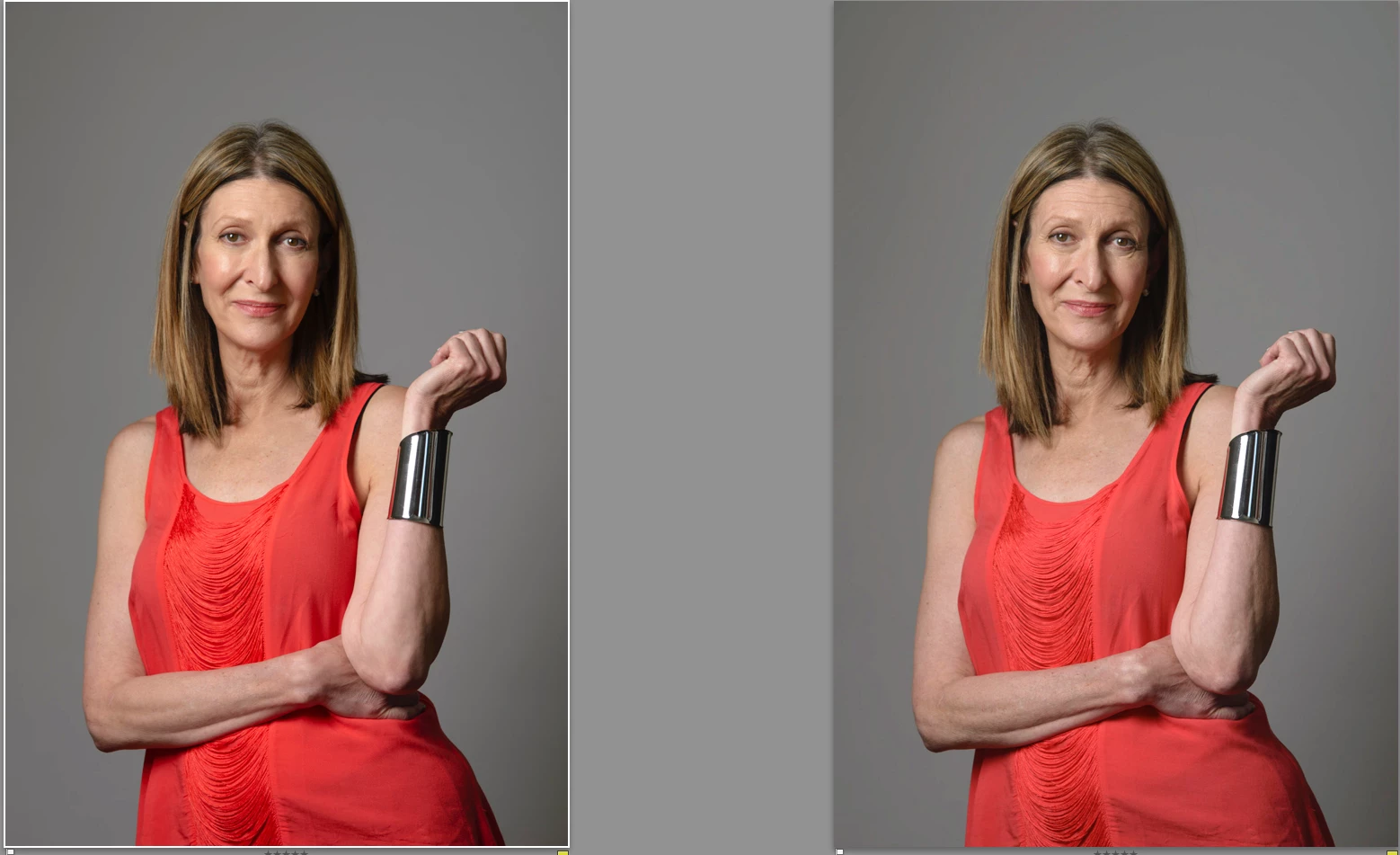
I have tried editing with different color spaces--sRGB, RGB, ProPhoto RGB--and the problem persists. It's a little hard to see in these examples but the ones on the right are from LR and the one on the Left are the tiff as seen in PS. I had to desaturate the orange and lower contrast back in LR to match the two. 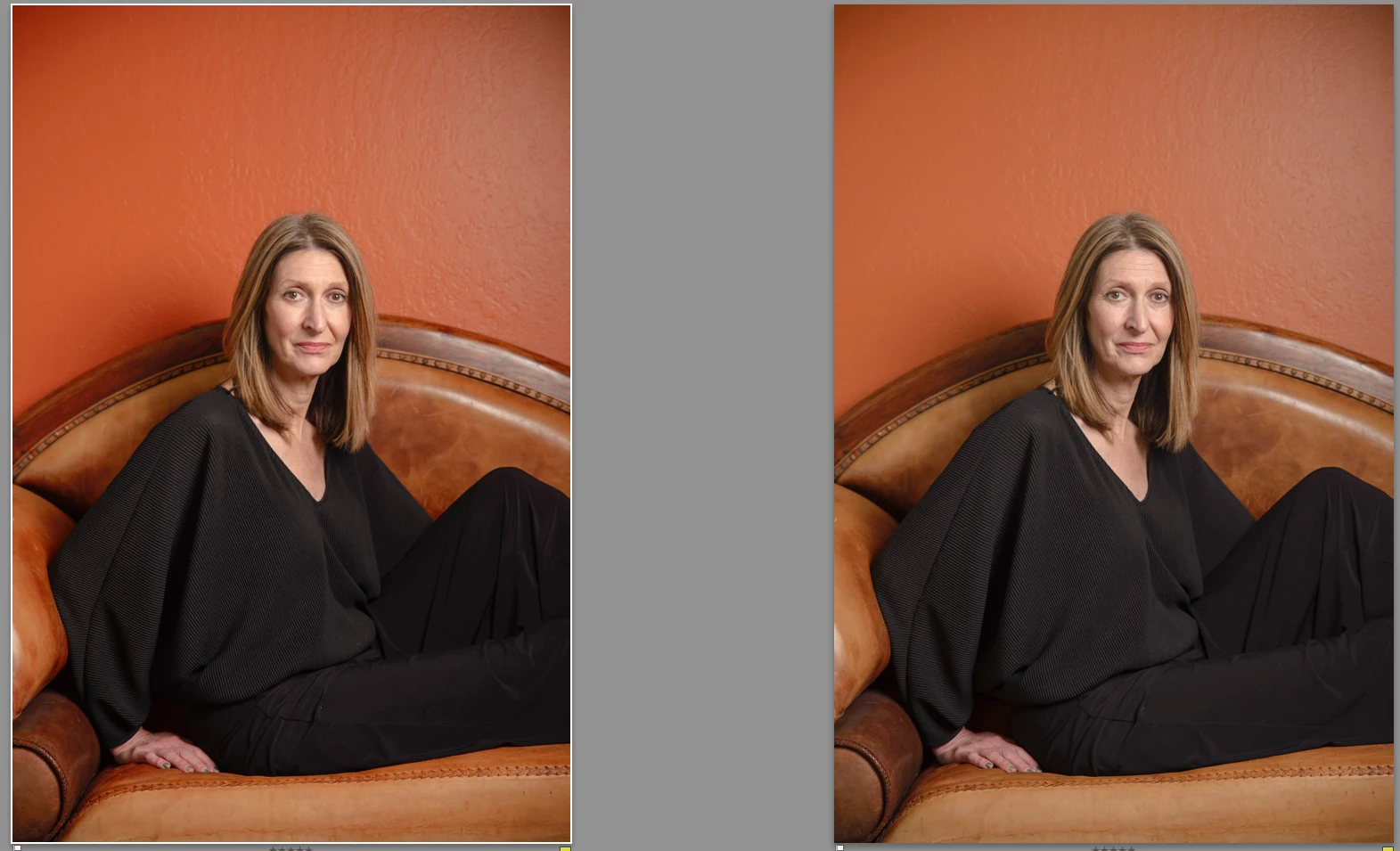
 AdChoices