Known Participant
October 5, 2019
Question

Color bars on my images

  • October 5, 2019
  • 6 replies
  • 1724 views

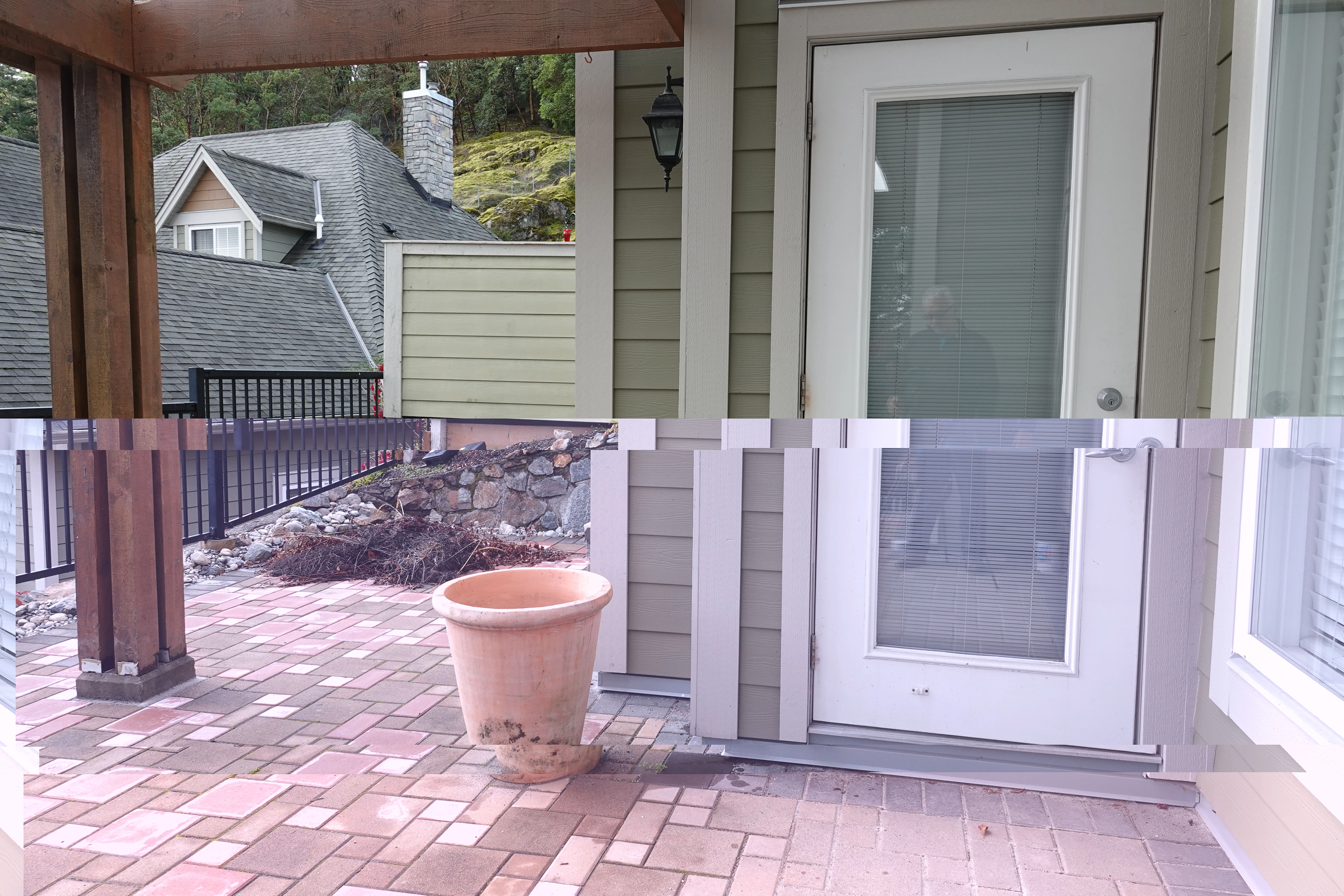
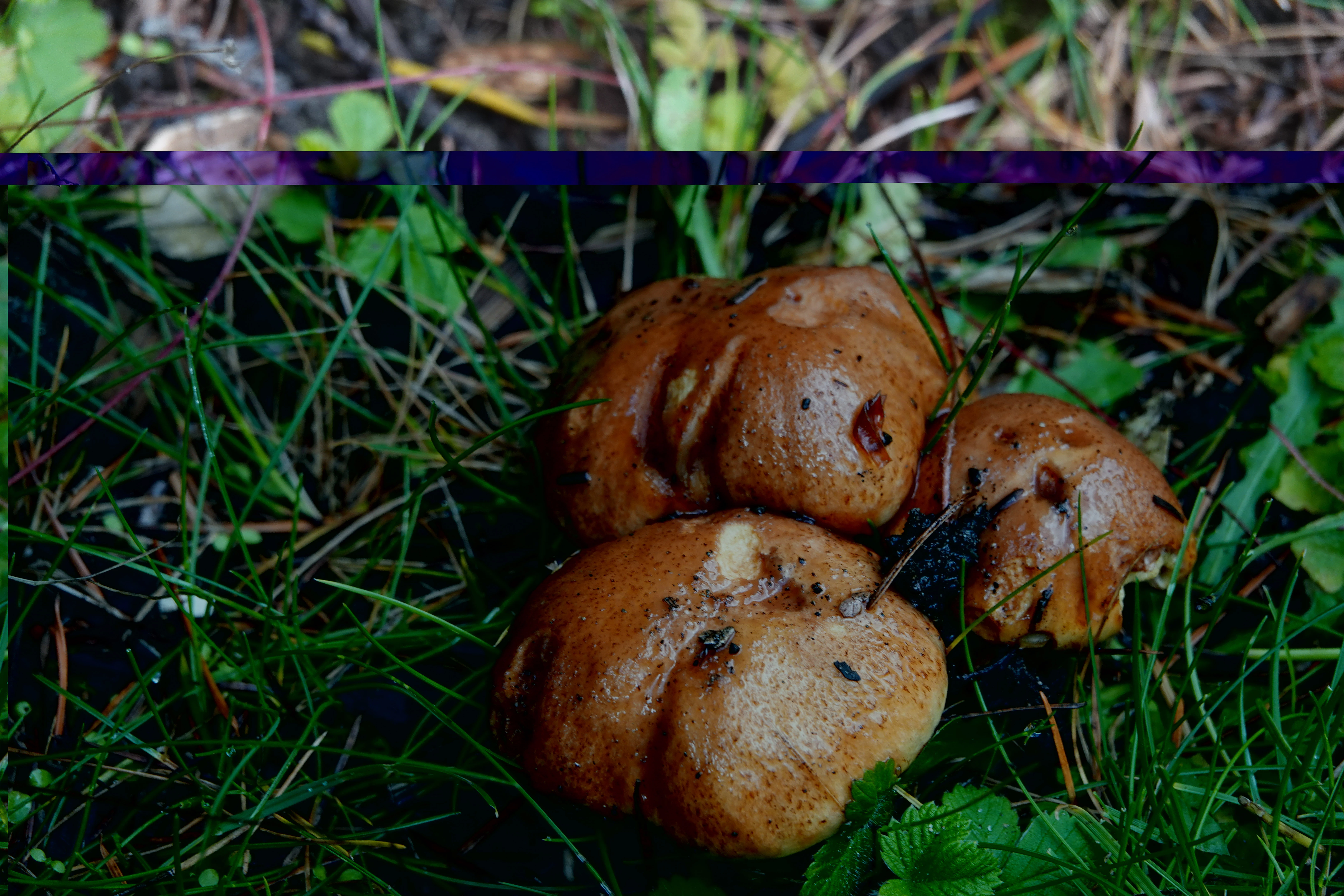
Any thoughts on a cause for this? Not all images but enough to cause me great concern.
    This topic has been closed for replies.

    6 replies

    Known Participant
    October 6, 2019
    Leaning towards this being a Card Reader issue.
    GoldingD
    Legend
    October 6, 2019

    Agree that this is probably hardware.


    But, are these bad images as seen in Library module, or Develop module or both?

    Known Participant
    October 6, 2019
    Both
    Randy Hufford
    Community Expert
    Community Expert
    October 6, 2019
    I am suggesting during the download. Go back to original chip and redownload. When original chip is in camera is their a issue?
    Randy Hufford
    Community Expert
    Community Expert
    October 5, 2019

    I have had the same issue. From my experience it has always been cables or hardware. This is file corruption


    Known Participant
    October 6, 2019
    No doubt it's file corruption, just trying to determine where it's happening.
    DdeGannes
    Community Expert
    Community Expert
    October 5, 2019

    Please post details of the version of Lightroom Classic you are using e.g Lightroom Classic 8.4.1 (that is the latest version) also info about your OS win, mac and the actual version. Also, are you using a card reader or are you connecting the camera directly with a USB connection?

    If the files being imported are raw files then they may have been corrupted during the copy/import process. The reason you see them ok on the camera screen and the PC viewing app is because what you are seeing is the jpeg thumbnail file created by the camera for viewing. What you are seeing in Lightroom is the raw file data processed with the Default Develop settings being applied at import.


    Regards, Denis: iMac 27” mid-2015, macOS 11.7.10 Big Sur; 2TB SSD, 24 GB Ram, GPU 2 GB; LrC 12.5,; Lr 6.5, PS 24.7,; ACR 15.5,; (also Laptop Win 11, ver 24H2, LrC 15.3; PS 27.0; ) Camera Oly OM-D E-M1.
    Known Participant
    October 6, 2019
    Lightroom Classic 8.4.1 Windows 10 and a card reader. Files are jpg files. Don't forget...the issue happens only on a Lightroom import. If I drag the files onto my PC, they are fines and I can then import into Lightroom and they are fine. The issue seems to be when importing via Lightroom.
    Bob Somrak
    Legend
    October 5, 2019

    Are the original files RAW?

    The image in camera is the JPG preview so it does not mean the RAW is ok.  

    When you say you copied the photo to the hard drive did you then import into Lr or look at them in the OS?  The OS is probably also looking at the JPG preview.


    M4 Pro Mac Mini. 48GB
    Known Participant
    October 5, 2019

    More info...when these images are viewed in camera, thay are all perfect. Dragged and dropped the images from my card to a folder on my PC and again...all perfect. Points to a Lightroom issue?

    JP Hess
    Inspiring
    October 5, 2019
    This is often an indication of a hardware issue, possibly a failing hard drive or a failing camera card. Could be other hardware problems as well. Try downloading the images on another computer to compare.
    Known Participant
    October 14, 2019
    Card Reader Jim...many thanks!