
Answered
Color difference between Lightroom and Exported Photo
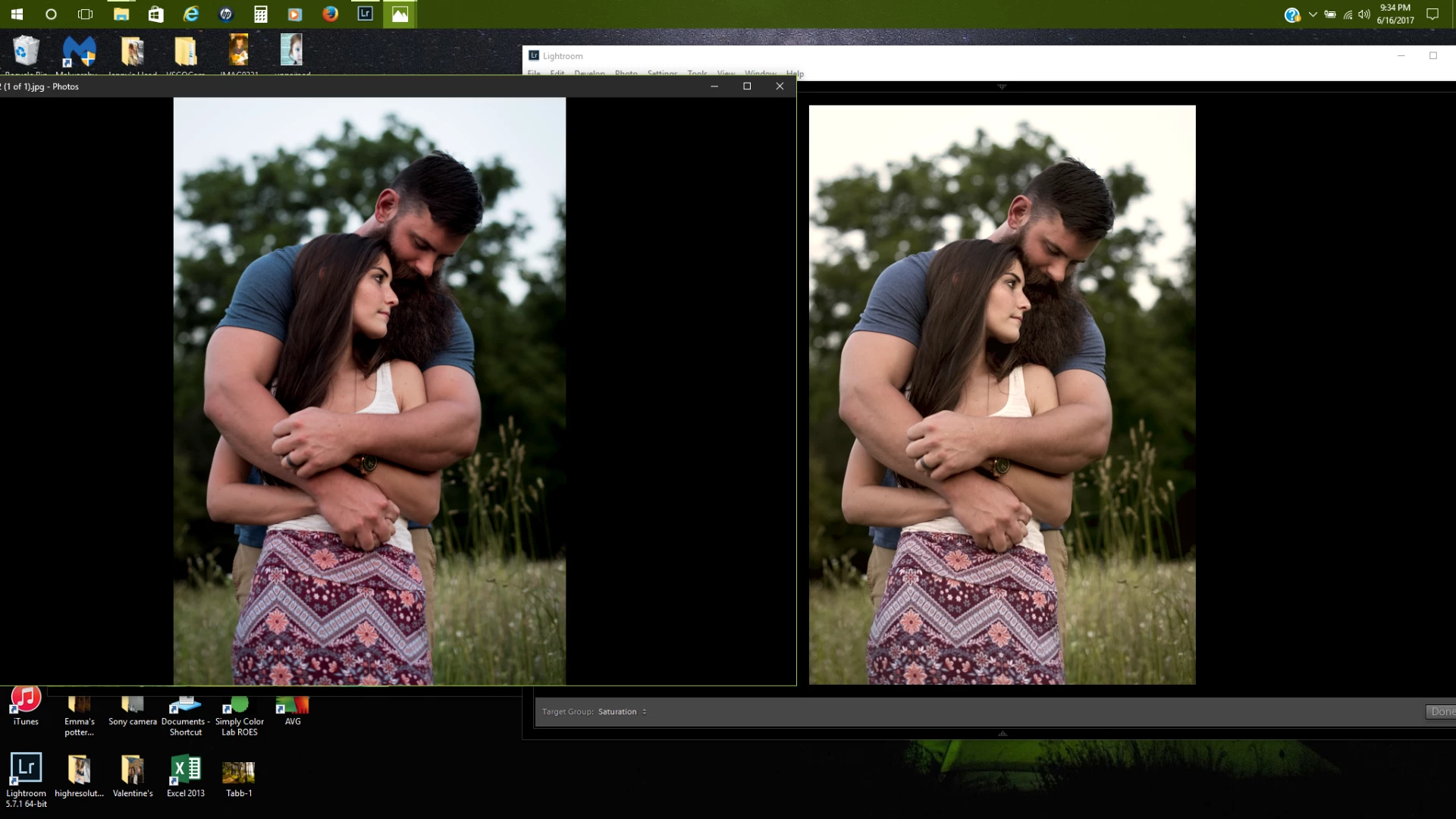
After exporting a photo, I'm noticing a major difference in colors between the photo I've exported (now being viewed outside of Lightroom) and the photo as it looked in Lightroom. I'm not sure if this is a color space issue or a calibration issue or something else entirely. My camera (Nikon D750) is set to sRGB, as are the exports. Below is a screen shot of the exported photo (on left) and as it shows in the Lightroom development panel (on right). What is causing this, and how can I fix it?
 AdChoices