In the Lightroom program, I want to transfer the colors in the reference image, that is, the color palette, onto the photograph I am working on. How can i solve this problem. My Color palette file extension is Jpeg, Css, Xml.
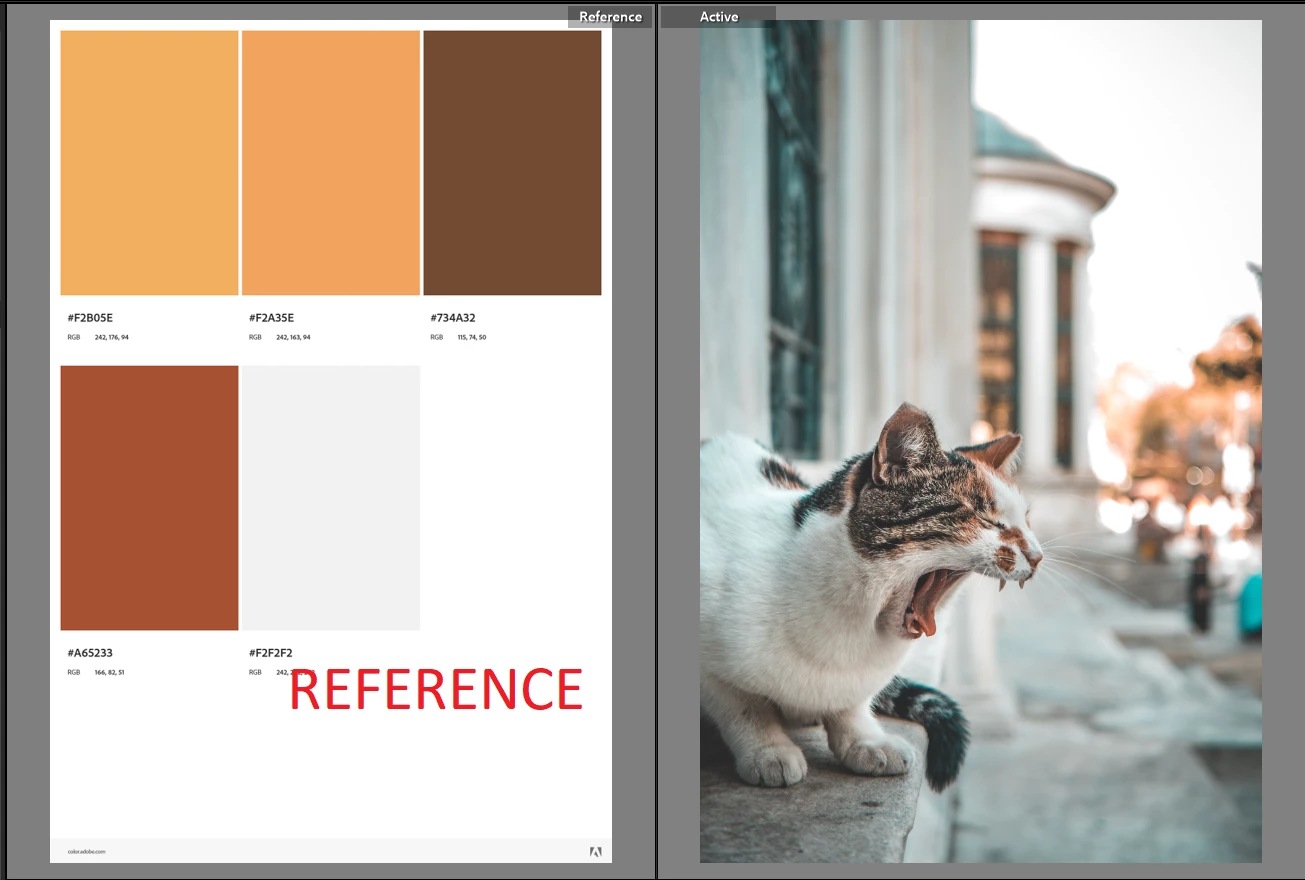
It depends whether you want some of the colours in the photo, but not all, to become perceptually reminiscent of the various colour swatches. That boils down to judgement-by-eye IMO since even if some AI assisted method exists, one will still want a human to quality check and tweak the results - since it's human perception which is our final test of success or failure. It's not a big deal given needed experience and aptitude, to just make the needed edit changes - here's an example tutorial
Or if you truly wanted the photo to be made up from ONLY (graduations between) these particular colour swatches - hence, eliminating all of the blues and greens in this particular case - the only way I have experience of, is to take the image into Photoshop - make a Gradient Map adjustment layer - using a Custom gradient which employs your various swatch colours as its intermediate defining points - and let the tonality of the underlying photo, black to white, be mapped onto the different parts of this gradient overlay's scale. I very much doubt that will give an appealing result, since the oranges and browns within this photo are nicely relieved nd given "life" by their opposition to cooler surrounding colours. In a representation made up solely of oranges and browns, that would not happen - the results would accordingly be articifial, oppressive and lurid IMO. I suppose you could limit this gradient-map recolouring to affect only certain parts of the photo via a layer mask, also you could apply thar recolouring more subtly by setting the blending mode action of this adjustment layer to Hue (or whatever else works) and perhaps a 'Blend If' restriction too. But that's all a PS question not a LrC question.
If you mean automatically, I'm not aware of a solution. Color Grading only offers 3 areas of control, so you'd need to look at using Tone Curve channels or creating LUTs to use in profiles external to Lightroom.
Sean McCormack. Author of 'Essential Development 3'. Magazine Writer. Former Official Fuji X-Photographer.
