

Color Settings difference between Lightroom and Photoshop
Would love some help if possible, because I am at a loss.
My monitors are calibrated (I work of Apple M2 + have an external additional screen and it´s been calibrated). Everything works fine, just a few days ago, when opening photos in Photoshop (from Lightroom), it´s givine me a red hue to all images in Photoshop. Now I´m sure it´s an issue for Color Settings, but I´m unsure how to fix it, as the colors are just right in Lightroom (when I export, the images look great on any other device). It´s an issue only related to Photoshop.
Settings that I can share:
Working profile is set to ProPhoto RGB
See below for Color Settings: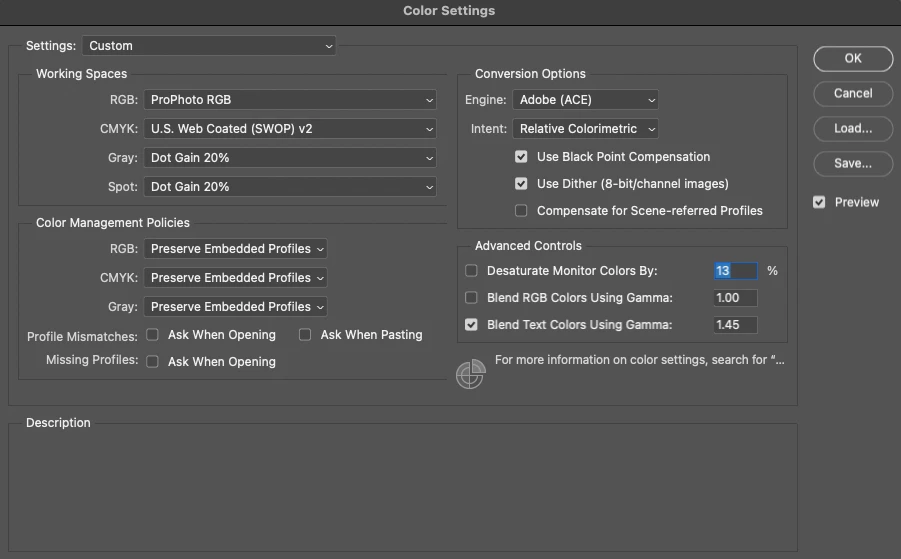
And here´s an example of the slight hue towards reds that I get when I open the file from Lightroom to Photoshop (1st image is how it shows in Lightroom, second image is how it shows in Photoshop). The color in Lightroom is the correct color - if I export it, it looks good on any other devide. When I close the image from Photoshop, it will save it back to Lightroom with the original colors.
Lightroom: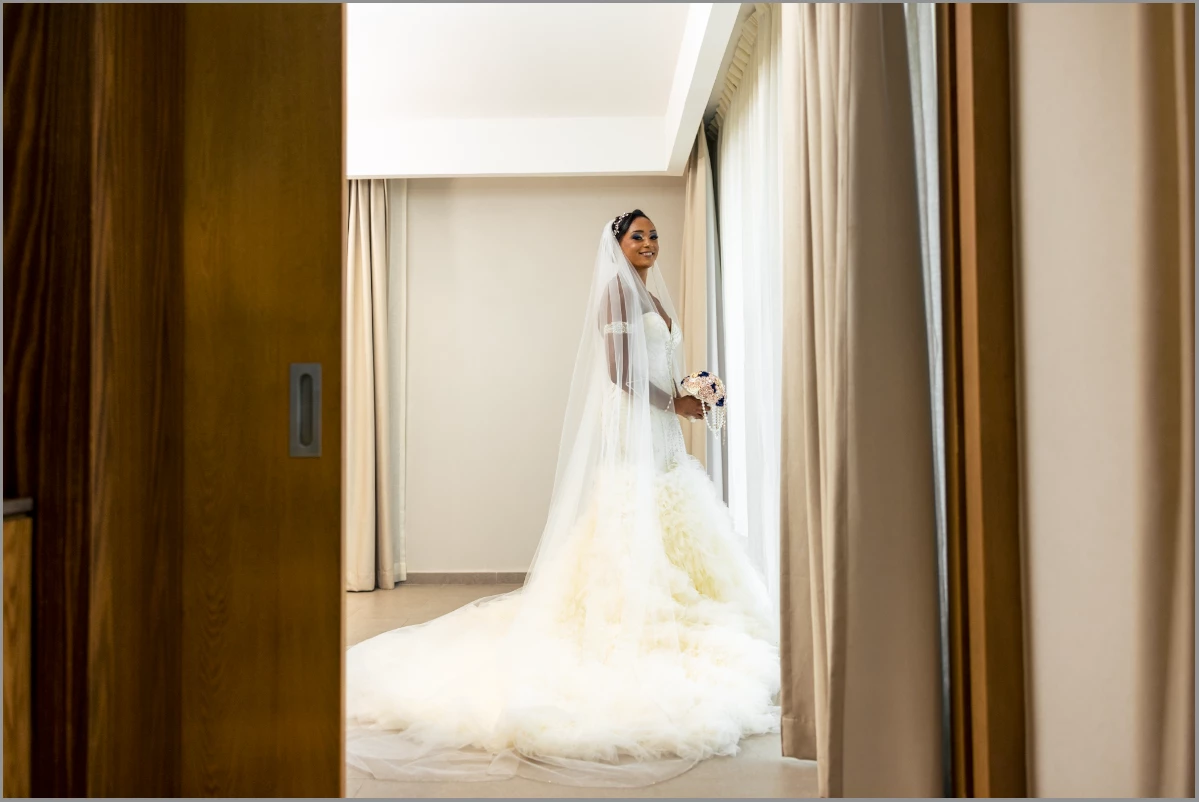
Photoshop: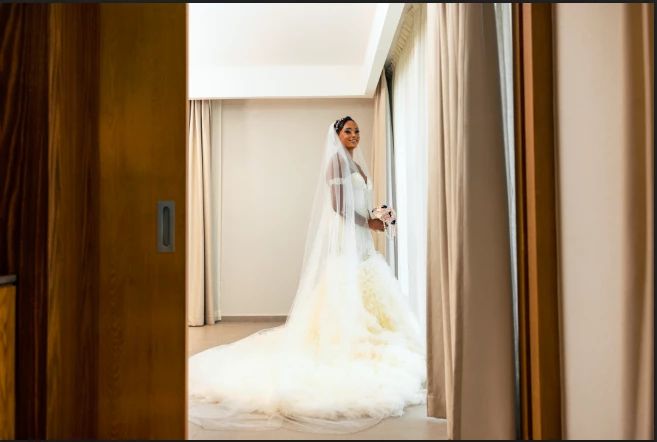
Any help/recommendations would be greatly appreciated. I´m just kinda stuck here and not sure where to go... If more info is required, tell me what you need and I´m happy to post it.
Thank you for helping a girl out!
 AdChoices