Participant
December 17, 2023
Answered

Color shift when doing from Library to Develop

  • December 17, 2023
  • 2 replies
  • 1434 views

I have seen elswhere in the forum references to this problem, which is that the color shifts dramatically when going from Library to Develop mode. The consensus seems to be that it is a monitor profile issue.


Now, I am confused about how if it's a monitor profile issue, it looks different in the two modes, as I am looking at both modes with the same monitor/profile. But putting that aside ...


My iMac was using the iMac profile. So I tried the Adobe RGB1998 profile. The color issue greatly improved, to the point where to my eye the colors now match in the two modes.


I don't get it. But if you're having this issue, you might try Adobe RGB 1998.
This topic has been closed for replies.
Correct answer johnrellis

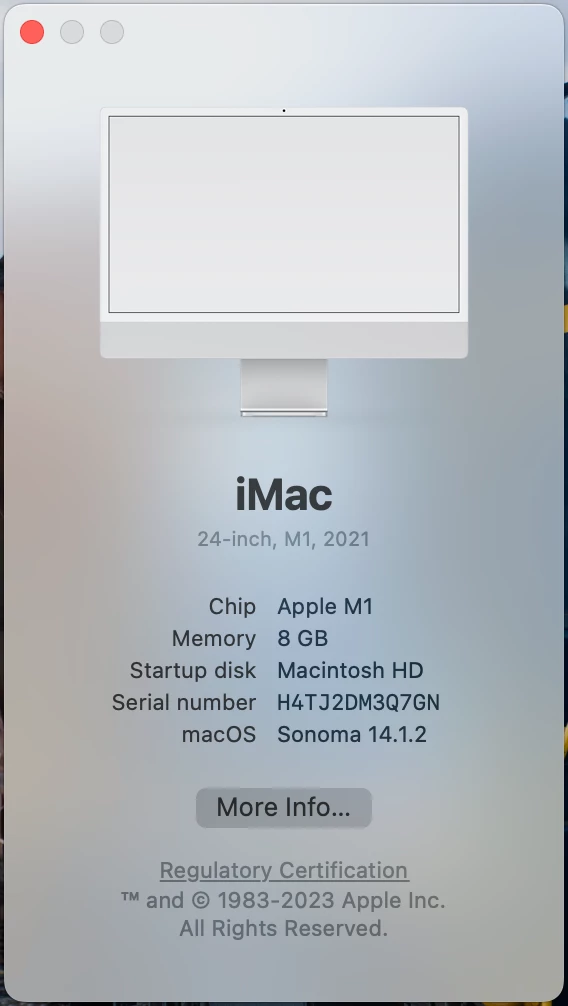
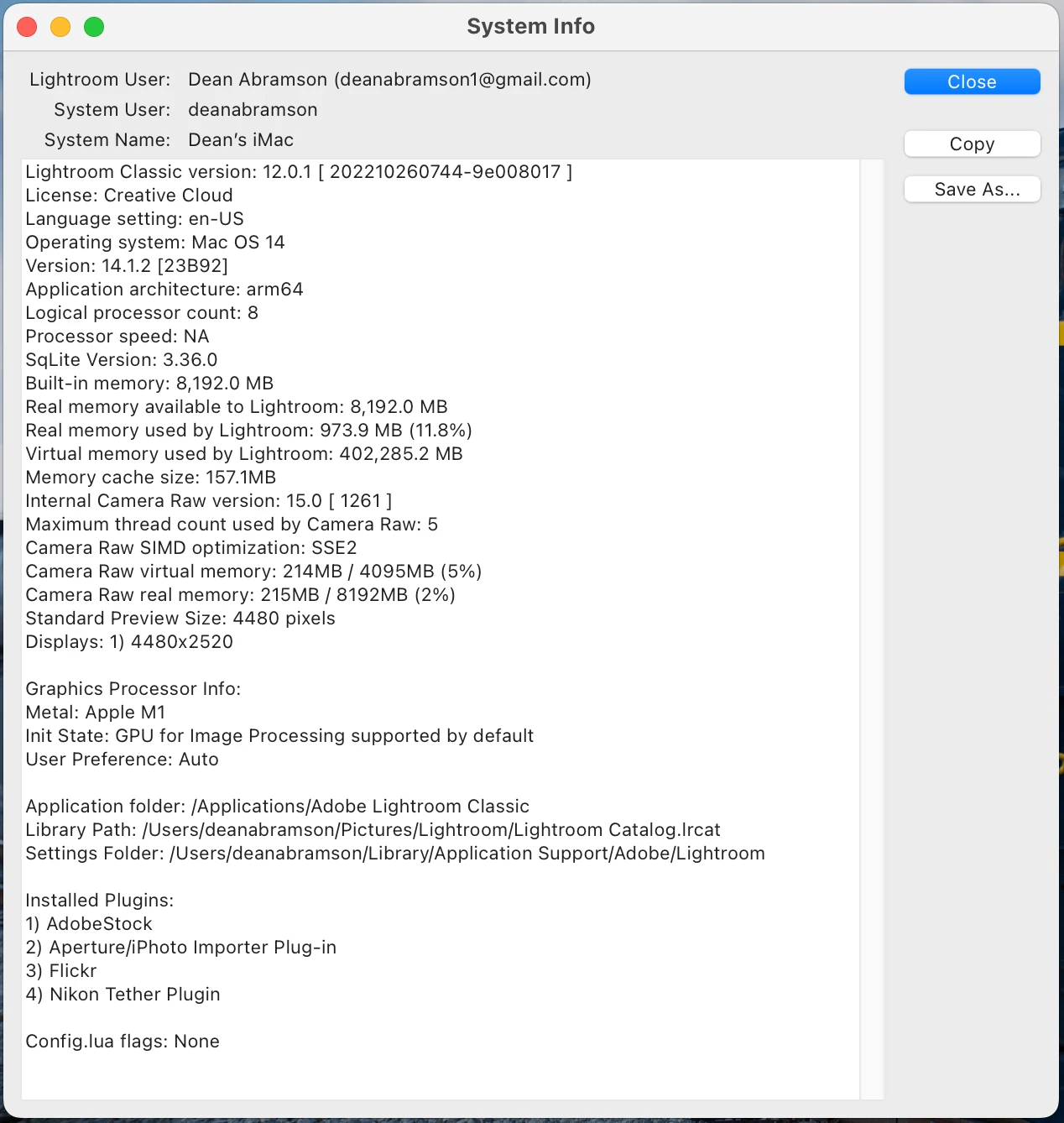
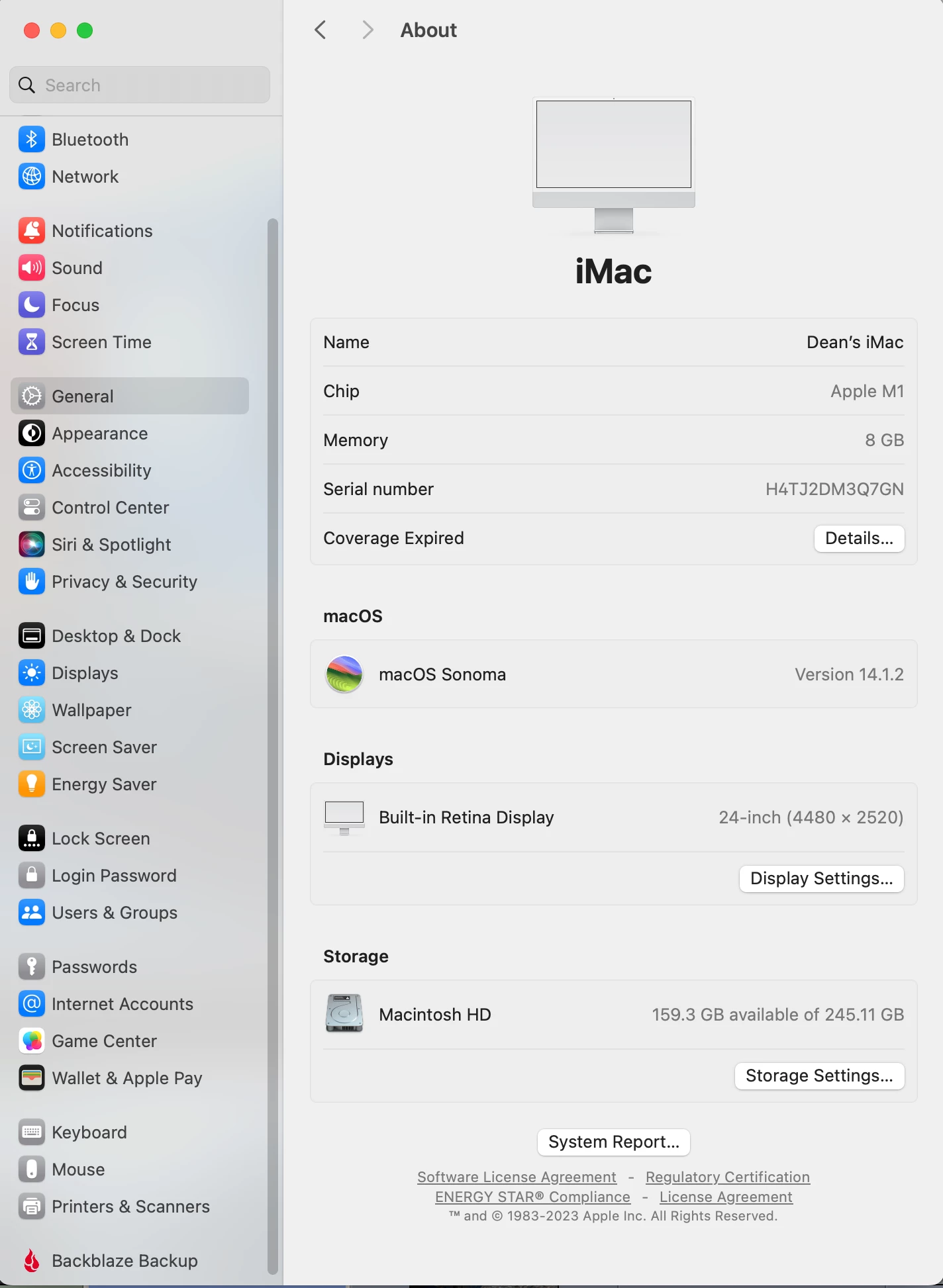
Here is info about my computer, as requested by John.


You're on an Apple M1 with a Retina display on Mac OS 14.1.2, so the original color profile assigned by default was compatible with LR. While it's conceivable the file got corrupted, it's very unlikely.


LR is compatible with the graphics drivers in Mac OS 14. It's unlikely you're tripping over a bug in the graphics driver itself, since otherwise there would have been a ton more reports about the issue.


However, you're on LR 12.0.1, which is over a year old. Is there a reason you're not running on the latest version, 13.1?  It's very possible that there's some issue in previous versions of LR that were later corrected.

2 replies

JohanElzenga
Community Expert
Community Expert
December 19, 2023

What you see is actually something that can be explained perfectly by assuming that your monitor profile was defective:


The Library module uses AdobeRGB, the Develop module uses (a kind of) ProPhotoRGB. So let's assume that your display profile is corrupted, so it effectively is not used at all. What happens in that case is that your Library images will still look acceptable. They are sent to the display without any color management, but they are AdobeRGB and an iMac monitor is Display P3. Display P3 and AdobeRGB are not the same, but they have the same size and they overlap for something like 95%, so an AdobeRGB image will look pretty decent on a Display P3 monitor even without color management. The Develop module images will look very bad however. They are ProPhotoRGB and so they really must be converted to the color space of the display in order to look correct, but now they aren't. So ProPhotoRGB colors are now displayed as if they were Display P3 colors, meaning they will be way off.


Changing your defective monitor profile to AdobeRGB will improve this a lot, even though it is still not accurate. The Library module pictures won't change. They were sent as AdobeRGB to the display, now they are still sent as AdobeRGB. But the Develop module pictures will improve dramatically, because they will now be converted to AdobeRGB before they are sent to the display. That means the colors will still not be accurate (you still do not properly convert to Display P3), but both modules are now AdobeRGB displayed as Display P3. So they will both look acceptable, and more importantly, they will look the same.


-- Johan W. Elzenga
D Fosse
Community Expert
Community Expert
December 19, 2023

Indeed. But even with a slightly defect - but still working - profile, the two modules may display differently.


Even though it all ends up in the same destination (monitor) profile, the source color spaces are different. So the actual conversions are different. The math and calculations are different. This may show as an error in one, while the other works.


Traditionally, a difference between Library and Develop was a smoking gun pointing to a defective monitor profile - and for the reason I described.


Today, with the increased active use of the GPU, a buggy GPU driver can also cause these symptoms.


Or they can be two sides to the same coin. The conversion into the monitor profile is executed in the GPU nowadays, so a slightly buggy driver and/or a slightly defective profile can cause the conversion to fail. Fixing either one can make the conversion work correctly again.

JohanElzenga
Community Expert
Community Expert
December 19, 2023

Of course. I used as an example the situation where the defective profile is not used at all, but obviously the explanation also applies to situations where the defective profile is still used but does not work properly. 

-- Johan W. Elzenga
johnrellis
Legend
December 19, 2023

The code for displaying images in Library is completely different than in Develop. When you have a color profile assigned to the display that is damaged, doesn't conform to industry standards, or uses features that LR can't handle, often the two modules will display images differently.


You could rule out  an issue with the graphics driver by reassigning the original profile to the display, setting Preferences > Performance > Use Graphics Processor to Off, and restarting LR.  If images now look the same in both modules, the issue with the graphics driver. Do the LR menu command Help > System Info and copy/paste the entire contents here so we can see exactly which versions of hardware and software LR thinks you're running and important LR options that are set.


Click the Apple icon in the upper-left corner and do About This Mac. Post a full-resolution screenshot (not a phone pic) of the About window.
https://www.lightroomqueen.com/community/help/createscreenshot/


"But if you're having this issue, you might try Adobe RGB 1998."


While that causes the two modules to display the same colors, you won't be getting accurate color rendition on your display.  To do that, you'll need to use a calibrator:

https://www.lightroomqueen.com/how-do-i-change-my-monitor-profile-to-check-whether-its-corrupted/