
alexkayvisuals
Participant
February 13, 2020
Answered

Color shifts when I open with Photoshop CC from Lightroom

  • February 13, 2020
  • 1 reply
  • 530 views

When I open an image from Lightroom in Photoshop, I see a significant color shift.
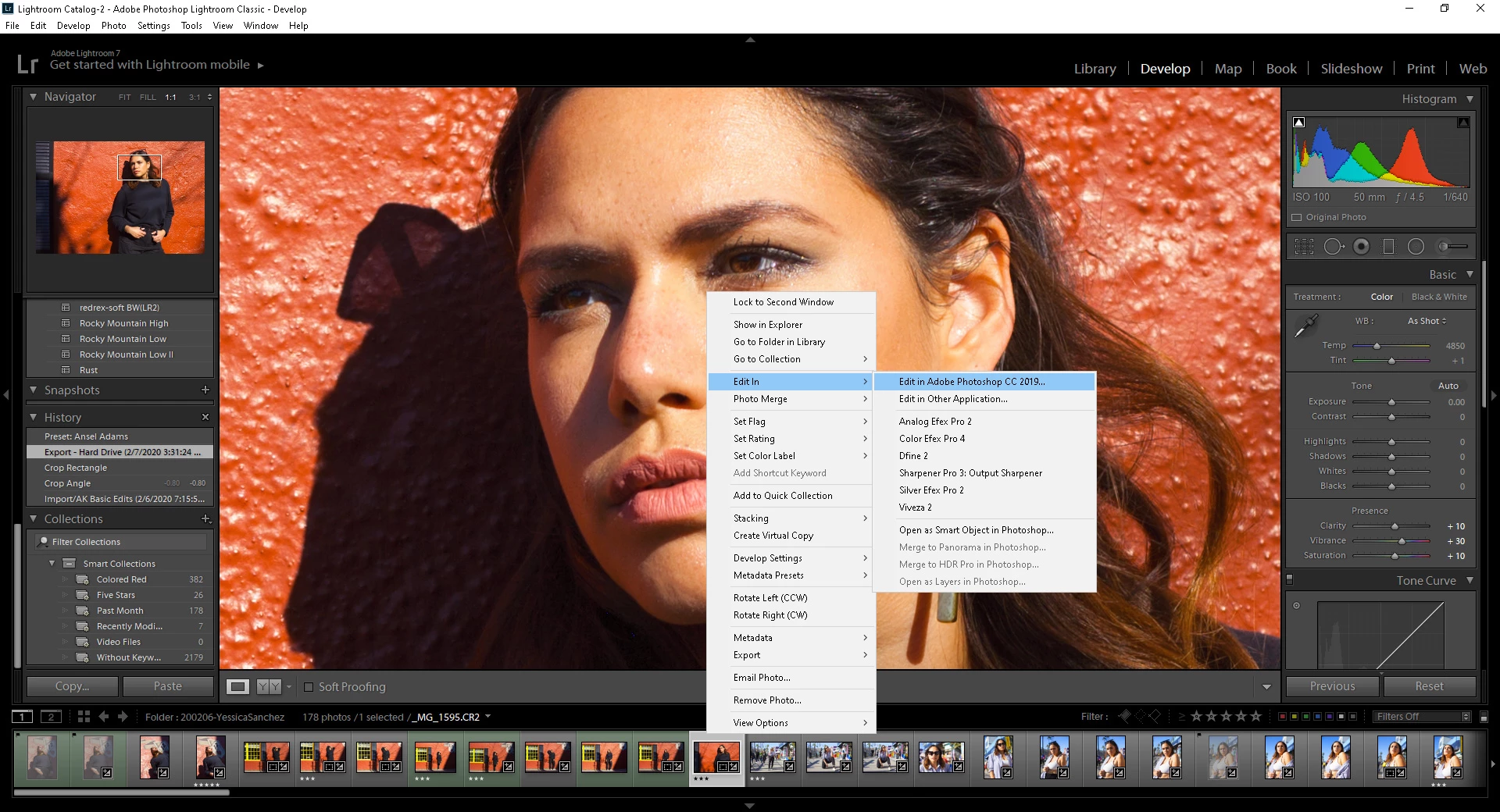
 

Lighroom opening in Photoshop dialogue box. You can see colors on a back.
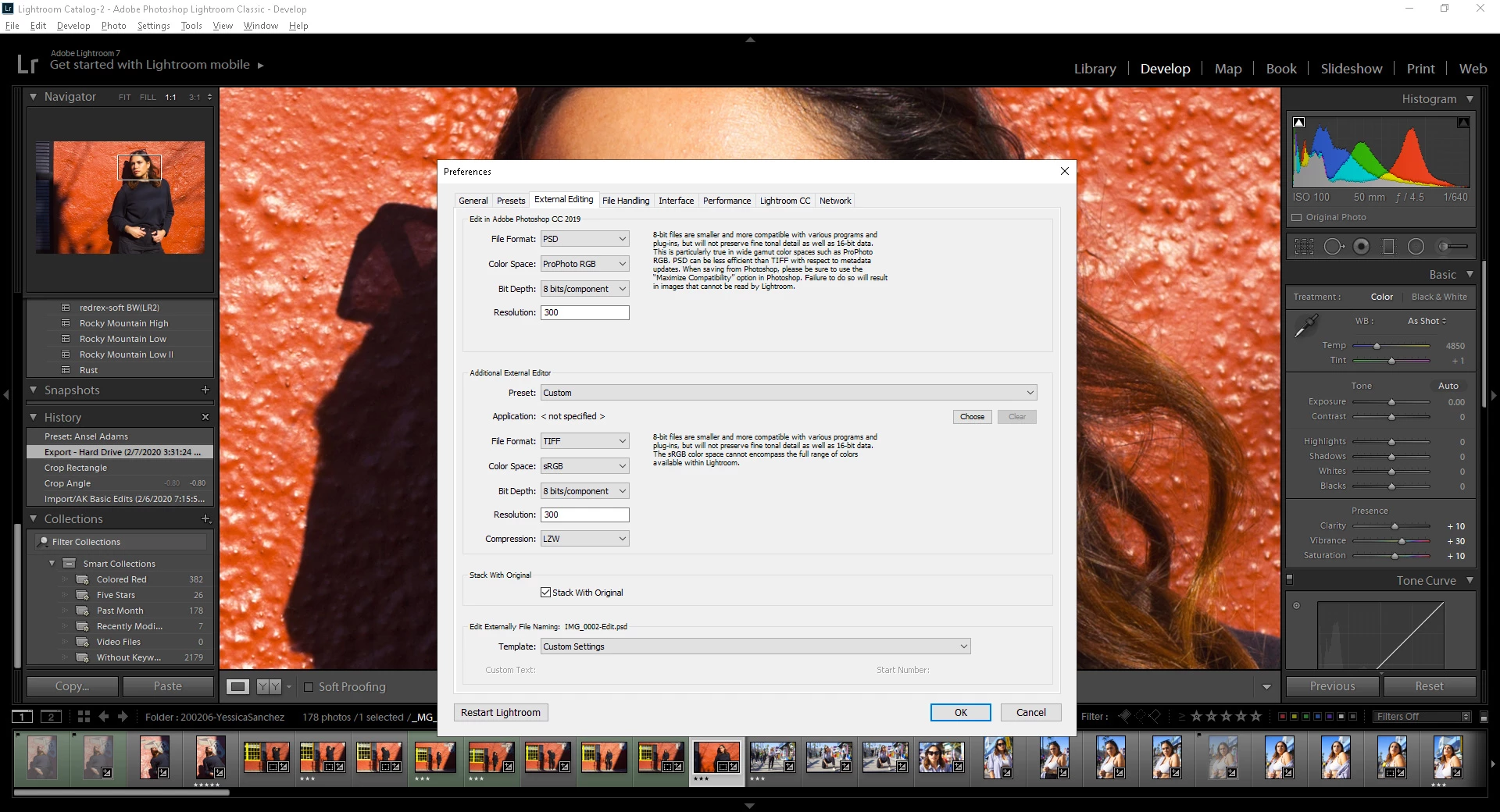
 

My export settings look absolutely normal.
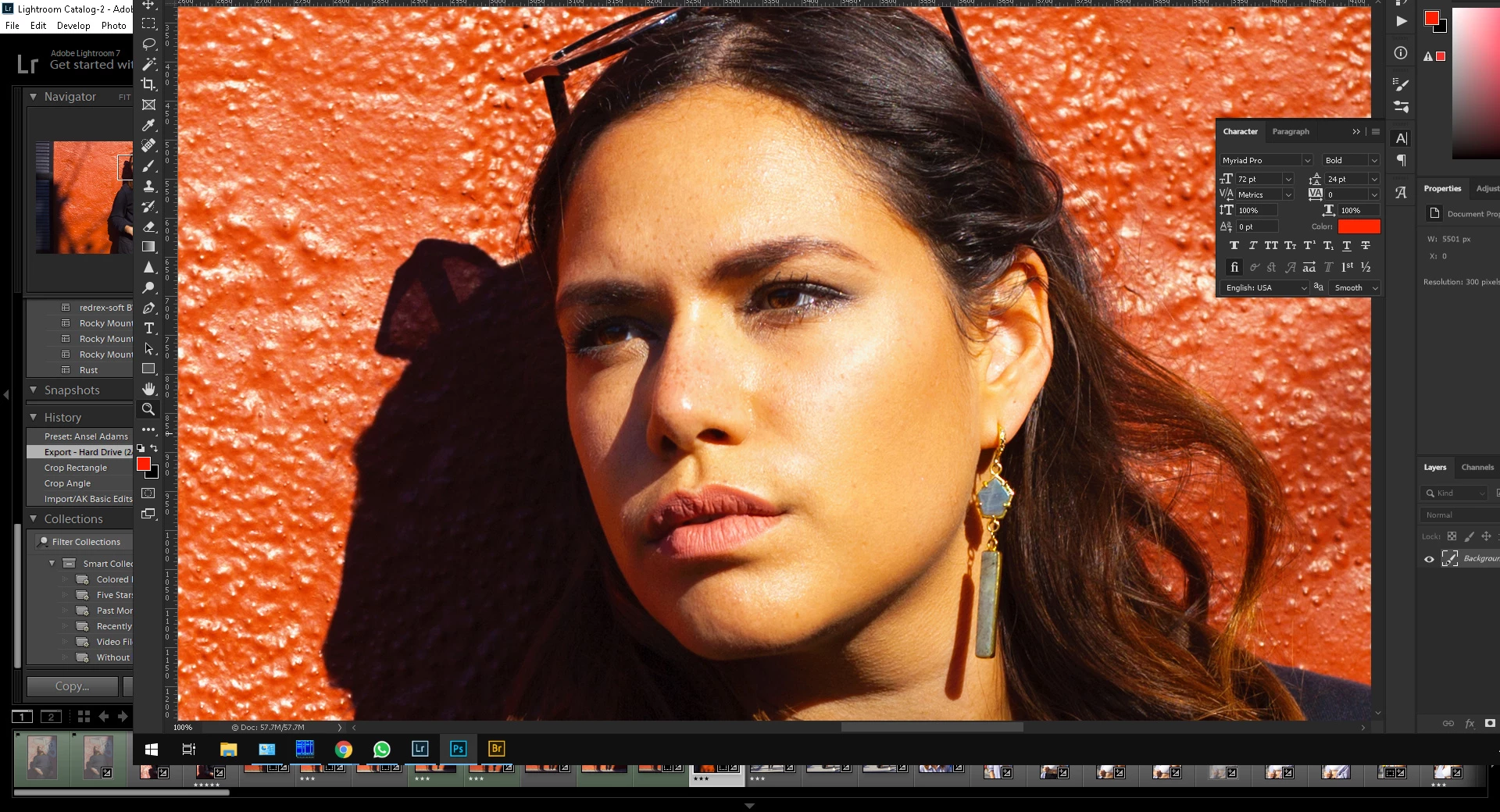
 

Image I get in Photoshop after opening a file in a Lightroom.
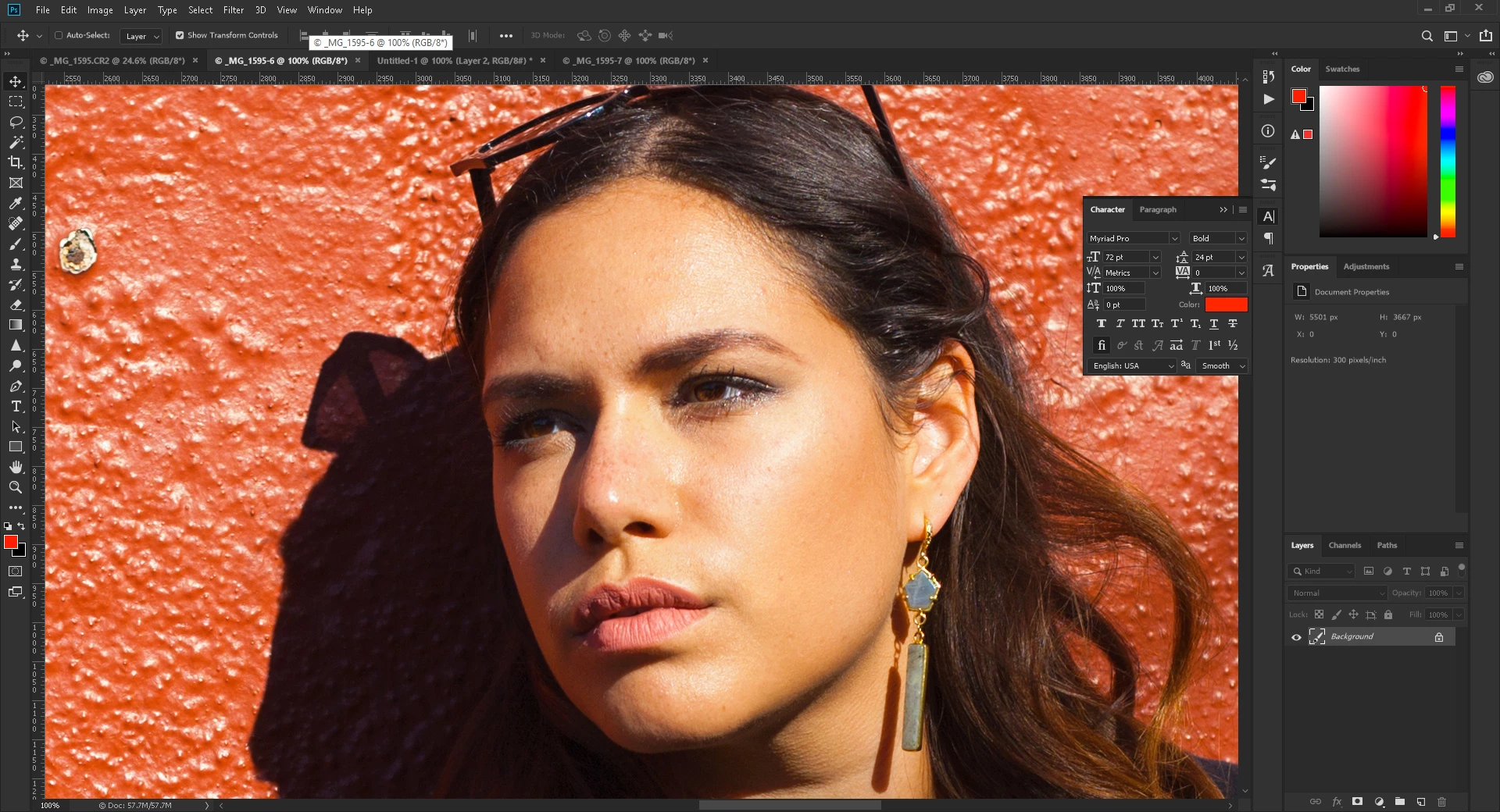
 

Same image opened with Adobe Bride.


Any suggestions? What is wrong?


{Moved from Lightroom Cloud to Lightroom Classic Forum by Moderator} 
This topic has been closed for replies.
Correct answer D Fosse

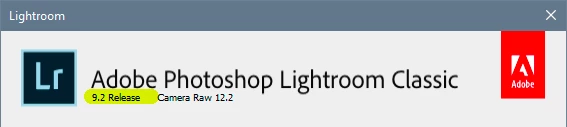
What Lightroom version? Not "latest", check in Help > About:


On the face of it, this looks like a camera profile mismatch. Camera profiles were completely reworked some versions ago, and if ACR and Lightroom weren't matching versions, you'd get this.


If that's not it, you have a broken monitor profile. That can affect one application but not another, and it's the most common cause of differences between Lr - Photoshop display. Are you using a calibrator to make your profiles?


(BTW, what's up with screenshot #3, where you have one complete screen over another? Are you pasting screenshots? You can't do that, you need to assign your monitor profile to a screenshot, and then convert.)


Oh, one more thing, unrelated in this case, but you can't use ProPhoto at 8 bit color depth. 16 bit is absolutely required, or you get severe banding issues.

1 reply

D Fosse
Community Expert
D FosseCommunity ExpertCorrect answer
Community Expert
February 13, 2020

What Lightroom version? Not "latest", check in Help > About:


On the face of it, this looks like a camera profile mismatch. Camera profiles were completely reworked some versions ago, and if ACR and Lightroom weren't matching versions, you'd get this.


If that's not it, you have a broken monitor profile. That can affect one application but not another, and it's the most common cause of differences between Lr - Photoshop display. Are you using a calibrator to make your profiles?


(BTW, what's up with screenshot #3, where you have one complete screen over another? Are you pasting screenshots? You can't do that, you need to assign your monitor profile to a screenshot, and then convert.)


Oh, one more thing, unrelated in this case, but you can't use ProPhoto at 8 bit color depth. 16 bit is absolutely required, or you get severe banding issues.

alexkayvisuals
Participant
February 13, 2020

Yes, I was one version behind -- updated. It did the trick. Thank you for your help!