
Participant
October 16, 2018
Question

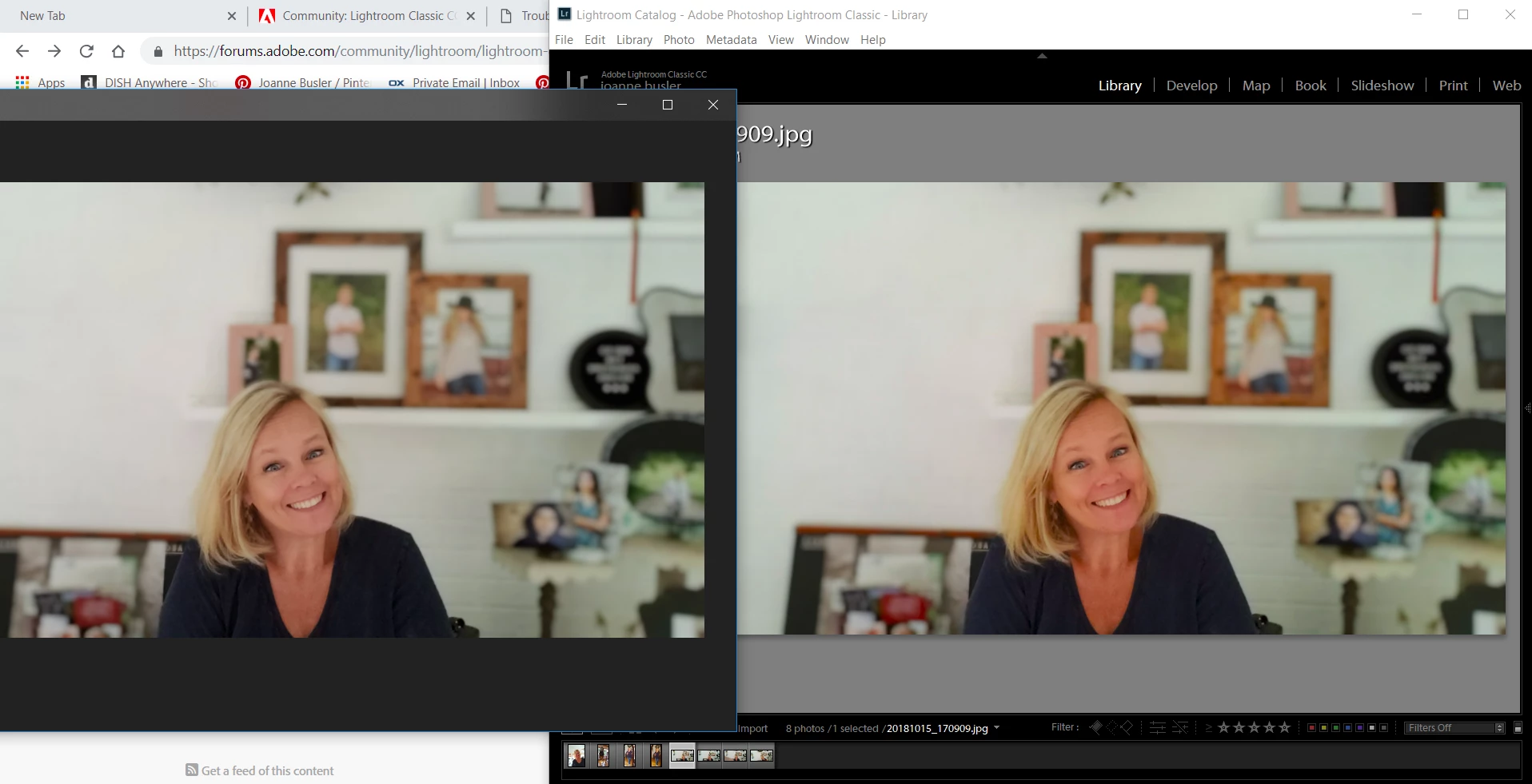
colors rendering very different in Library and Development v. export .jpg in sRGB
  • October 16, 2018
  • 2 replies
  • 227 views

On the left is a jpg that wan imported straight from my phone to my harddrive.  On the right if the same jpg image imported in LR from my phone.  I shoot Canon normally but for this test I used my phone so this image started out as a .jpg file.  I made zero adjustments in Develop and exported in with sRGB color space and it rendered almost identical to the image on the left.   If this matters, on import I usually copy the Raw photos as a DNG.  And they appear with very similar skin tones.  This makes editing a guessing game and it's not fun.  Does anyone have a suggestion of what setting might be doing this?

    This topic has been closed for replies.

    2 replies

    TheDigitalDog
    Inspiring
    October 16, 2018

    We absolutely need to know what application you're viewing the image outside of Lightroom. Lots of Window Applications are not color managed as D Fosse writes and that alone could be the issue. Doesn't matter if you export in sRGB or not, if that application isn't color managed, don't expect a match.

    Author “Color Management for Photographers" & "Photoshop CC Color Management/pluralsight"
    D Fosse
    Community Expert
    Community Expert
    October 16, 2018

    joannebusler  wrote

    On the left is a jpg that wan imported straight from my phone to my harddrive.

    That's not the point. The point is what application you are using to view the file, and whether it is color managed or not.

    Lightroom is color managed and uses your monitor profile to represent the file correctly on screen. Windows Photos (if that's what you're using) is not, and just passes the original RGB values to the screen uncorrected. A difference is expected.

    However - a color managed display pipeline depends on a valid monitor profile, that is, one that correctly describes the display's actual, current behavior. A calibrator will give you that. If the monitor profile is defective or corrupt, Lightroom will also display incorrectly.

    I can't say which is correct here. I agree that the version on the left looks more natural, so it's possible you have a bad monitor profile.