


Constant graphical glitches and crashes in Lightroom Classic 13.2
- 6 replies
- 1625 views
- Translate
Hi all,
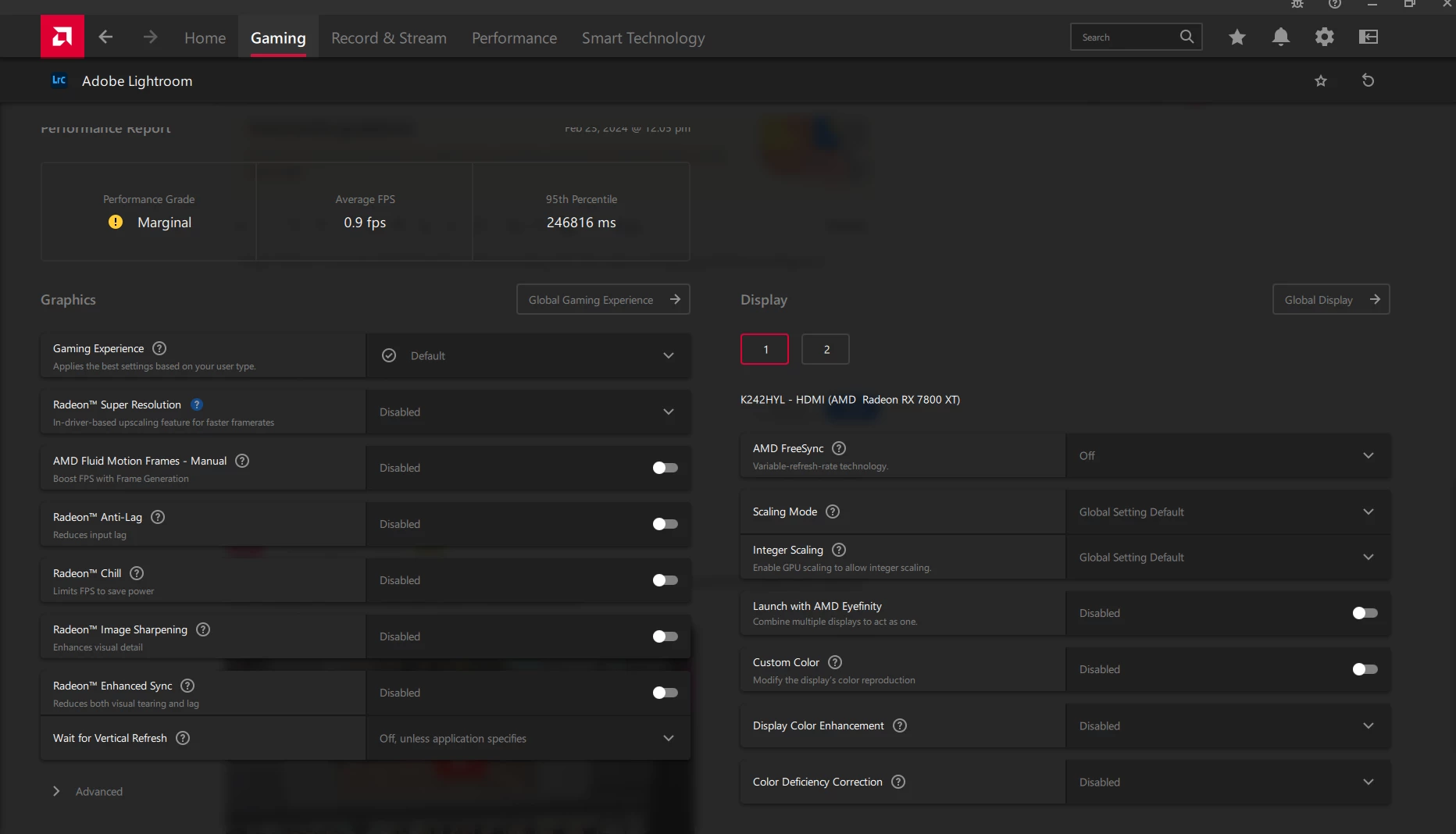
I'm having problems with Lightroom Classic (13.2). As above, I keep getting black-screened then after a few seconds it shows Lightroom again with a 'Sorry, an error occurred' notification. After clicking 'send error report' Lightroom closes and I get another pop-up from AMD telling me a driver hang occurred.
I've exhausted all support options with AMD and have followed all of their checks and advice.
As a last resort, I reset my PC and reinstalled fresh versions of everything, ran every Windows update until there were none left (apart from the KB5034441 one which doesn't install, a known issue).
The crashes seemingly occur randomly, sometimes when just clicking the next photo to edit in the timeline, but more often than not it happens while trying to create or edit a mask. Until today, it only happened as above with the black screen, but this morning I'm now seeing graphical glitches, even when simply selecing photos in the timeline.
I know it's GPU related because it says so in the crash report. I can' t upload the txt file because it won't let me.
I just have no idea why it's doing it or how to fix it. It's never happened in the past either, it just started happening about a week ago.
On one photo, I clicked to 'select people' as a mask and before the mask was even generated a huge black and white circle covered the photo, what's interesting is that it was also visible on the timeline version of the image.
It crashed, and when I reloaded, all of my images looked magenta! It's just bizarre.
I've reported it to Adobe and AMD each time it's popped up with the prompt to do so, but I have no idea if or when a fix will come, and I really need to get my work done as I have a deadline.
If anyone has any ideas I'd really appreciate it. I'm going to rollback to the previous version of Lightroom but other than that I'm all out of ideas 😢
System info:
Motherboard: ROG STRIX X570-F GAMING
RAM: Corsair vengeance 32GB
CPU: AMD Ryzen 5 3600X 6-Core Processor, 3793 Mhz, 6 Core(s), 12 Logical Processor(s)
GPU: AMD Radeon RX 7800 XT
SSD: Seagate FireCuda 510 1TB Gaming SSD
OS: Windows 10
 AdChoices