


Question
"Convert photo to DNG..." does not remove xmp file
Description
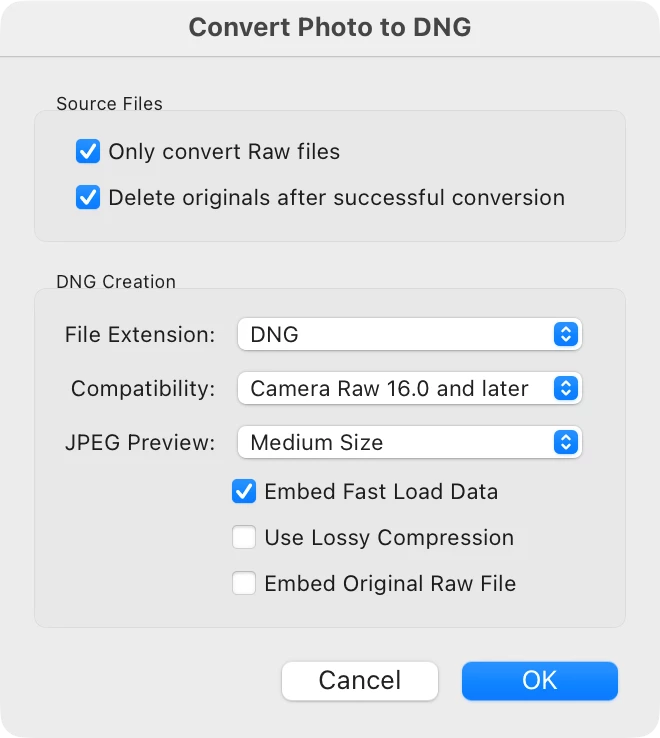
The menu action "Library" → "Convert photo to DNG..." removes the original raw file but does not remove the associated xmp file.
Lightroom Classic version number
15.3
OS Version Number
macOS Tahoe 26.5
Camera Model
Sony ILCE-7RM4, firmware V1.20
Step-by-step Reproduction Instructions
- Import raw files from camera with option "Copy"
- Select all imported raw files
- Use menu item "Library" → "Convert photo to DNG..."
The Expected Result
Inspect the folder where the raw files were located. It should show the DNG files.
The Actual Result
Inspect the folder where the raw files were located. It shows the DNG files and also the xmp files that were associated with the now deleted raw files.
 AdChoices