
Known Participant
March 27, 2023
Question

Corrupt files after import

  • March 27, 2023
  • 1 reply
  • 343 views

Hello ,

when i open my library i see my photo's (raw) like this
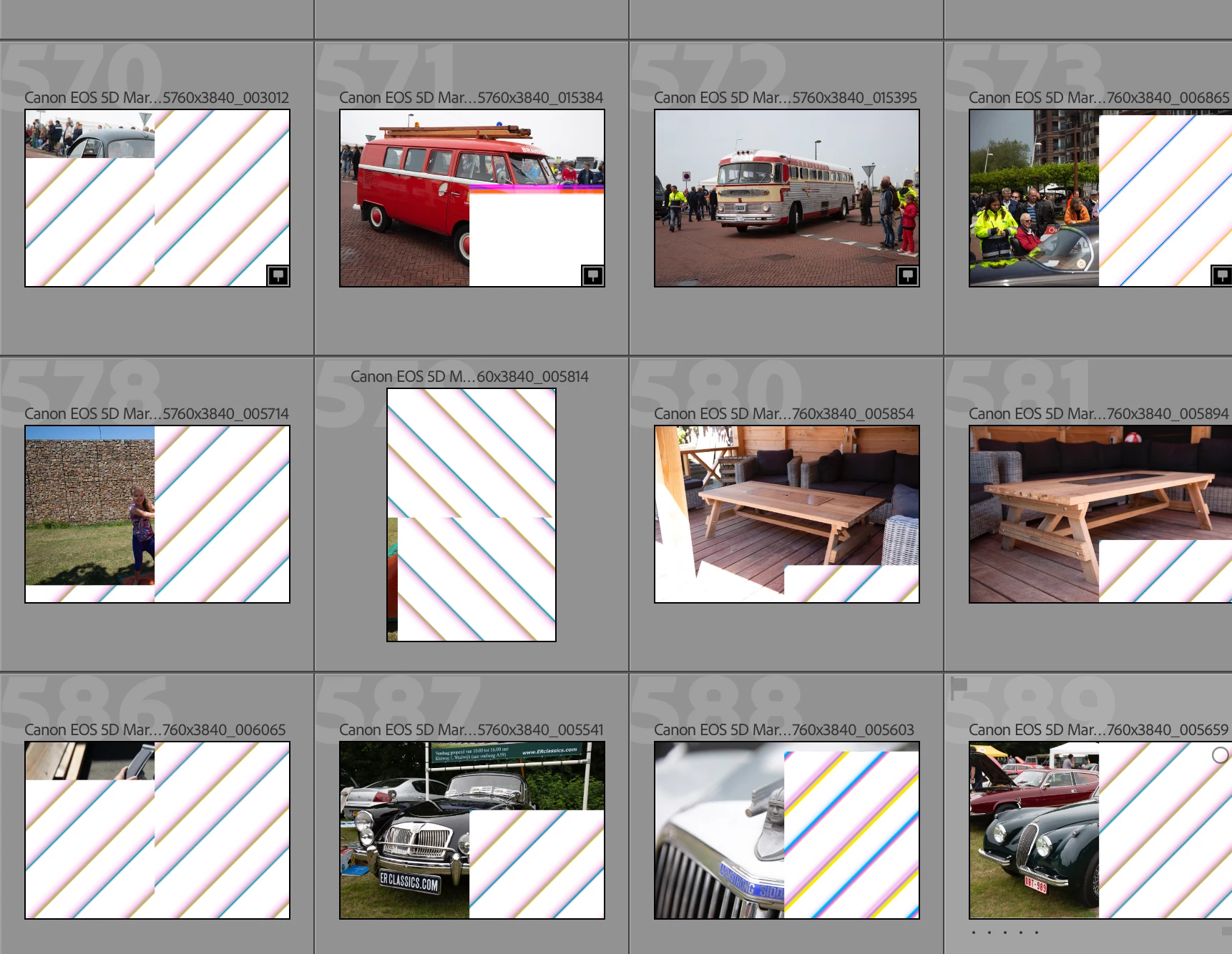
But when i open them via "show in finder" they look like this photo

And when i open the file in photoshop it looks like this
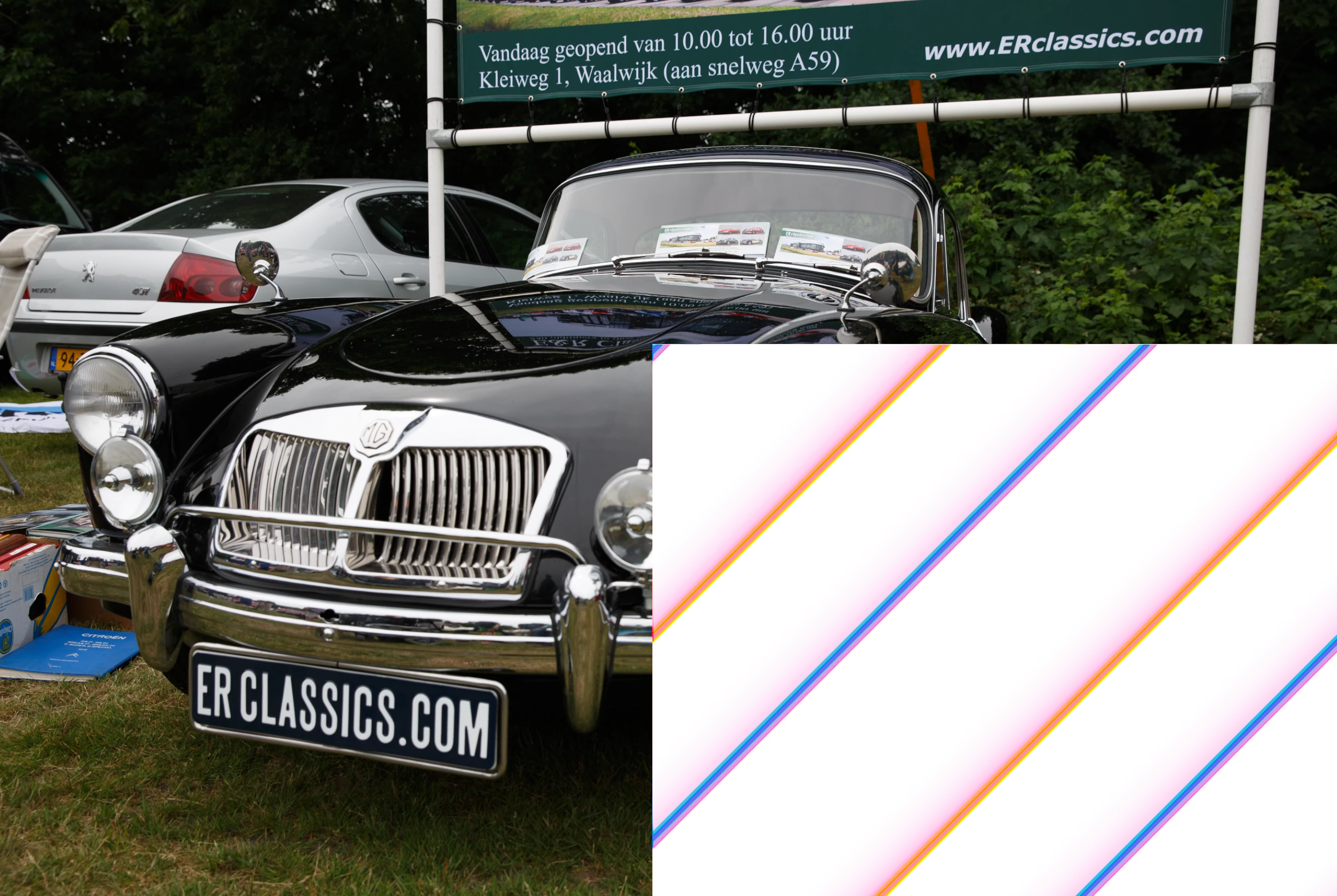
 

Can someone tell me what is going on here please ??

This topic has been closed for replies.

1 reply

Rikk Flohr_Photography
Community Manager
March 27, 2023

Finder shows you a small embedded JPEG where as Lightroom / Photoshop show you a rendering of the raw file. In this case, the data is corrupt. It could be a bad card, a bad drive, a bad cable, a bad reader or some other hardware issue. The recommendation is to start eliminating hardware components in the hopes you can find the defective (or not connected correctly) component. 

Rikk Flohr: Adobe Photography Org
Known Participant
March 27, 2023

i ruined the drive (nas) and i had to put everything manually back. it was a really big mess, timestamps wrong, photo's missing etc. etc. 
is there a way to extract ALL the jpeg photos at once from the raw files ?

Rob_Cullen
Community Expert
Community Expert
March 27, 2023

Two points-

1) There are LrC plugins that extract JPGs from the Previews, BUT no good for you as you have corrupt Previews!

2) An App, as in the link, may be able to extract the JPGs from the original files- (Not tested or used. Not an endorsement.)

http://www.fsoft.it/ERawP/


Regards. My System: Windows-11, Lightroom-Classic 15.3, Photoshop 27.5, ACR 18.3, Lightroom 9.3, Lr-iOS 10.4.0, Bridge 16.0.3 .