This topic has been closed for replies.
Correct answer JP Hess

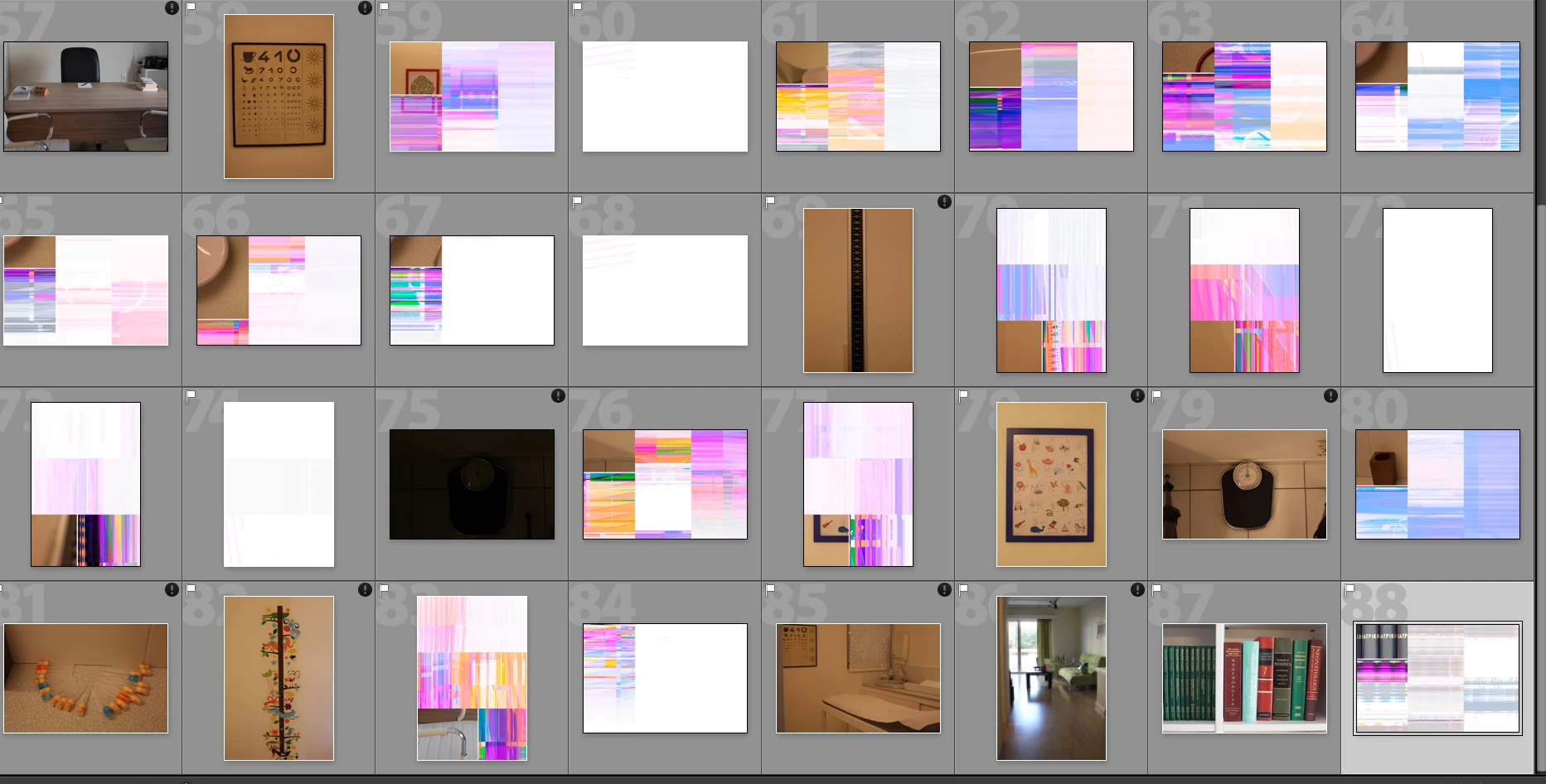
This is a hardware issue, most likely. Try a different card. If that doesn't solve the problem  then it could be a hard drive that is failing, or a bad cable if you are connecting your camera to the computer, or a bad card reader.

2 replies

Randy Hufford
Community Expert
Community Expert
January 12, 2017

Hopefully you still have the memory chip with the images on it. If so plug in memory chip and try coping images directly thru your Operating system as compared to thru import thru Lightroom. Let me know if your still see this issue? Also when chip is in camera, do you see this issue on the preview screen of the camera?

JP Hess
JP HessCorrect answer
Inspiring
January 12, 2017

This is a hardware issue, most likely. Try a different card. If that doesn't solve the problem  then it could be a hard drive that is failing, or a bad cable if you are connecting your camera to the computer, or a bad card reader.