
Question
Could not copy a file to the destination folder because it is not writable (51)
Hello,
I am working with the latest update to Lightroom classic and I am getting this error when I try to import from my SD card. I have gone through and made sure that I have privileges in system settings on my 2024 MacBook Pro. I have imported before and had no issues. I can't figure out why I'm getting this error.
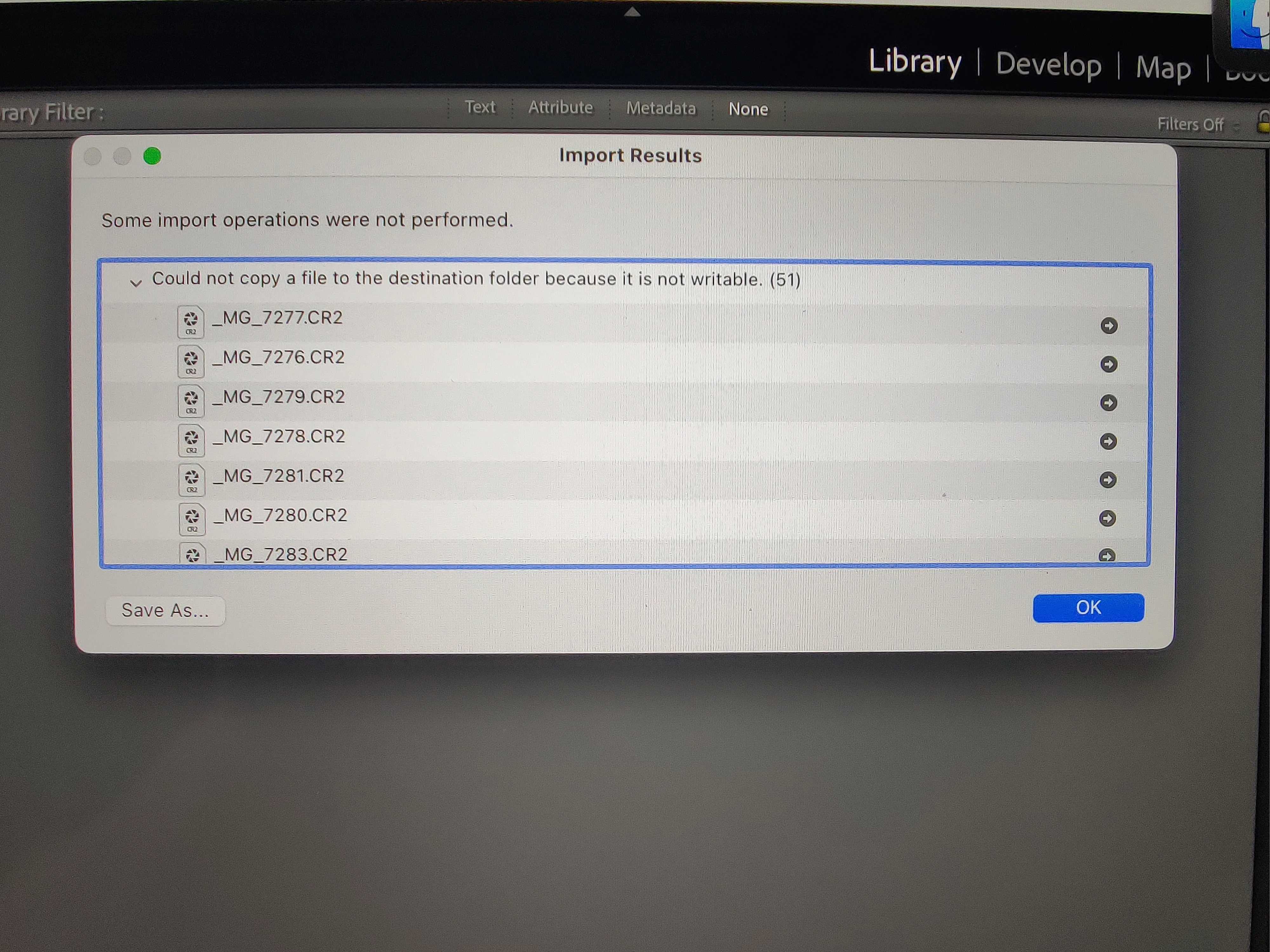
I've looked at previous posts with this issue and some of them can't get it fixed either.


 AdChoices