
Creative Cloud App does not detect Lightroom Classic 11.0
After updating Lightroom to version 11.0 I can not longer find the app among the Installed Apps list inside the Creative Cloud App (which is version 5.6.0.788 on my PC).
For reference: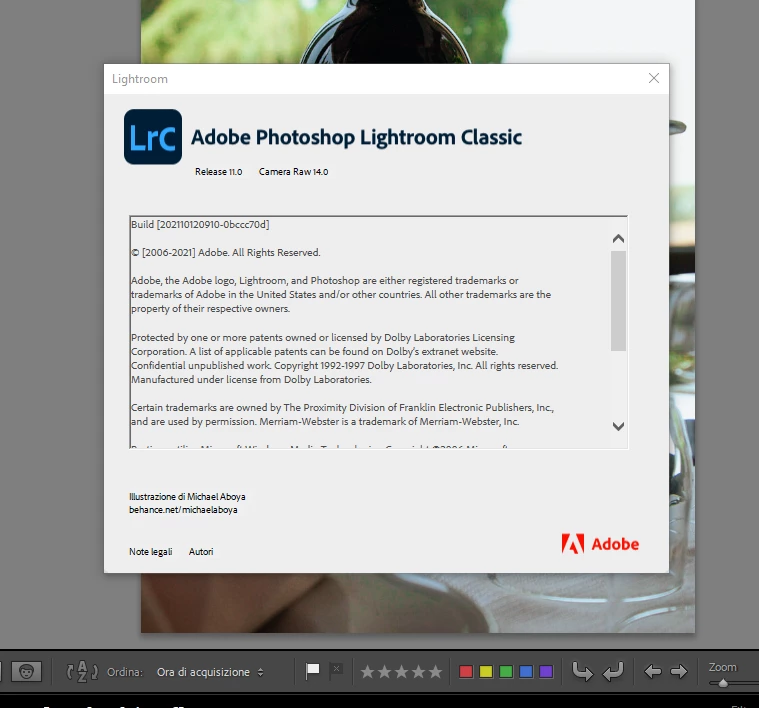
Installed Lightroom Classic is listed as Release 11.0
Meanwhile inside the Creative Cloud Desktop App: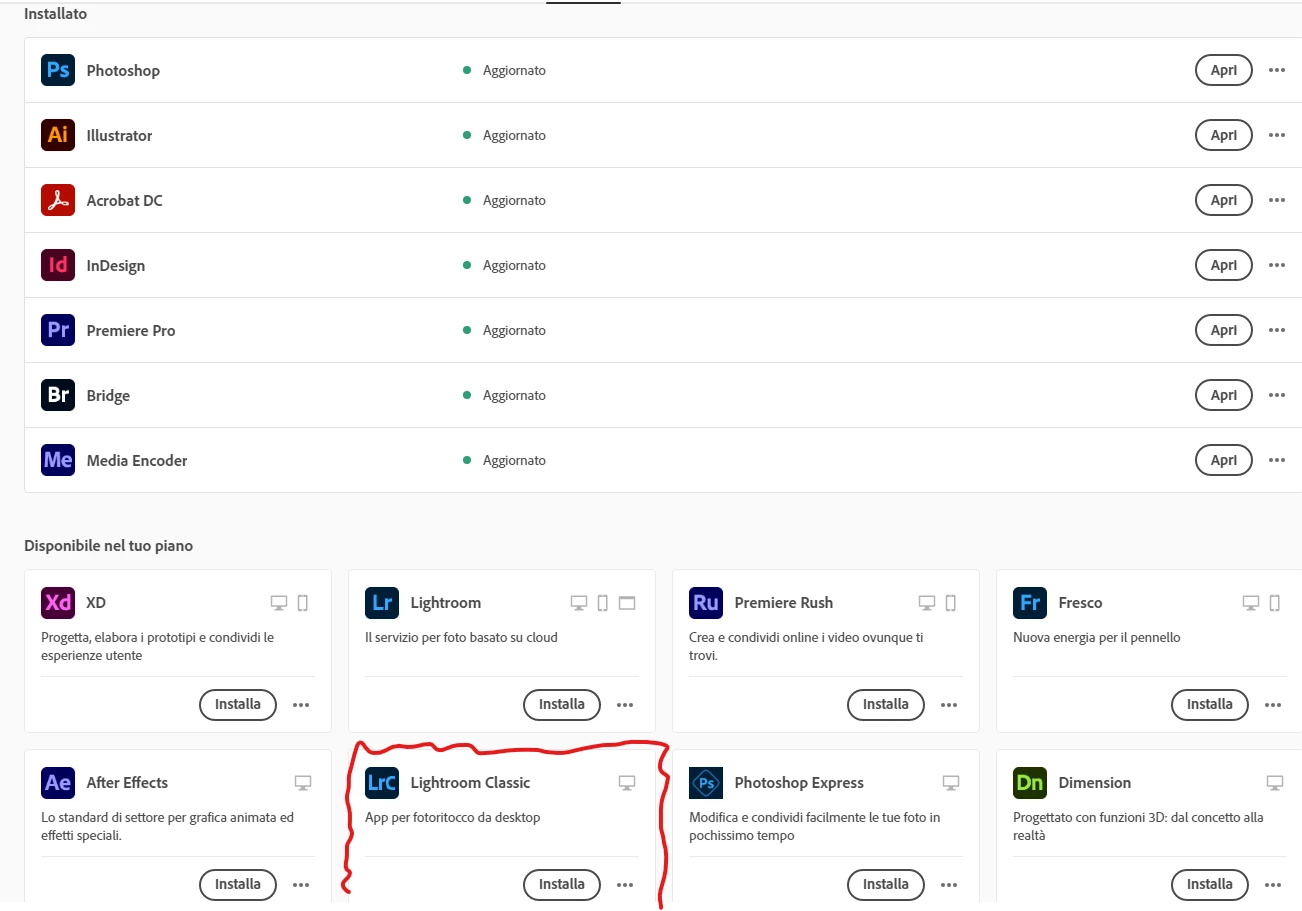
As you can see Lightroom Classic is not in the Installed Apps list, but it is available for download.
The latest listed version available for download is release 10.4.
I can open and use Lightroom Classic normally if I launch the app directly. The only problem is with the Creative Cloud Desktop App.
I had the same problem with other apps which I solved disinstalling them from the Windows Apps Settings (as Creative Cloud would not see them) and installing the most recent available version. I didn't do the same with Lightroom in fear there could be conflicts with the the Catalog format.
Can anyone help me with this issue?
 AdChoices