


Question
Creative Profile Creation- Easy with ACR
With a little reading about the SDK I have found that creating Creative Profiles is very easy (even for a 'newbie' to profiles) with the updates to Classic 7.3 and Adobe Camera Raw.
https://adobe.com/go/profile-sdk
1. Open a raw image with Adobe Camera Raw (Photoshop)
2. Edit in ACR for any creative look you want. (Tones, Curves, etc)
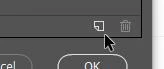
3. Select the Presets icon on the module bar in ACR, then [ALT+Click] on the "New Preset" icon (lower right corner)
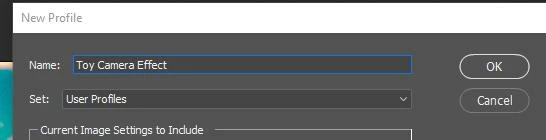
4. Give your Creative profile a name and save [OK].
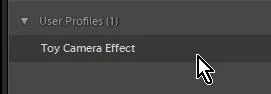
5. Restart Lightroom to have it appear in User Profiles group.
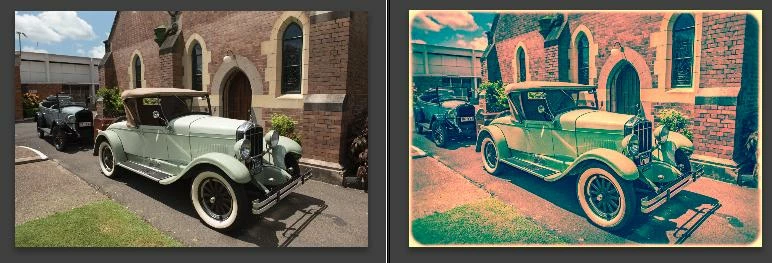
Screen-clip Right image is with only my new Profile applied to the Left original- no editing done in LR.
 AdChoices