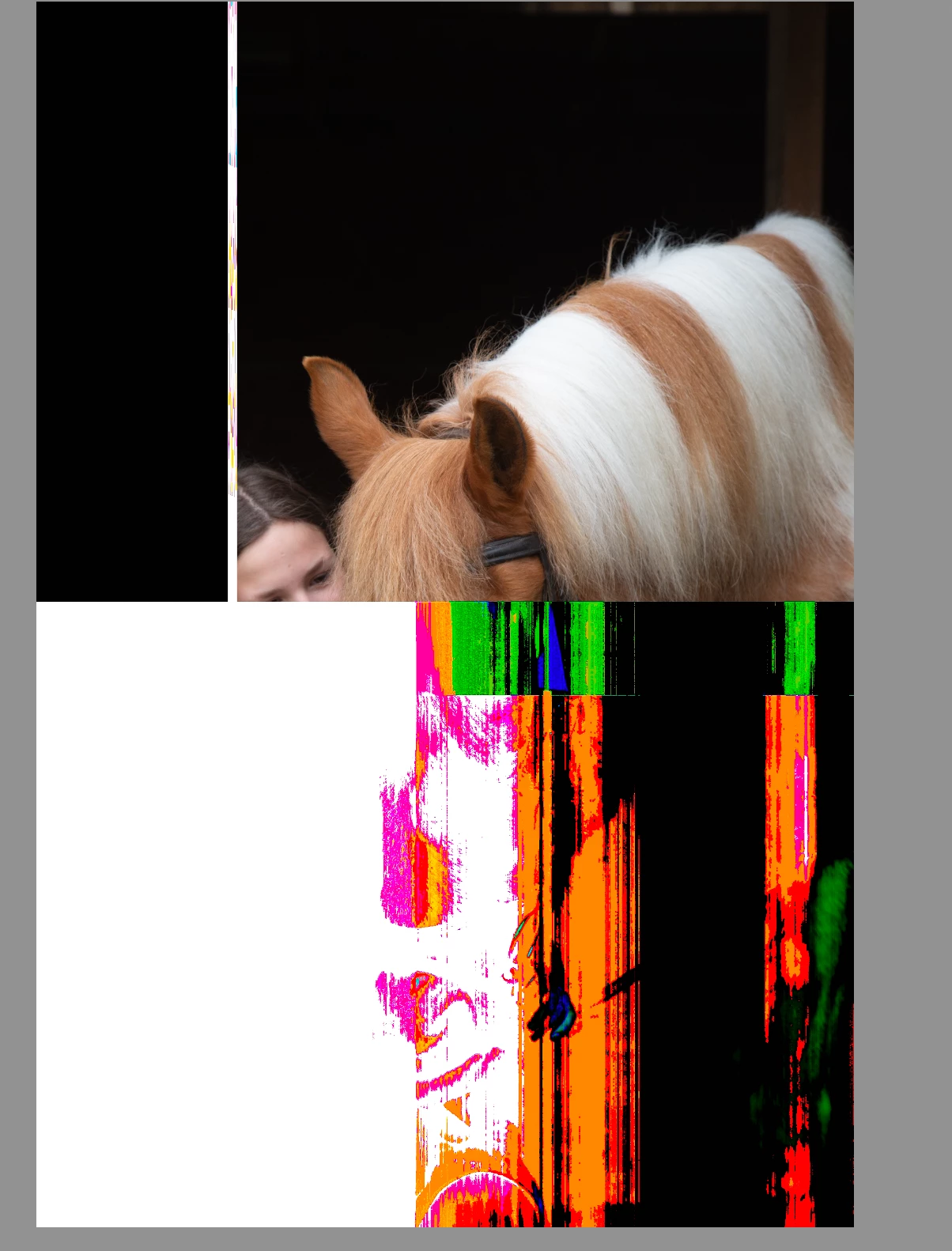
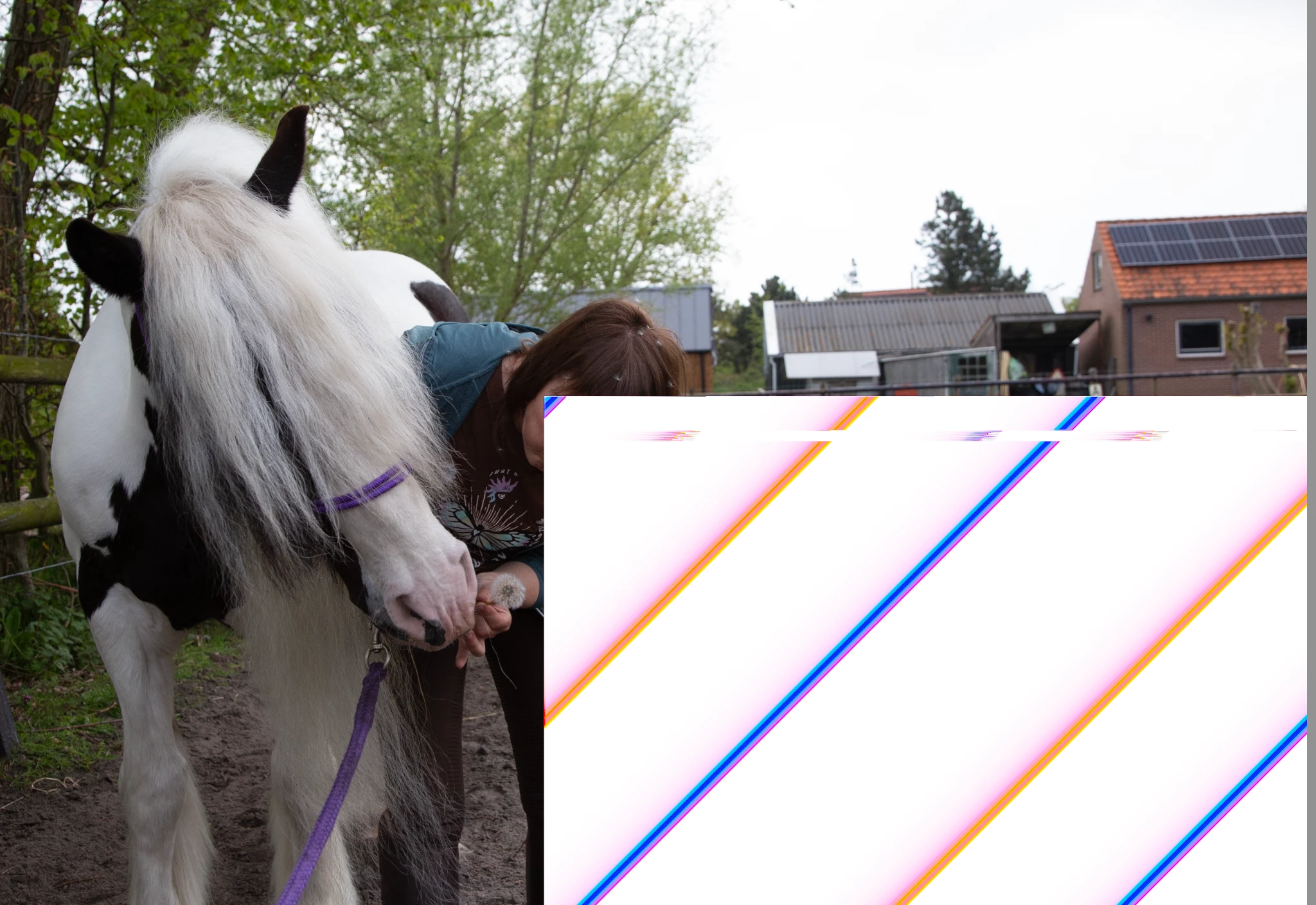
If this only appears on a few images, they will likely be corrupted. Try going back to the original card and try importing again.
This looks to me like the originals are corrupted. So be very careful before making any more captures, check the card reader, cable etc.
This is the next step if this shows up on many images and you've discovered the images are not corrupted.
First, try disabling GPU in the preferences (Performance) or alter the settings. Any better?
If turning OFF the GPU works, it's a GPU bug, and you need to contact the manufacturer or find out if there's an updated driver for it. This is why disabling GPU is an option as more and more functionality moves to the GPU in newer versions of many Adobe products. Disable third-party graphics accelerators. Third-party GPU overclocking utilities and haxies aren't supported.

 AdChoices