
Participant
December 8, 2022
Question

Date for scanned pictures not showing

  • December 8, 2022
  • 2 replies
  • 1406 views

I need Date Created to show in my metadata all the time. How do I do that for scanned pics?
If the pic is from a digital camera, all is fine:
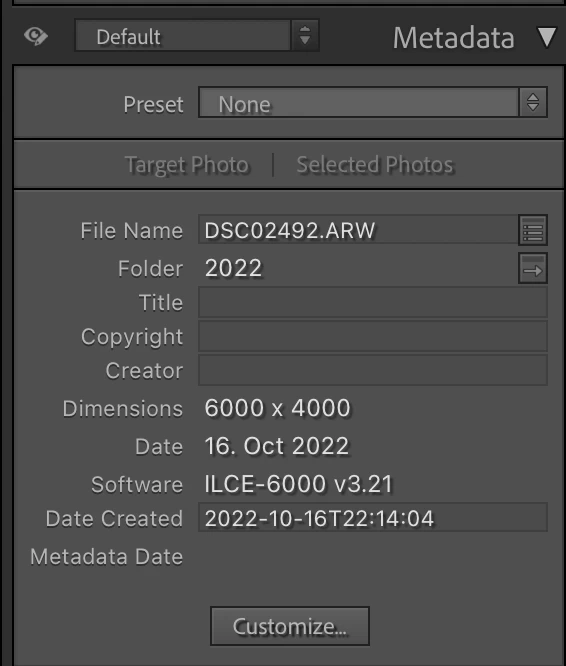

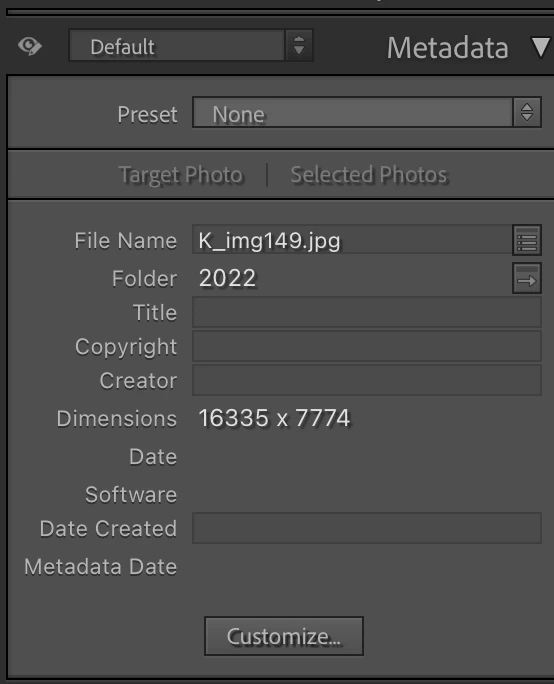
For my scanned pics I have no way to show it. What I currently do, is look at the name of the image, then go to my MAC Finder, search for that name, and look at the time stamp of the file. So, I'd like to somehow see the file created timestamp on my Lightroom Metadata. How? I'me pretty sure it was there a few updates ago but no more!
 

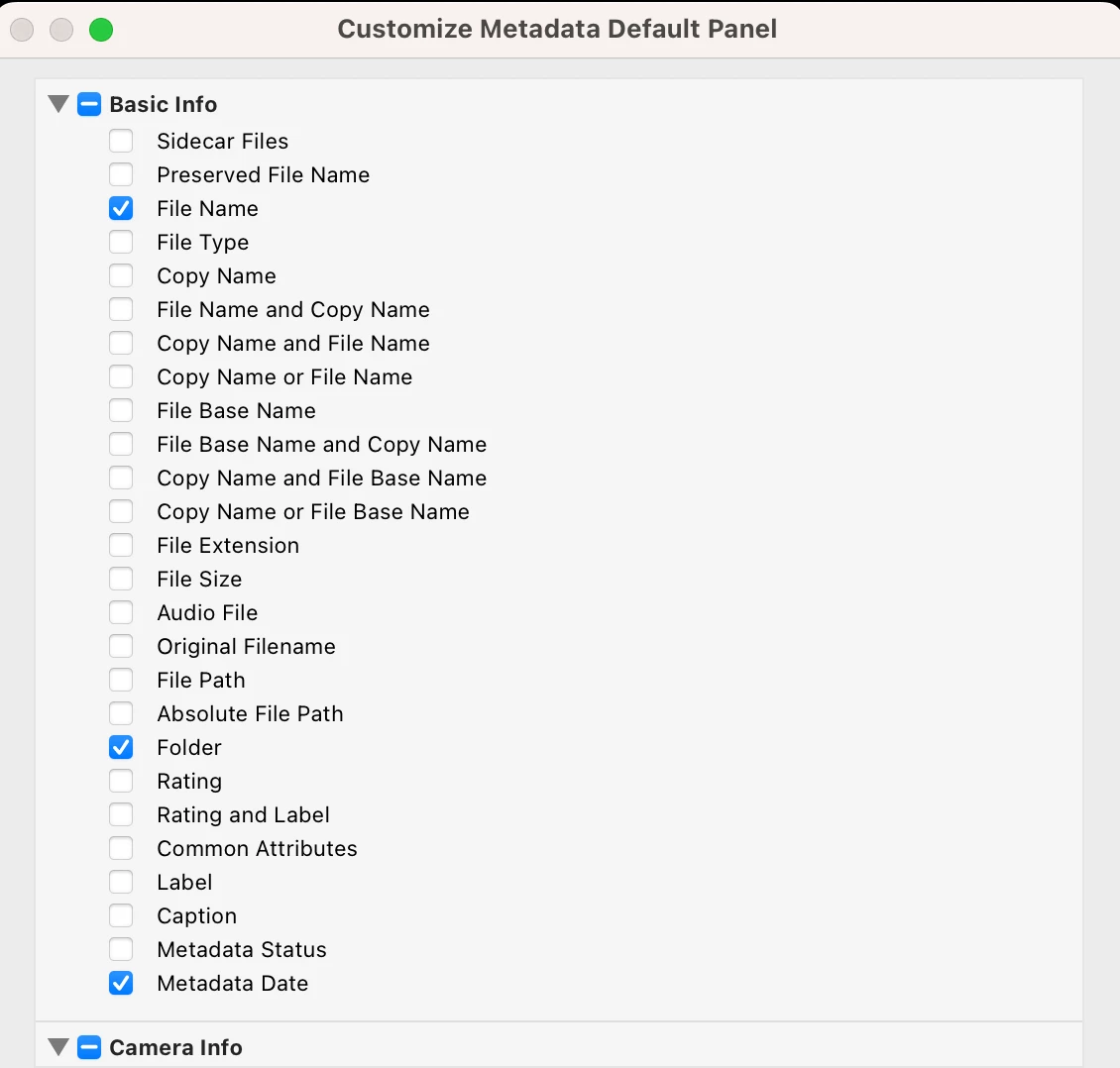
The Metadata Customize Panel also has all kinds of things including the file name, file size etc etc, but not file date. Why? That's what I need!


This topic has been closed for replies.

2 replies

F. McLion
Community Expert
Community Expert
December 8, 2022

- Mark all fotos needed

- Choose Metadata -> Edit Capture Time

- Select "Change To File Creation Date"


--- Got your issue resolved? Please label the response as 'Correct Answer' to help your fellow community members find a solution to similar problems. ---
Participant
December 8, 2022

Thanks. I want to select everything I've ever scanned + will scan in the future. Is that possible?

yamato713108855
Community Expert
Community Expert
December 8, 2022

こちらのページに設定方法があります。

https://helpx.adobe.com/lightroom-classic/help/metadata-basics-actions.html