


Date/time changes to today's date after Develop Module or metadata edit
I have noticed that LRC on macOS has started automatically replacing the photo date/time ("Metadata Date") to the current date/time as I edit, crop, add GPS or keyword. Most are JPEG but not all. This is just since the latest version of LRC 13.2. These are scans of older photos so I'm evendtually adding metadata and new dates but LR changing the dates everytime I add a keyword is making a mess. I have been doing this for years so I know this is not typical, possibly a bug?
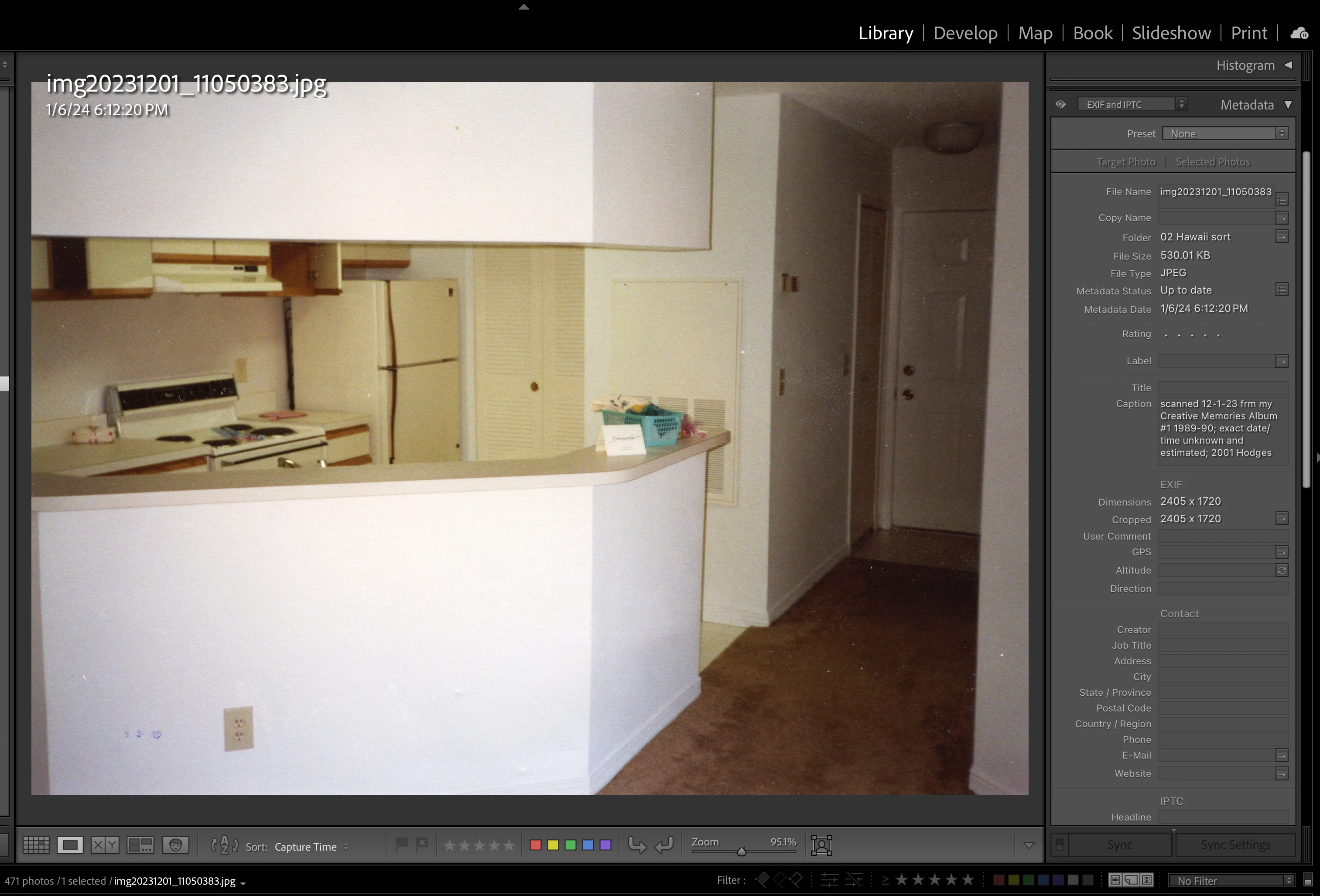
Here is a screenshot of a photo and metadata as it was after I scanned it but before I added a keyword with the "Metadata Date 1/6/24" which is the date it was imported.
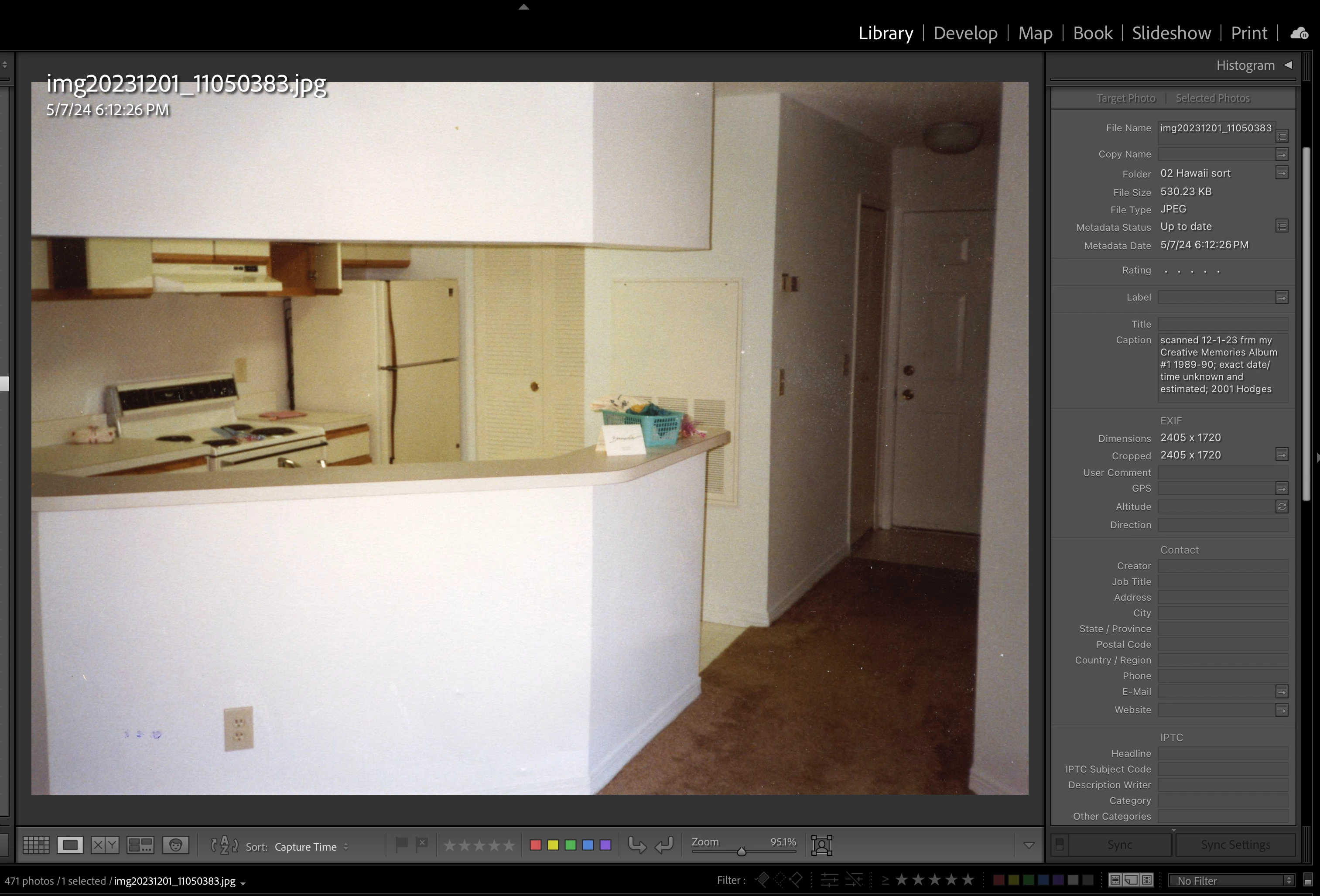
Here it is after, with the new "Metadata Date 5/7/24". I did not change the date. LR instantly replaced it with the time of the edits.
To verify this as unexpected behavior, I created a new cataloge with the same group of scans and tried the same edits in an older version of LRC (13.0.2). The results were as expected: the dates were unchanged by any developmental or metadata edits I made. They kept their dates (the date they were scanned or importe) unless I edited the capture time. Also, I didn't notice any changes in the format of the metadata fields listed in either of the LR versions.
Lightroom Classic version: 13.2 [ 202402141005-bf1aeb84 ]
License: Creative Cloud
Language setting: en-US
Operating system: Mac OS 14
Version: 14.4.1 [23E224]
Application architecture: x64
Logical processor count: 6
Processor speed: 3.7GHz
SqLite Version: 3.36.0
Built-in memory: 65,536.0 MB
Dedicated GPU memory used by Lightroom: 310.0MB / 8,192.0MB (3%)
Real memory available to Lightroom: 65,536.0 MB
Real memory used by Lightroom: 1,646.7 MB (2.5%)
Virtual memory used by Lightroom: 47,488.0 MB
Memory cache size: 420.9MB
Internal Camera Raw version: 16.2 [ 1763 ]
Maximum thread count used by Camera Raw: 4
Camera Raw SIMD optimization: SSE2,AVX,AVX2
Camera Raw virtual memory: 183MB / 32767MB (0%)
Camera Raw real memory: 185MB / 65536MB (0%)
Cache1:
Final1- RAM:35.0MB, VRAM:0.0MB,
Final2- RAM:14.0MB, VRAM:0.0MB,
Final3- RAM:33.0MB, VRAM:0.0MB,
NT- RAM:82.0MB, VRAM:0.0MB, Combined:82.0MB
Cache2:
final1- RAM:33.0MB, VRAM:0.0MB,
final2- RAM:14.0MB, VRAM:0.0MB,
final3- RAM:35.0MB, VRAM:0.0MB,
T- RAM:82.0MB, VRAM:0.0MB, Combined:82.0MB
Cache3:
m:420.9MB, n:133.6MB
U-main: 121.0MB
Standard Preview Size: 5120 pixels
Displays: 1) 5120x2880
Graphics Processor Info:
Metal: AMD Radeon Pro 580X
Init State: GPU for Export supported by default
User Preference: Auto
Application folder: /Applications/Adobe Lightroom Classic
Library Path: /Users/Amy/Pictures/Lightroom/Catalog - Backups - Settings/Aim's Lightroom Catalog-v13.lrcat
Settings Folder: /Users/Amy/Library/Application Support/Adobe/Lightroom
Installed Plugins:
1) AdobeStock
2) Aperture/iPhoto Importer Plug-in
3) Flickr
4) jf Geocoding Support
5) jf Metadata Wrangler
6) jf People Support
7) Luminar Neo
😎 Luminar Neo
9) Teekesselchen
Config.lua flags: None
 AdChoices