
Delay when applying a mask layer, toggleing the layer and clicking before and after of file.
For many months now I have been experiencing an issue when doing any one of the subjected issues (applying a mask layer, toggleing the layer and clicking before and after of file). A lagging that one at first might put down to a lack of CPU, MEMORY or Disk Space. However I am using an, Acer Swift x 14" laptop - intel® core™ i7, 1 tb ssd. With, Installed RAM: 16.0 GB (15.7 GB usable) a 64-bit operating system and ambient. Without Lightroom Classic open, my system processes sit at, CPU 2%, 40% Memory, 0% Disk and 0% Network.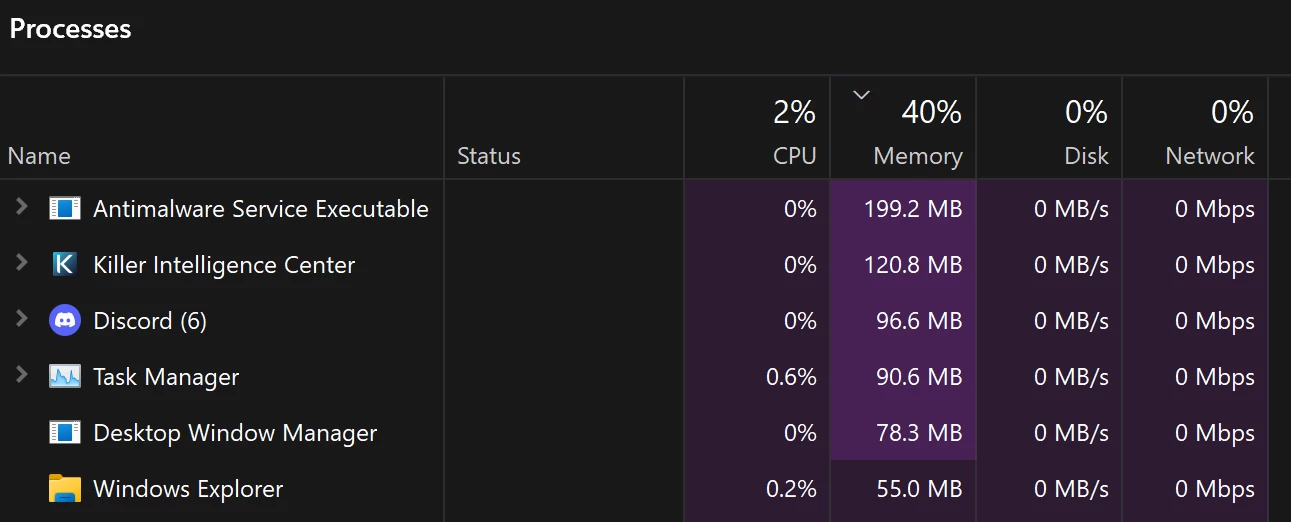
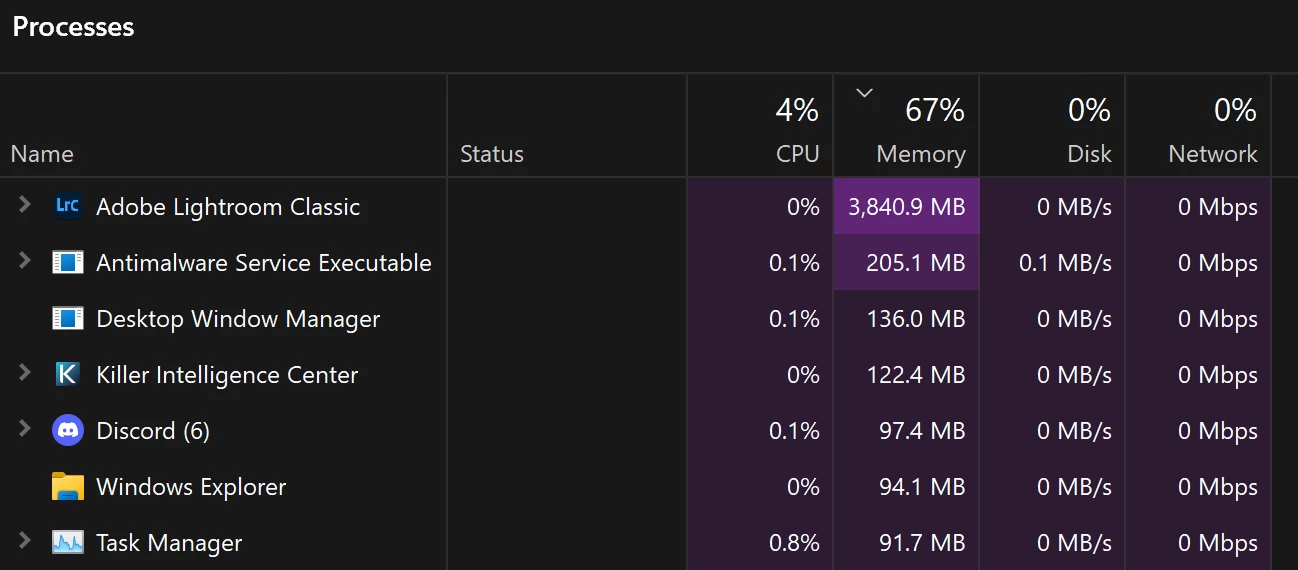
Once opened, this data reads at, CPU 4%, 67% Memory, 0% Disk and 0% Network.
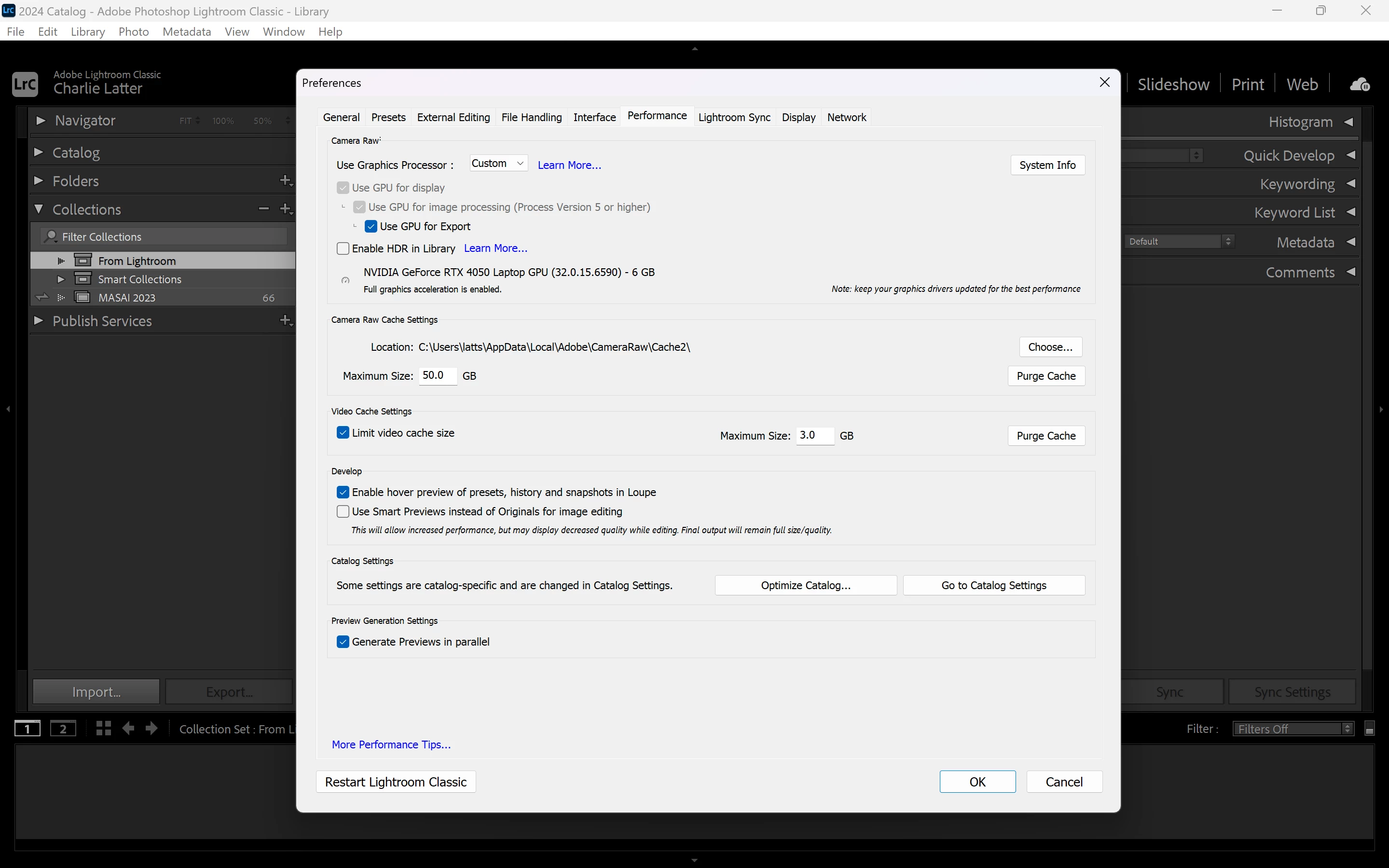
There has been various suggestions in multiple formums to look at Performance settings. I have custom Grapics Proccesor in use and I have set my Camera Raw Cache to 50GB.
Information about what I edit. I shoot RAW and JPEG files (at the same time) on a Canon R5. My average file size estimates at, 50GB. I have the up to date version of LrC and my system and Graphics card are also on the latest update.
Any and all assistance, will be greatly received - Charlie.


 AdChoices