Inspiring
February 22, 2020
Question

Delete image batch (pile, pack, stack)

  • February 22, 2020
  • 3 replies
  • 1342 views

Hello,
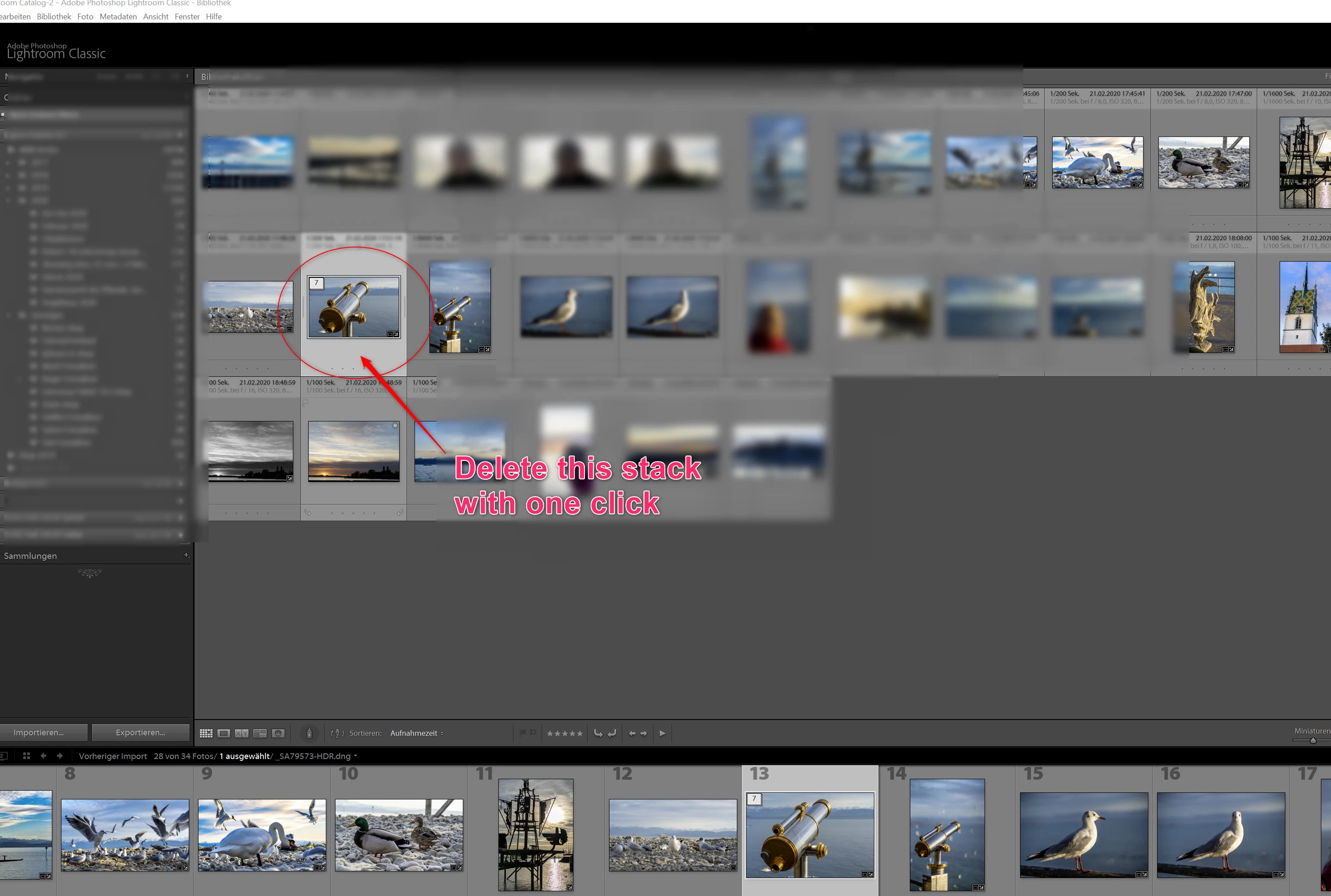
How to delete an entire batch (pile, pack, stack) or all the images in the batch (pile, pack, stack) with one click?

Thx a lot for your tips in advance!
This topic has been closed for replies.

3 replies

ThePhotoRonin
Participant
March 1, 2024

I FIGURED IT OUT!!  Here's how I mark images for removal and then am able to delete stacks (takes a few steps).

  1.  Part of my process is flagging or rating all of the stacks, with them all collapsed.  This only flags or rates the first image in the stack, not every image in that stack.  For example, I will go through a folder and mark each stack (the top image) with a rating or "reject".  This way all of the top images of the stacks have a rating or a "reject".  You can use a color or some other identifier, but you WILL need to have a difference between the rejected ones and the ones you want to keep for the top of the stacks.
  2. I then filter the view only on the "rejected" images.  While this only then shows (technically) the top image, I then select all in that view and choose "Expand Stack" (S).
  3. I go back to an unfiltered view, and only the rejected stacks have been expanded.  I then filter the view on all "unrated" images (if you're using a color it would be all "uncolored" images).  What this does is hide all of the stacks that are rated (or colored) including the images under the top ones.  What I'm then left with is only the images stacked under "rejected" images.  I can then select them all and choose "reject".
  4. Delete rejected photos!
Bob Somrak
Legend
February 22, 2020

I don't understand.  "x" just marks it as reject flag.  It does't delete.  "p" is for pick flag and "u" is for unflag.


You can delete the selected photos just by hittig the "delete" key.

M4 Pro Mac Mini. 48GB
OilingaAuthor
Inspiring
March 5, 2020

Thank you for your feedback. You hit it

"U" was meant.

🙂

Bob Somrak
Legend
February 22, 2020

If the stack is "closed" double click the stack icon in the upper left and the stack will open with all the photo selected.   Then delete.


If the stack is open double click the "1 of ?" (top of stack photo) icon in the upper left and all the photos in the stack will be selected.  Then delete.


Not one click but as good as you are going to get.

M4 Pro Mac Mini. 48GB
OilingaAuthor
Inspiring
February 22, 2020

Great. Thanks a lot for your quick answer.

Additional question, what is the keyboard shortcut to opposite when I choosed a picture to delete?

The other one from keyboard shortcut "x"?


Community Expert
March 1, 2024

X "reject flag". P "pick flag". U "unflag"


Once applied, X and P flags continue to operate independently of whether those images are still selected (highlighted) or not.
