
Known Participant
June 18, 2026
Question

Denoise fails with unexpected error

  • June 18, 2026
  • 2 replies
  • 0 views

When checking the "Denoise" checkbox in Lightroom Classic 15.4, an error occurs:
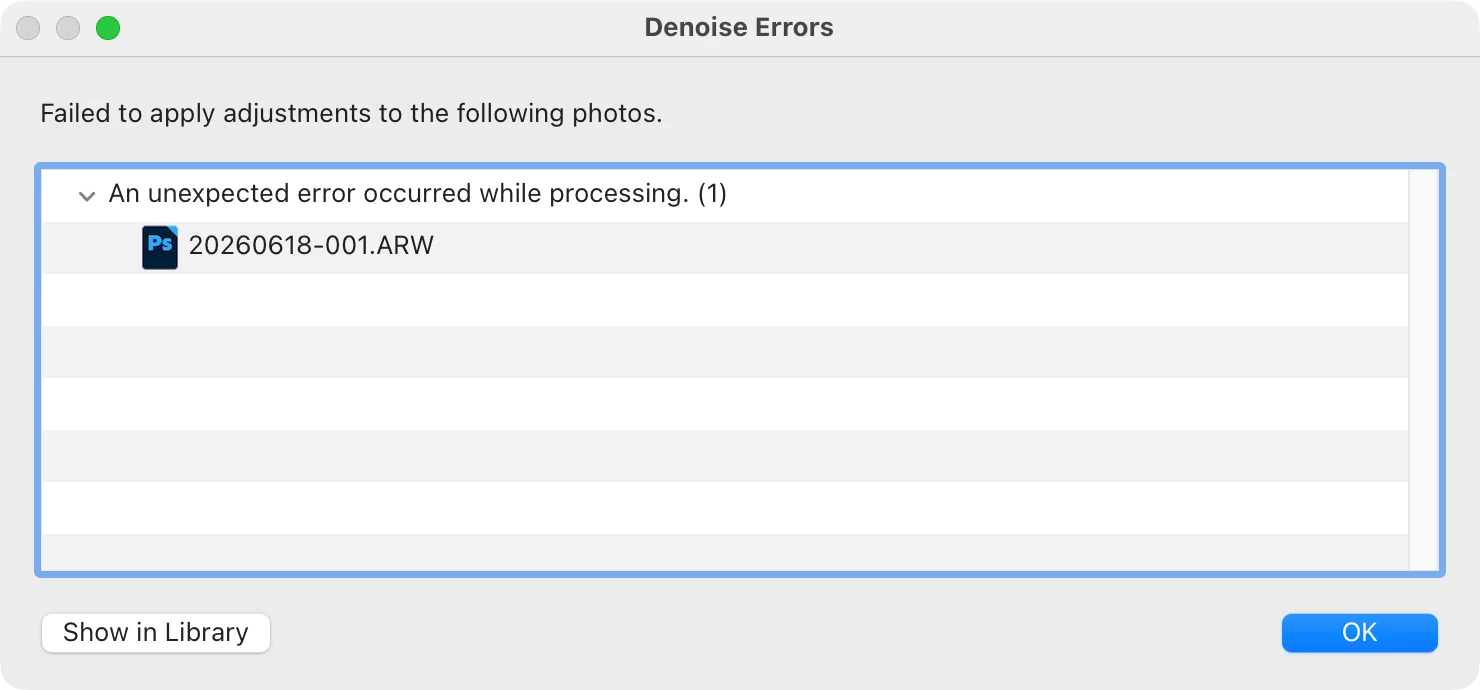
This occurs for a raw file from the Sony ILCE-7RM4 as well as for a raw file from the Leica Q3.

Lightroom Classic 15.4

macOS Tahoe 26.5.1

Apple Mac Studio 2022 (M1)

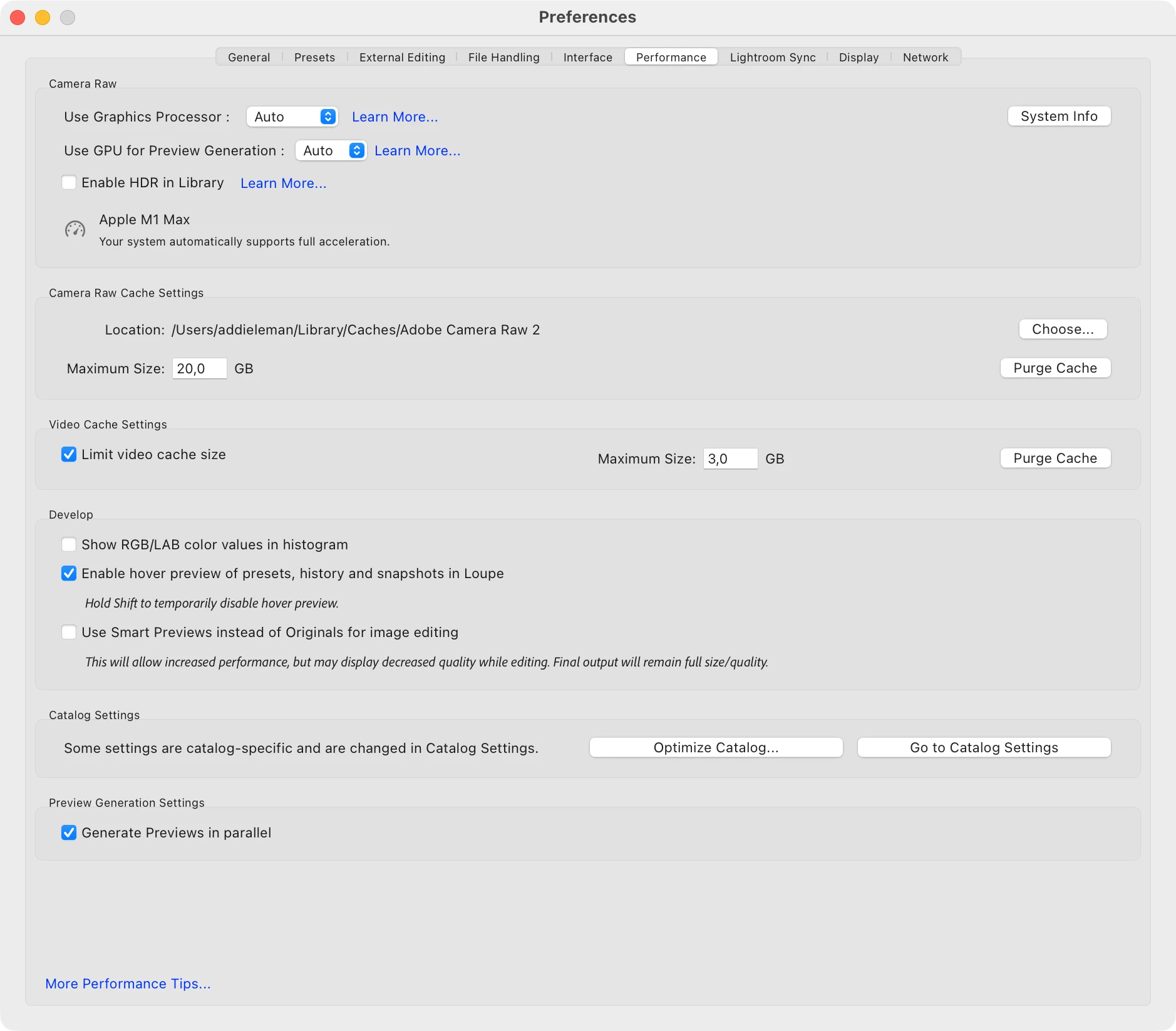
Here is a screenshot of the Performance of the Lightroom Classic Preferences:
 

    2 replies

    Rikk Flohr_Photography
    Community Manager
    June 18, 2026

    Thank you for the two sample files. 
     

    I downloaded both of them and imported them into an LrC 15.4 catalog. I’ve attempted Denoise on both files, and they both complete successfully.  I can also select both and run Denoise in batch, and both complete successfully.

    I am unable to reproduce your issue. 

    I am testing using a Mac M4 running Tahoe 26.5.1

    Rikk Flohr: Adobe Photography Org
    Known Participant
    June 18, 2026

    That's sad. Most likely my problem is caused by the older hardware of an M1 Mac Studio?

    Rikk Flohr_Photography
    Community Manager
    June 18, 2026

    It puts us firmly in the check out your system, unfortunately. 

    This procedure works for both Lightroom Classic and Lightroom Desktop.

    If you are using Lightroom Desktop, it can change your local storage location. Please review this setting after resetting preferences. 

    Reset Procedure:

    1. Close Lightroom.

    2. Hold down [Alt/Opt]+[Shift] while restarting Lightroom.

    3. Overwrite the Preferences when prompted by the dialog.

    4. Close Lightroom.

    5. Restart Lightroom.


    If that doesn’t work:

    Clean Lightroom Install Procedure

    Close Lightroom

    Restart the computer

    Use the Adobe Creative Cloud App to uninstall Lightroom

    Restart the computer

    Install Lightroom via the Creative Cloud App without launching any other programs.

    Restart the computer

    Launch Lightroom

    Wait 5 minutes

    If that fails to correct the issue, the next test is to attempt the same using a different OS User ID to see if it works. A corrupt OS User Profile would be revealed by this test. 


    Rikk Flohr: Adobe Photography Org
    Rikk Flohr_Photography
    Community Manager
    June 18, 2026

    Greetings,

    I saw your post on Victoria’s blog. Thank you for reaching out to us here. 


    Is it possible to share one file from both of your cameras that exhibit the issue.  Please upload to a sharing service and DM me the link. 


    Thanks!

    Rikk Flohr: Adobe Photography Org
    Known Participant
    June 18, 2026

    Thanks, DM'ed you with the files requested.