davidb40506250
Participant
September 28, 2017
Answered

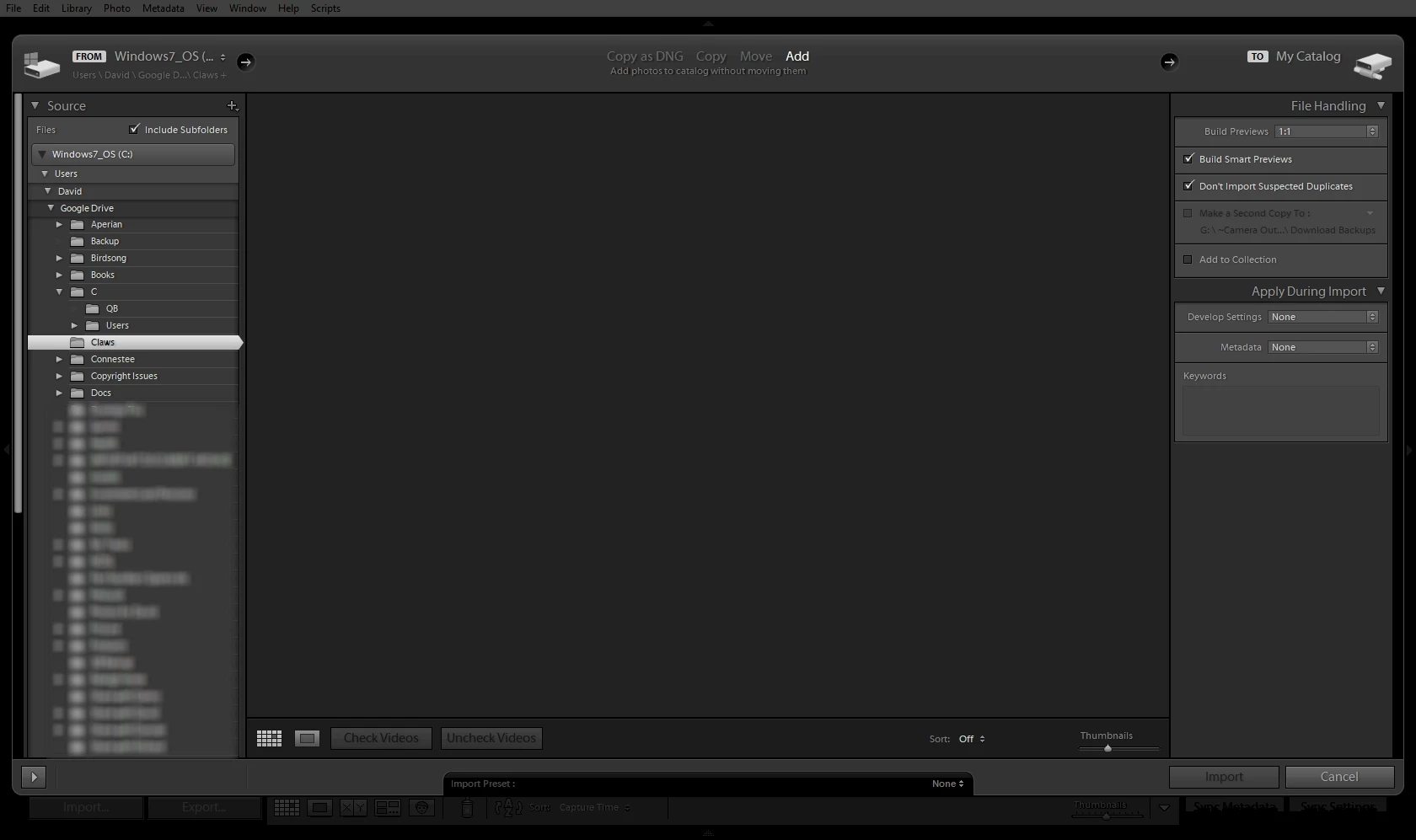
Despite all my efforts, my IMPORT panel is blank.
  • September 28, 2017
  • 1 reply
  • 521 views

I am using LR6.12 on a Windows 10 machine. Plenty of RAM and SSD etc. Despite everything I try, it cannot find images to import... anywhere! If I point to a folder with 5 JPGs in it (like the folder entitles 'claws' above)... and no videos, its blank in the import dialogue box. If I point to a SD Card with just RAWs on it, it cannot see them.

If I clear the 'Don't import suspected duplicates' box.... nothing, no improvement.

I am able to operate, using synchronize which I prefer.

I have reinstalled LR6.0 and then updated again to LR6.12 to no avail. Nothing works.

It seems that import is a constant issue. Can anybody help me work out what's going on here?

Many thanks

This topic has been closed for replies.
Correct answer dj_paige

Many thanks dj_paige - I read your comments and although it didn't directly drive me towards a resolution, it did, in fact, help me fix it.

There is a bug (shock horror) regardless of source, destination, content etc, if you don't click on the Destination drop down then there is nothing visible in the pane. The top right hand destination is not enough to turn on Import. The destination bar has to be 'touched'.

Thank you


But expanding the Destination panel is one of the things I suggested.

1 reply

Rob_Cullen
Community Expert
Community Expert
September 28, 2017

I am not acquainted with Google Drive.  I notice all the folders you are trying to Import are within a 'Google Drive' folder.

To be able to Import images in the LR catalog the images must be on an internal drive, on a connected external drive, or on a connected NAS.

If your photos only exist in the Cloud storage, you will not be able to import to the catalog.

This is all my guess as to an answer for your problem.

Regards. My System: Windows-11, Lightroom-Classic 15.3, Photoshop 27.5, ACR 18.3, Lightroom 9.3, Lr-iOS 10.4.0, Bridge 16.0.3 .
davidb40506250
Participant
September 28, 2017

Thank Wobertc..... Google Drive is a location on my HDD.... C:\Users\David\Google Drive

It doesn't work on my NAS, on my SD card or in "My Pictures"

Thanks for having a stab.

dj_paige
Legend
September 28, 2017