Participant
May 29, 2017
Answered

Develop module in Lightroom not working

  • May 29, 2017
  • 1 reply
  • 2647 views

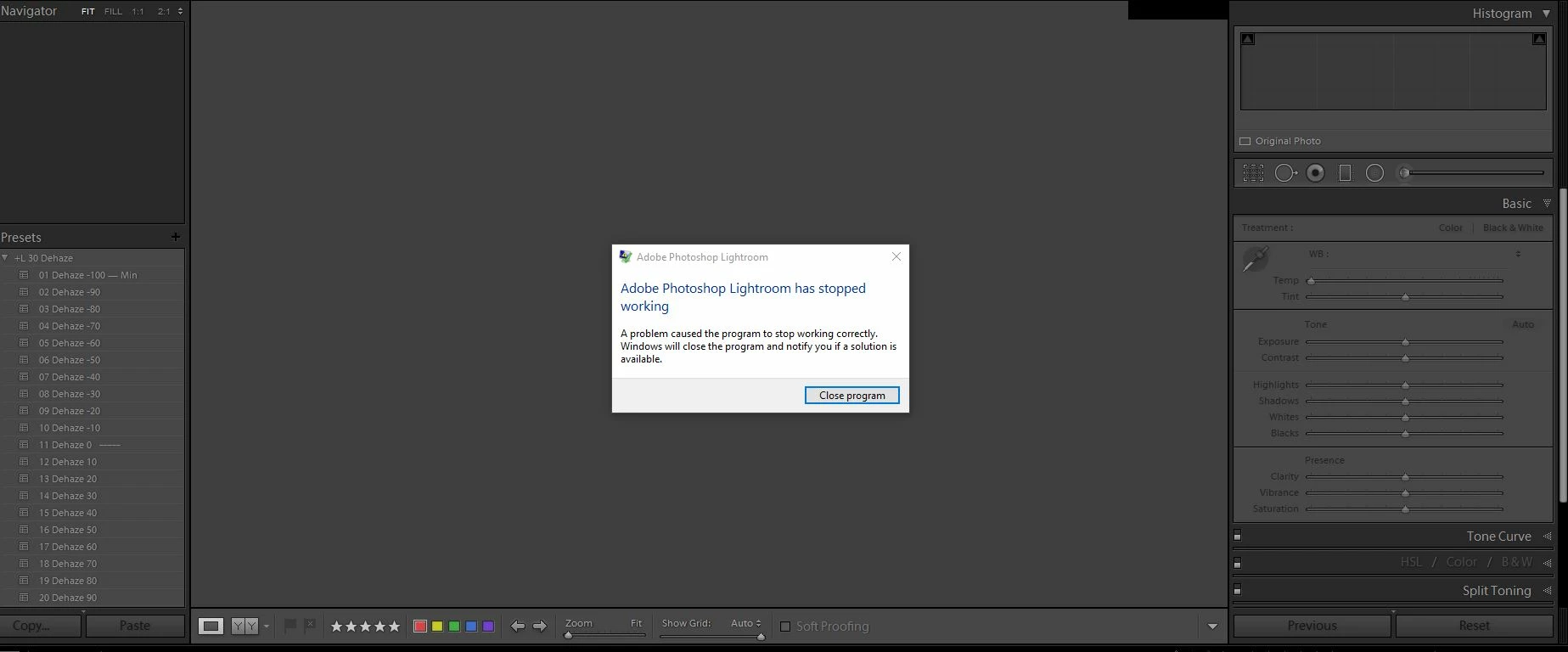
When I open lightroom it opens up to the develop module, it works fine, everything as usual. But when I try to go the the library module to select another photo then back to the develop module it fails to open. It gives me a notification saying that Adobe photoshop lightroom has stopped

working and then closes lightroom. I already tried restarting my computer and that didn't work. Please help! I attached a snapshot of what it looks like.
This topic has been closed for replies.
Correct answer F. McLion

Try deactivating the GPU acceleration: Adobe Lightroom GPU Troubleshooting and FAQ

1 reply

F. McLion
Community Expert
F. McLionCommunity ExpertCorrect answer
Community Expert
May 29, 2017

Try deactivating the GPU acceleration: Adobe Lightroom GPU Troubleshooting and FAQ

--- Got your issue resolved? Please label the response as 'Correct Answer' to help your fellow community members find a solution to similar problems. ---
Participant
May 29, 2017

That fixed it! Thanks so much! But wouldn't that slow LR down a little since it is not using the GPU?

F. McLion
Community Expert
Community Expert
May 29, 2017

GPU acceleration is of use only if you have a rather beefy GPU and if you have a 4k or lager monitor.

--- Got your issue resolved? Please label the response as 'Correct Answer' to help your fellow community members find a solution to similar problems. ---