TScholten15
Participant
June 1, 2017
Answered

Develop Module Photos Turn Black (or white) with GPU in Use

  • June 1, 2017
  • 1 reply
  • 5295 views

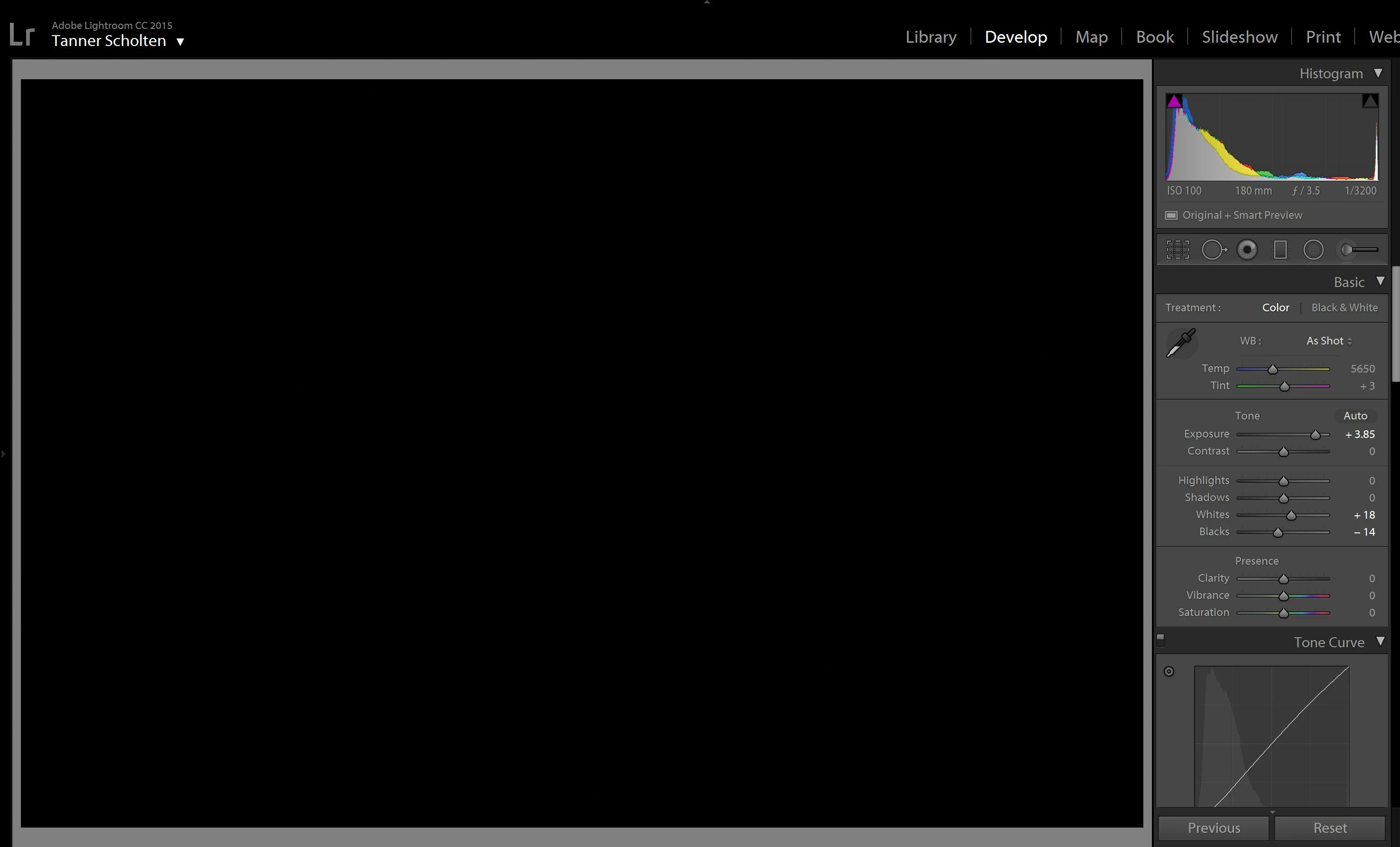
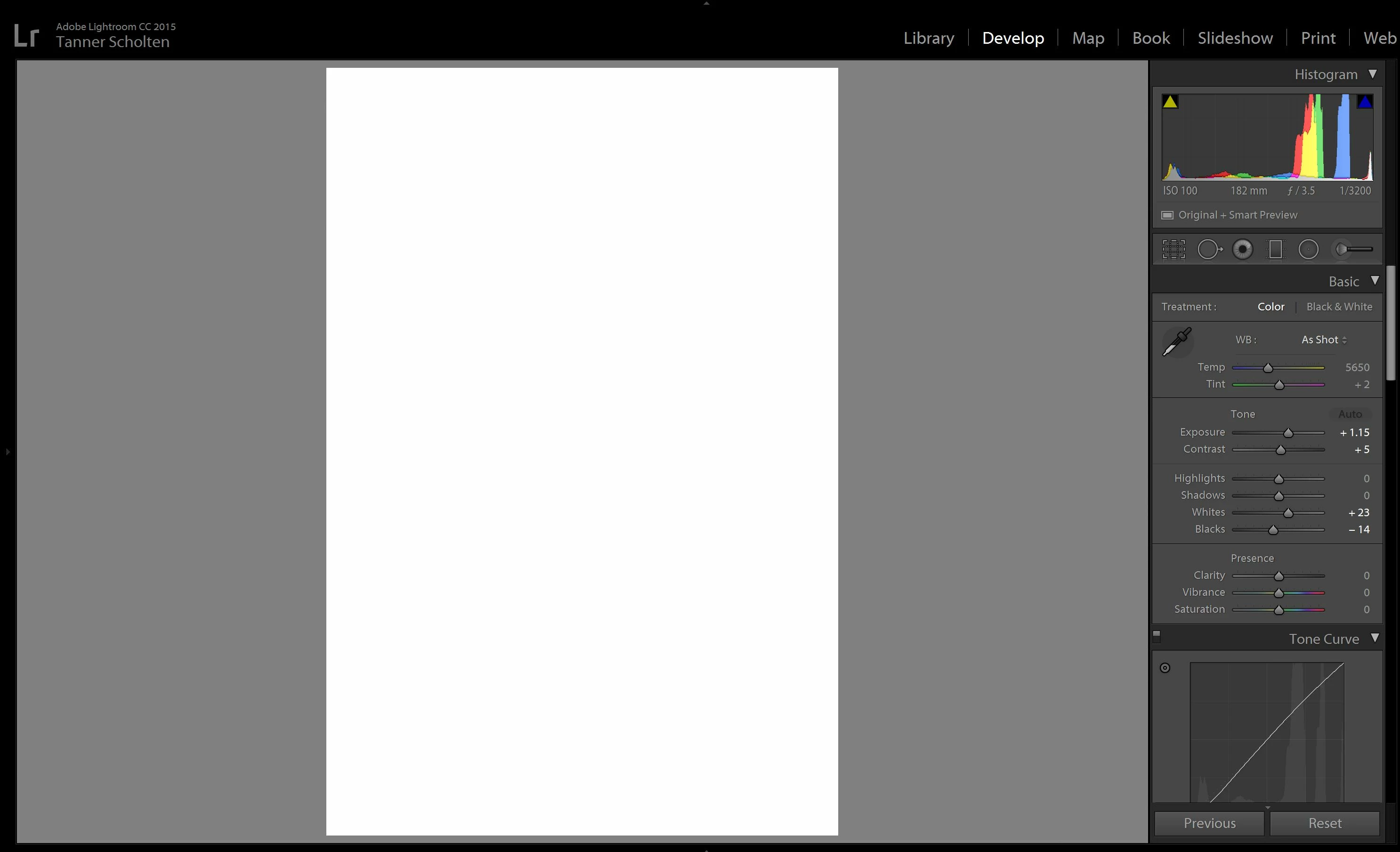
I was editing yesterday with no issues. This morning, when I switch between images in the Develop module, they turn completely white. Occasionally if I adjust a slider, they will instead turn completely black.

I did not install any updates to Windows, GPU drivers, or Lr between yesterday and the issue starting. I subsequently installed the latest NVIDIA driver and have confirmed that I have the latest Windows updates and current version of Lr.

Disabling Graphics Processor Acceleration fixes the issue every time, but obviously slows everything else down in the Develop module.

Any ideas on how to resolve this issue (other than hope that some combination of GPU driver and Lr updates will magically fix everything)?

Lightroom version: CC 2015.10.1 [ 1117303 ]

NVIDIA Driver Version: 382.33

Windows 10 Version 1607 Build 14393.1198
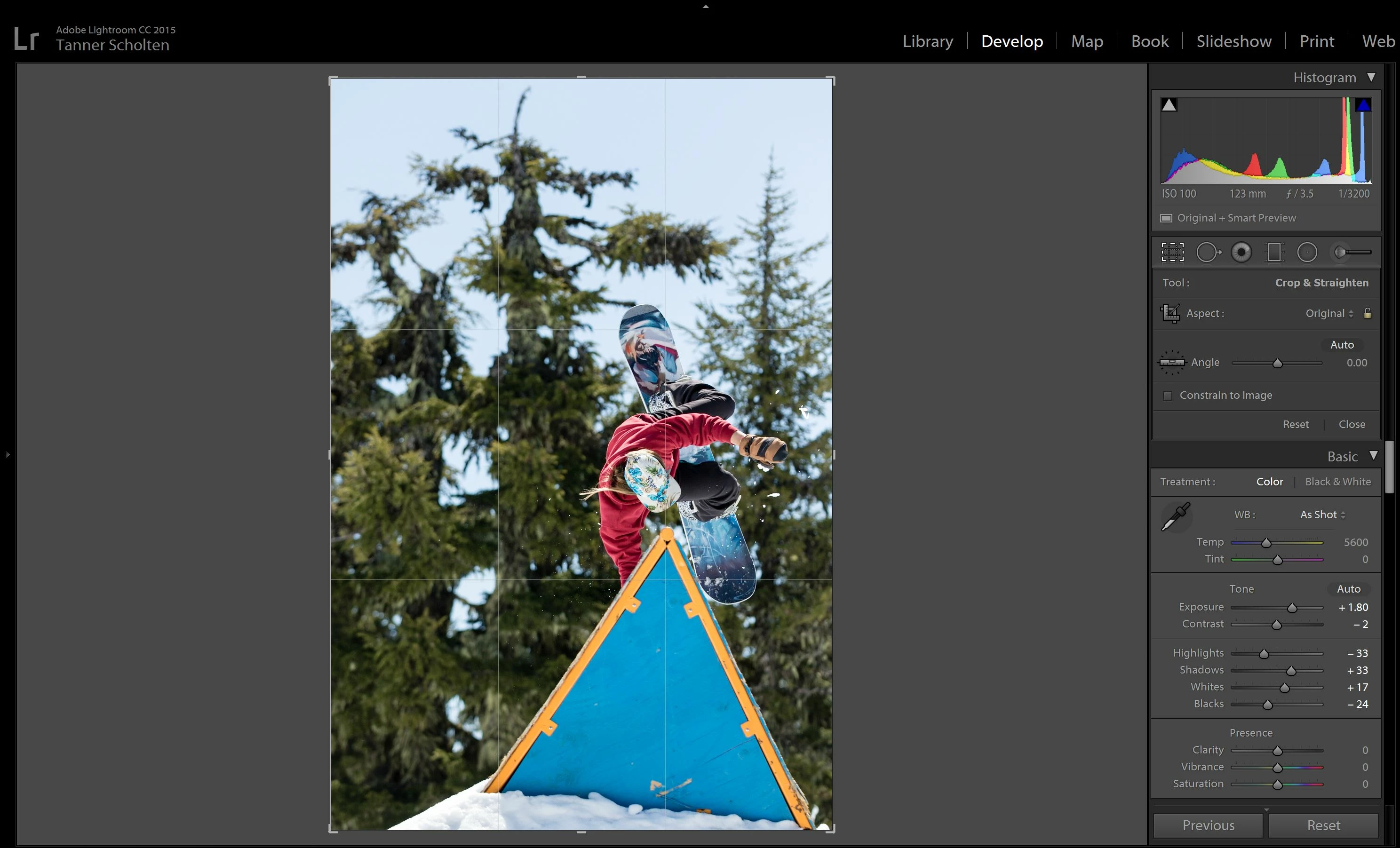
(while in Crop settings, the image displays normally)

This topic has been closed for replies.
Correct answer Mohit Goyal

Hi TScholten,

You may try and download the little before version of Nvidia driver because sometimes the latest drivers are not compatible with the software, refer: Lightroom 2015.8: Crashes in Windows 10 (nVidia driver) | Photoshop Family Customer Community

Regards,

Mohit

1 reply

Mohit Goyal
Community Manager
Mohit GoyalCommunity ManagerCorrect answer
Community Manager
June 2, 2017

Hi TScholten,

You may try and download the little before version of Nvidia driver because sometimes the latest drivers are not compatible with the software, refer: Lightroom 2015.8: Crashes in Windows 10 (nVidia driver) | Photoshop Family Customer Community

Regards,

Mohit

nyhlen
Participant
October 26, 2017

I have the same problem now with Lightroom CC Classic

Had Ligtroom 6 before without problem

Win 10 ver 1703

AMD Radeon HD 6800 drive 8.01.1500

Regards

Thomas

Mohit Goyal
Community Manager
Community Manager
October 27, 2017

Hi nyhlen,

Please turn off the Graphics Processor from the Lightroom preferences and check if that helps.

Preferences > Performance tab > Uncheck GPU > Restart Lightroom.

Let us know if that helps.

Regards,

Mohit