

Question
Develop Presets
I have replaced my hard drive and reinstalled CC and therefore Lightroom (Windows 10 PC)
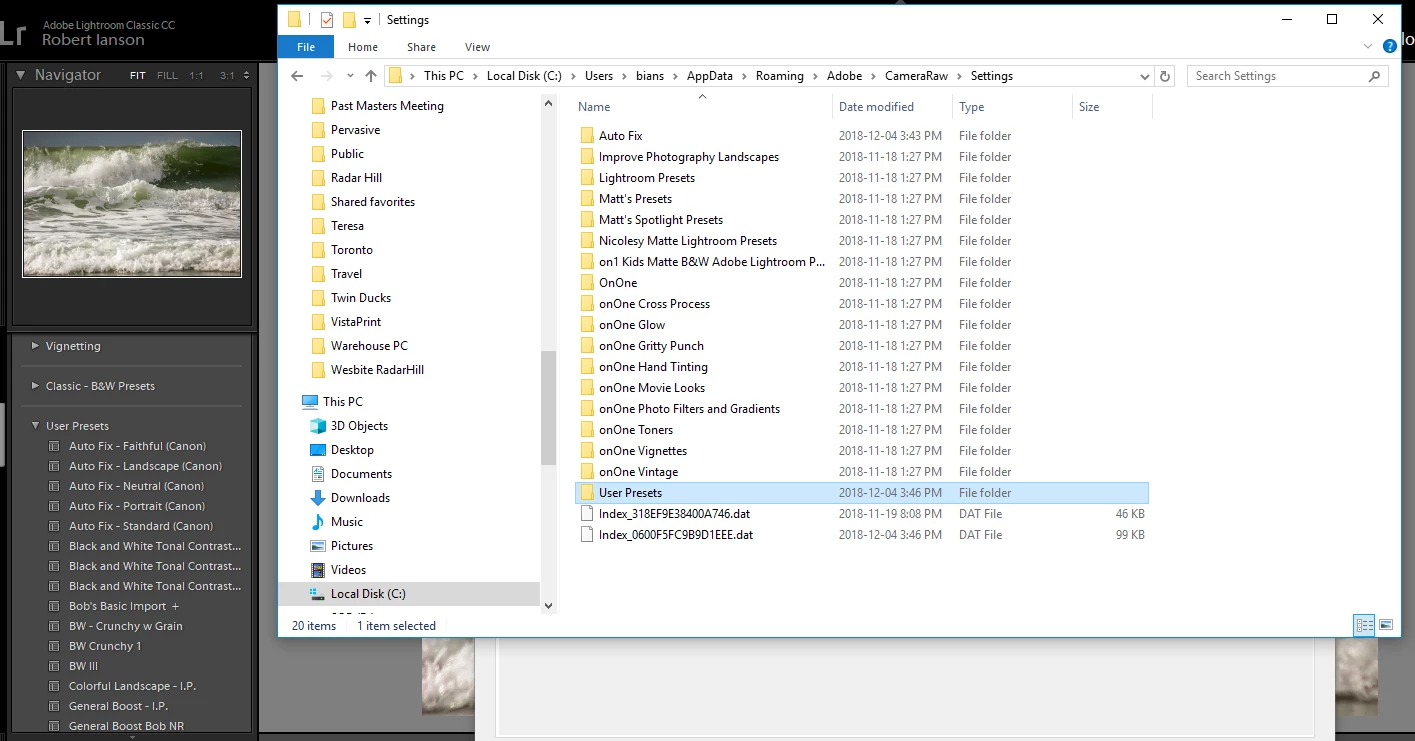
I had backed up all of my develop presets to an external drive and thought I had imported them properly but I am missing a bunch. When select Show Lightroom Presets from preferences, it shows to folder as being C;/Users/bians/appdata/roaming/adobe/cameraRaw/settings The presets in this location are all in subfolders but the only folder that shows in Lightroom is the one called User Presets. Why is Auto Fix, Improve Photography Landscapes etc etc not appearing Lightroom?
 AdChoices