Participant
May 24, 2020
Question

Develop problem

  • May 24, 2020
  • 3 replies
  • 480 views

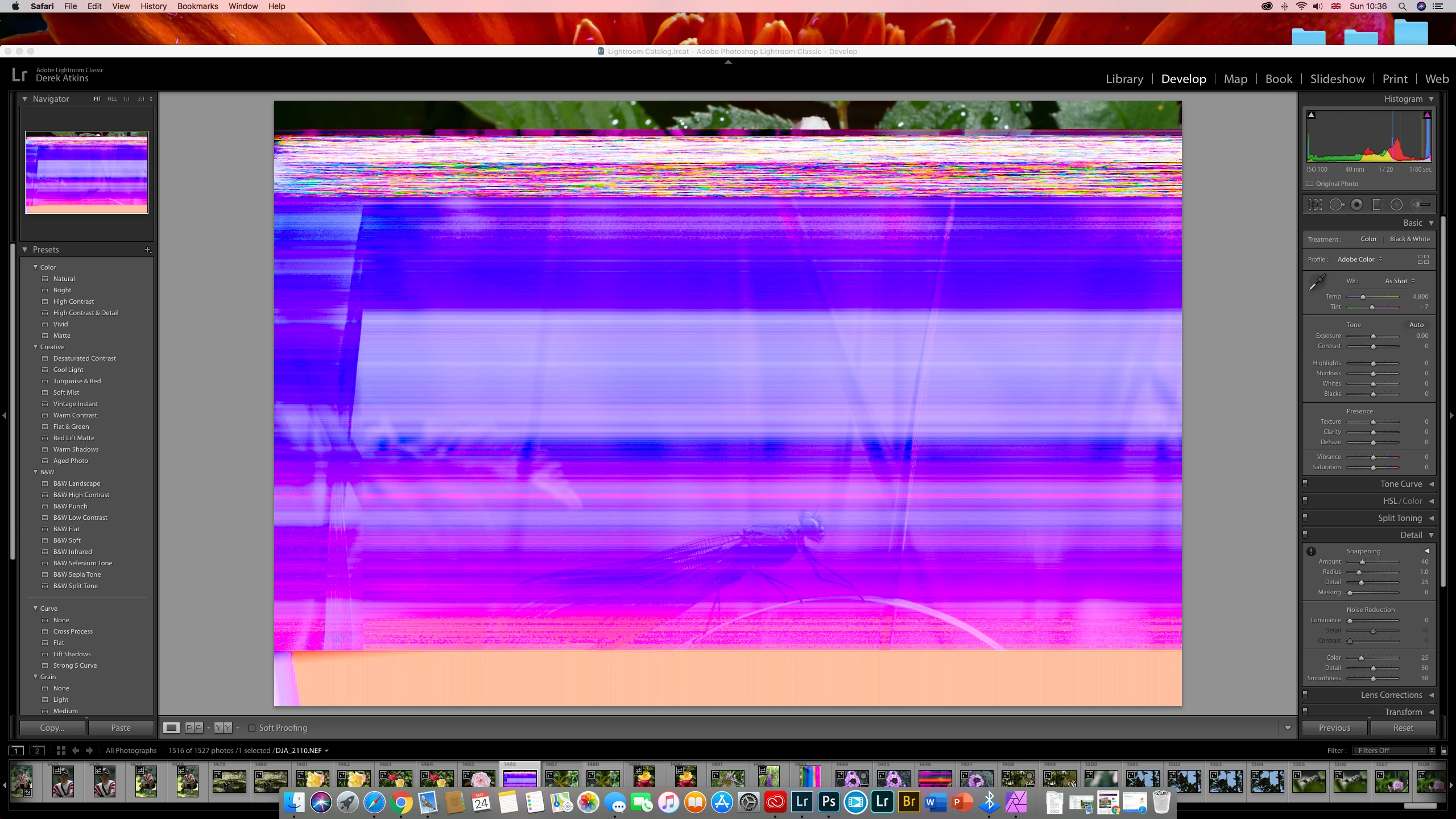
Help please, when I go to develop a photo I get this (see attached screenshot)
This topic has been closed for replies.

3 replies

josephlavine
Community Expert
Community Expert
May 24, 2020

I've run into this with corrupt memory cards. if you have a spare memory card, I suggest that you use that for a while and if that seems to address the problem then replace the corrupt card. 


dj_paige
Legend
May 24, 2020

This is a corrupted file that cannot be used. You need to restore a copy of this photo from your backups, which will hopefully not be corrupted. You also need to check for the cause of the corruption, which is almost always a hardware malfunction, by running diagnostics on all of your hardware that touches the image (hard disk, memory, card reader, camera card).

Inspiring
May 24, 2020

I have the same problem with my d800. The only solution I knowing to delete the file from Lightroom and hdd and then use your backup file and start again. The problem can be caused with any edit task you perform in LR. My assumption is it is caused in ACR.

dj_paige
Legend
May 24, 2020

"The problem can be caused with any edit task you perform in LR. My assumption is it is caused in ACR."


This is not the case. Lightroom and ACR never write to the image portion of your photo files. So Lightroom and ACR cannot cause this problem. The problem is almost always caused by a hardware malfunction somewhere (hard disk, memory, card reader, camera card).


"The only solution I knowing to delete the file from Lightroom and hdd and then use your backup file and start again."


No need to delete the file from Lightroom and start over. Just copy the backup to the location of the original (thereby overwriting the corrupted original with the hopefully uncorrupted backup). Your edits and user-supplied metadata remain intact.