Robin5FDD wrote:
I want to edit the pure RAW file without the presets applied by Adobe.
That isn’t really possible because a raw file is literally a single channel of monochrome data. To convert raw data into a color image for normal editing, many decisions have to be made (color, tone, sharpness, etc.) about how it is going to be interpreted from the monochrome sensor data through the sensor color filter pattern and into a three-channel RGB image. In other words, every RGB image that comes from any digital camera has to have some kind of interpretation. If the camera’s preview of the raw file was literally “pure raw,” it would be an unrecognizable gray blob.
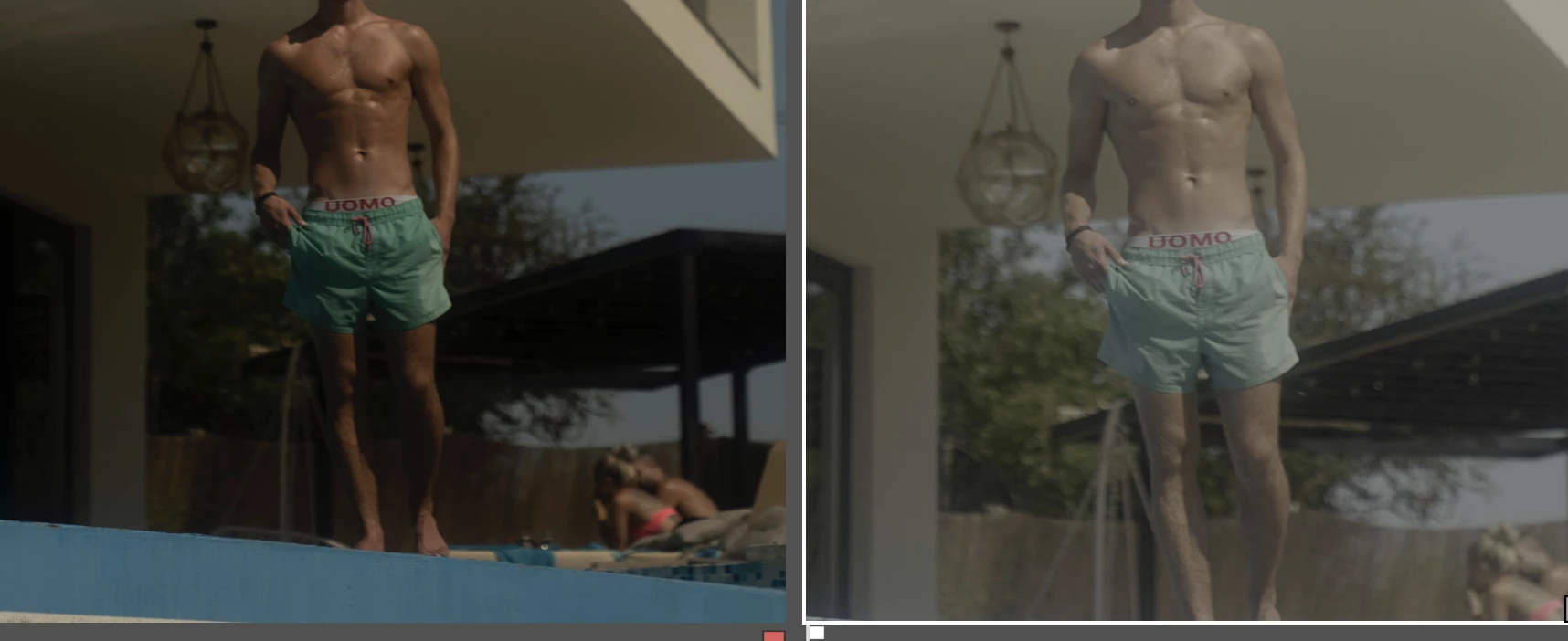
So what you see is not “Adobe version vs pure camera image,” it’s really “Adobe interpretation vs. camera maker’s interpretation.” Everybody has to apply a “profile,” even if we don’t realize it, and even if they have a different name for it.
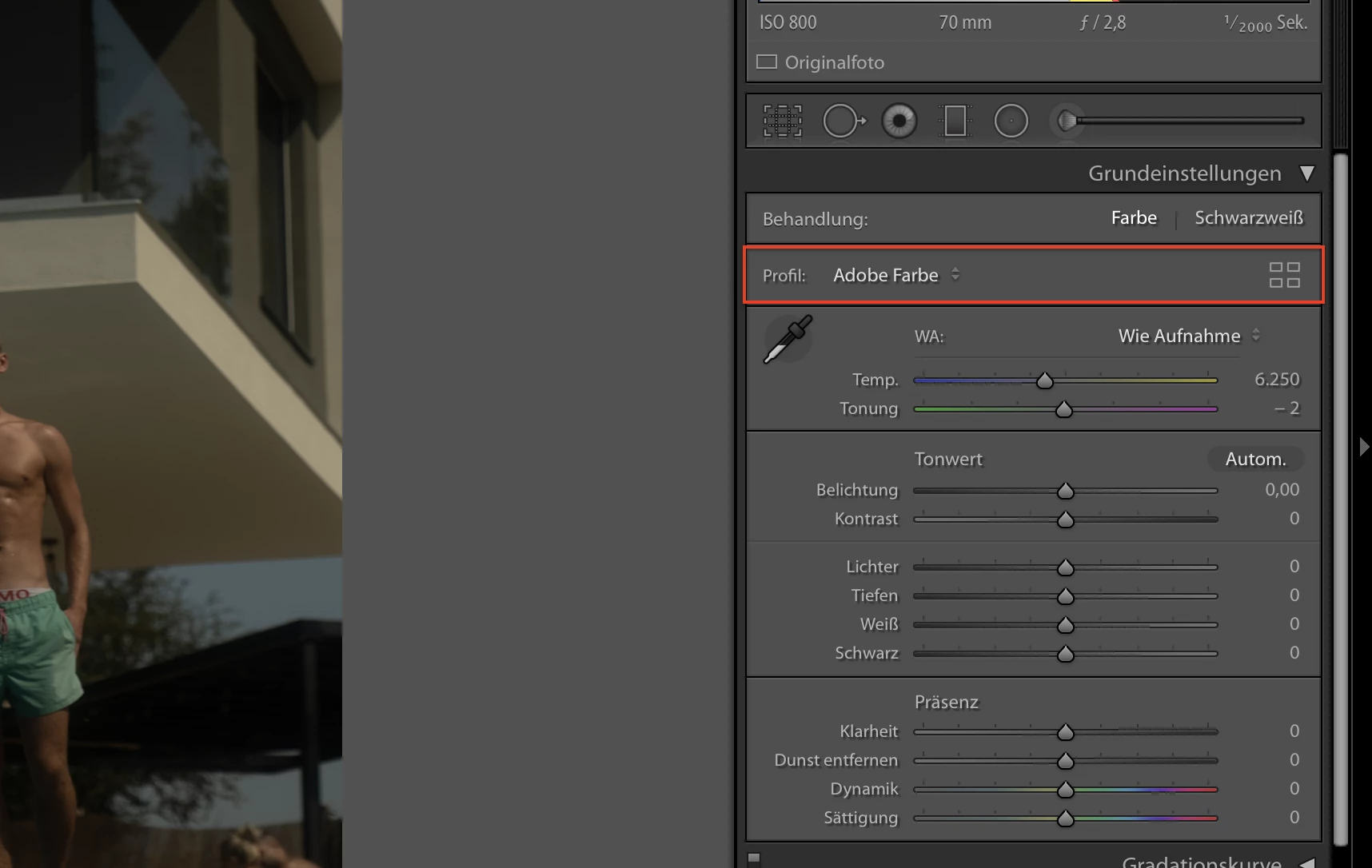
A lot of people want the Adobe version to look like the camera version, so Adobe provides Camera Matching profiles for many cameras. If you see a Camera Matching category in the Profile Browser, choose the one that goes with the picture mode that was set in the camera. Because again, there is no “pure” version; even the camera-generated embedded raw preview you see in the Library module was biased by the settings you chose in the camera. Change the camera settings and the preview would look different…with the actual raw data being unchanged, just interpreted differently by the raw-to-JPEG processor in the camera itself.
In addition to a lot of people wanting to see the camera version in Lightroom, a lot of people want to be able to make it work like that all the time. To take care of that, Adobe made it possible to set a default camera profile to whatever you think is best. You might want to do this.
How to Customize Lightroom Classic’s Default Develop Settings

 AdChoices