Participant
November 3, 2020
Question

did the update change your presets??

  • November 3, 2020
  • 2 replies
  • 486 views

My presets look TOTALLY different now with the update. They are super contrasty and warm and even when I reset, or copy and paste from a past image it looks off. Anyone else having this issues? Should I contact the company I purchased the preset from and see if they have an update? I feel like I am going crazy!

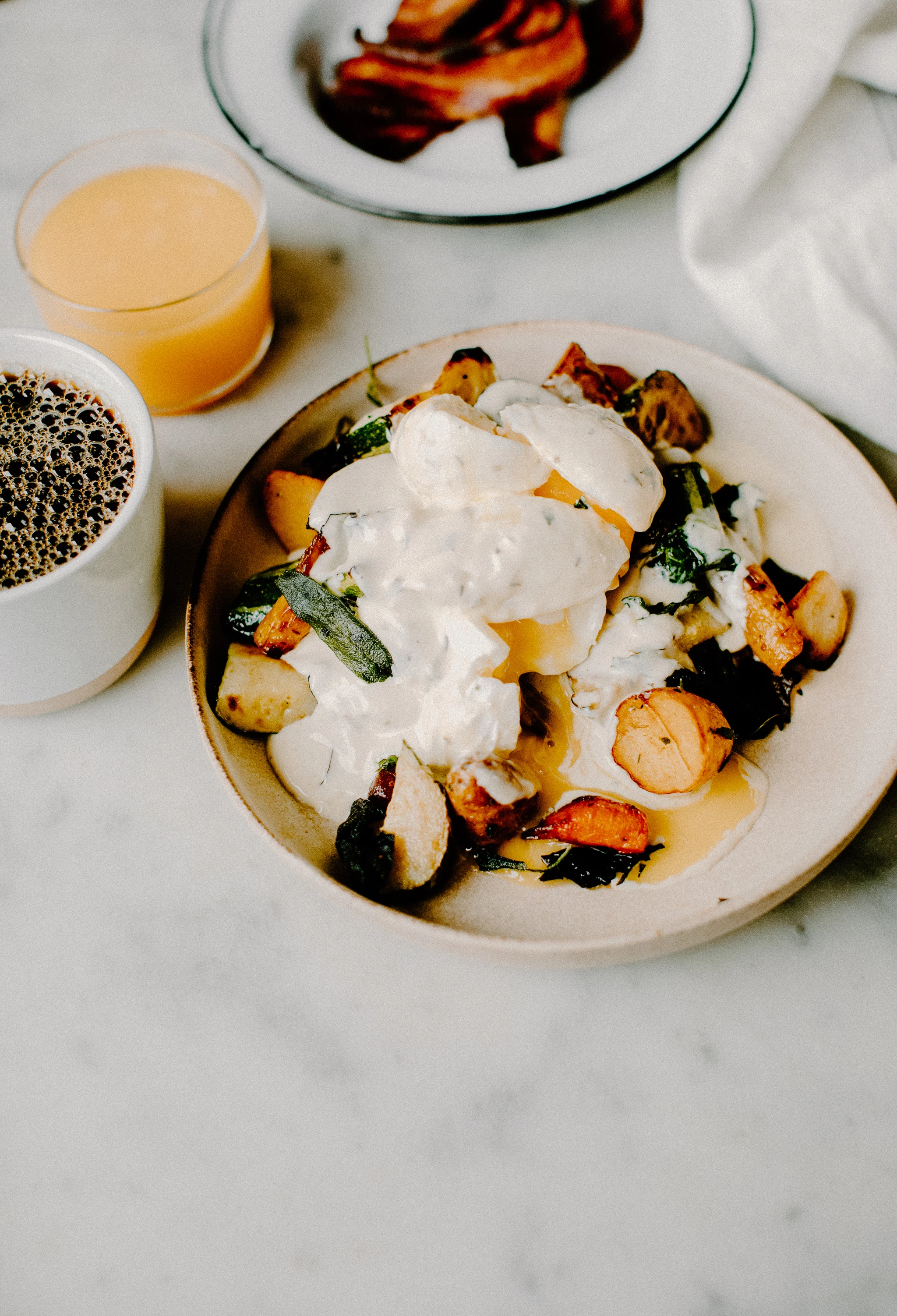
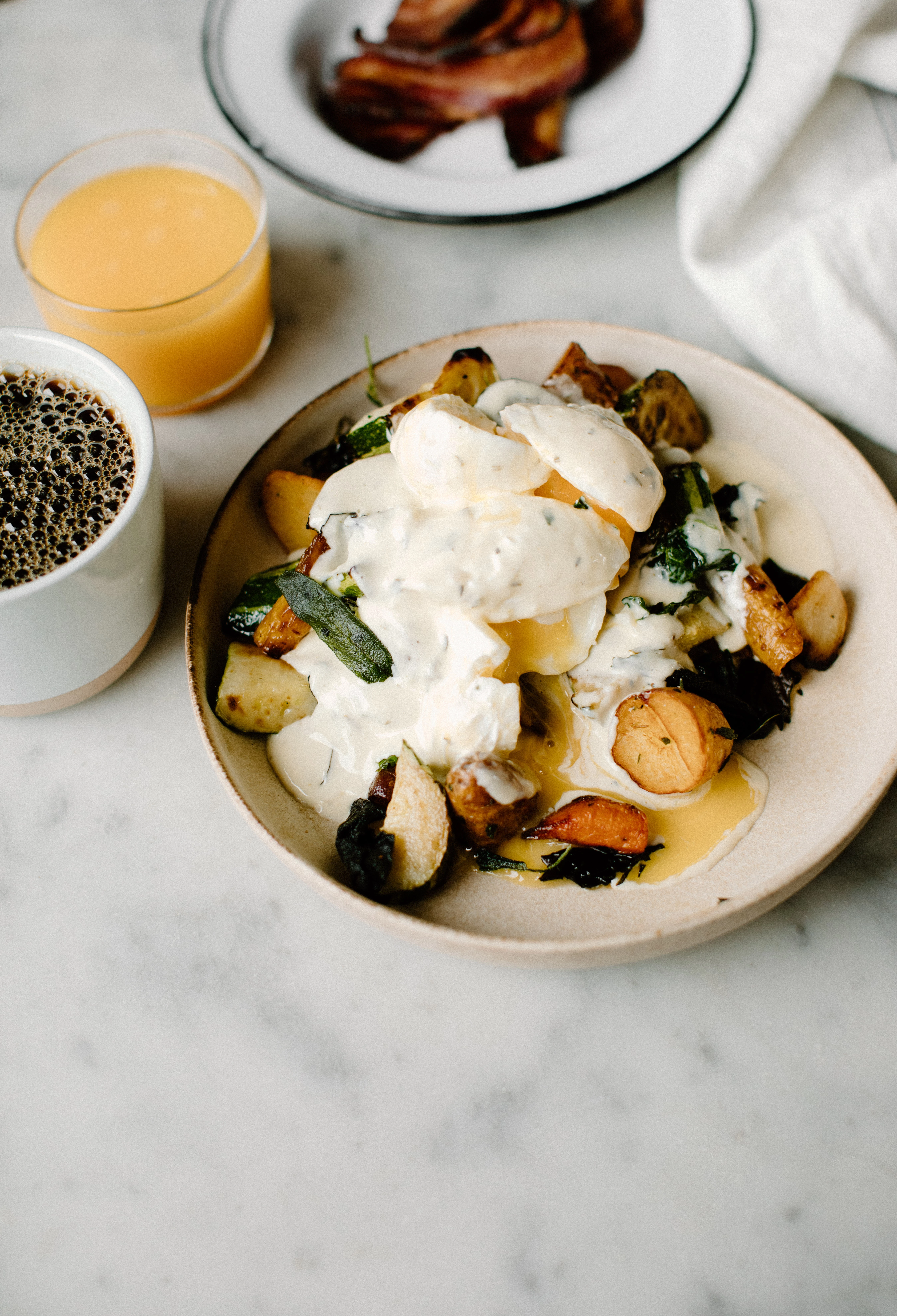
TOP IS ORIGINAL IMAGE EDITED LAST WEEK, BOTTOM IS EXACT SAME PRESET AFTER UPDATE.
2 replies

Participant
July 14, 2025

I am experiencing the same issue!

Rikk Flohr_Photography
Community Manager
July 14, 2025

You’ve posted to an ancient thread. It is highly unlikely that the issue described in this thread, though not impossible, is the same one you are currently experiencing. Rather than resurrect an old thread that is seemingly similar, you are better off posting to a new thread with fresh, complete information, including system information, a complete description of the problem, and step-by-step instructions for reproduction. 


If the issue is the same, we will merge you back into the appropriate location. 

This thread will be locked. 


Thank you!


Rikk Flohr: Adobe Photography Org
JohanElzenga
Community Expert
Community Expert
November 3, 2020

No, presets weren't changed in this upgrade. One explanation could be that the purchased presets contain 'Split Toning' settings, but Split Toning no longer exists and was replaced by Color Grading.


-- Johan W. Elzenga
Participant
November 7, 2020

Is it possible to go back to an older version?


JohanElzenga
Community Expert
Community Expert
November 7, 2020

An older version of what? Lightroom? Yes, you can do that but you would have to start with the old pre-upgrade catalog again. Catalogs are not downwards compatible.


-- Johan W. Elzenga