
Answered
Difference in color in rendered jpeg
Image on the left - RAW + Edits
Image on the right - Rendered jpeg (Full Res, 100% quality, sRGB)
Do you see a difference in Yellow ?
Can anyone explain ?
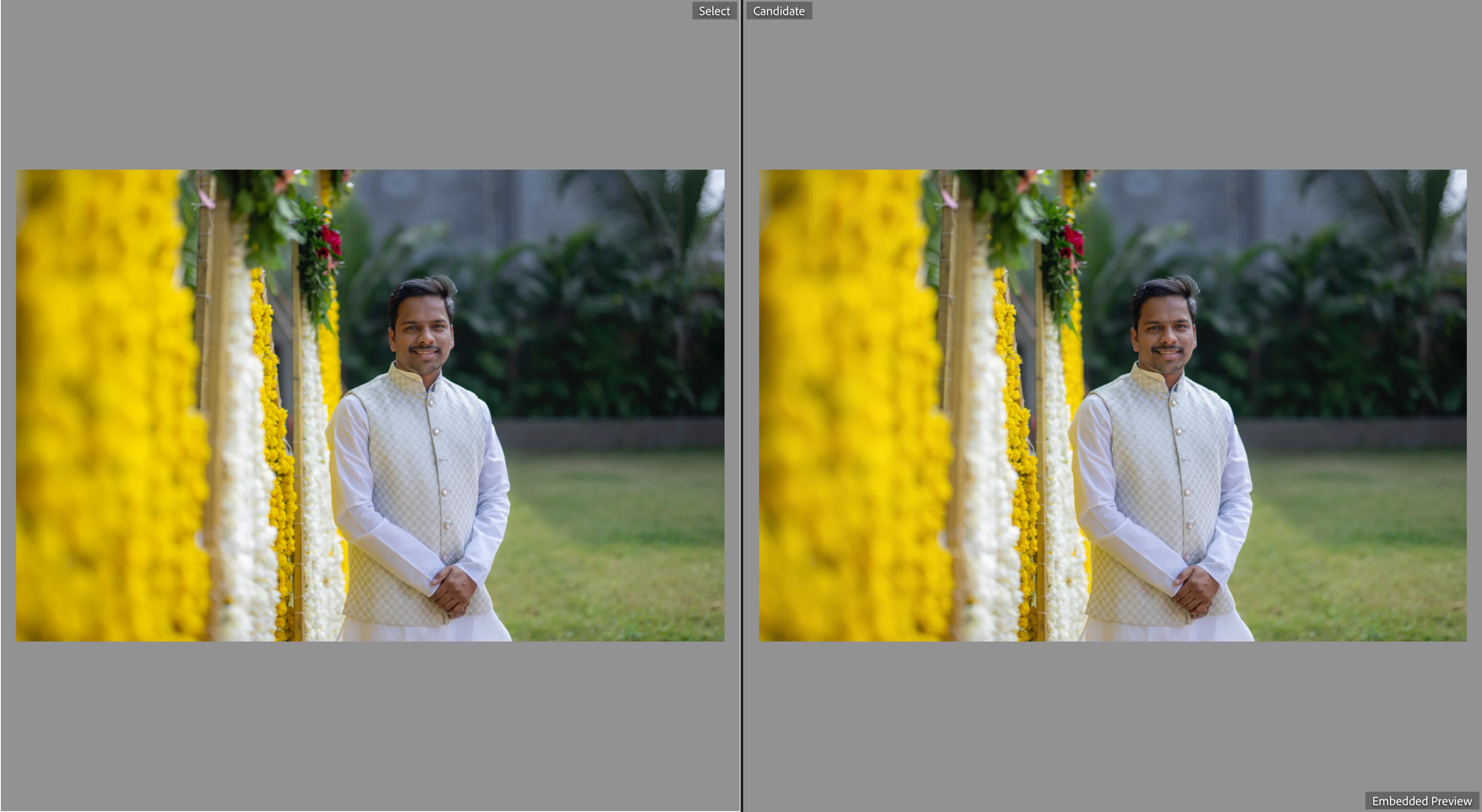

Image on the left - RAW + Edits
Image on the right - Rendered jpeg (Full Res, 100% quality, sRGB)
Do you see a difference in Yellow ?
Can anyone explain ?
Looking at it on my iPad: no, I do not see any difference. However, the explanation may be as follows. You re-imported the image on the right using 'Embedded & Sidecar' previews (see lower right corner). That means that this image is displayed with its embedded preview, which is sRGB. Lightroom uses AdobeRGB for its previews however, so the raw image on the left is shown in AdobeRGB. If your monitor can show the difference between the two, then that is what you see. As your screenshot is sRGB, we don't see it.
Already have an account? Login
No account yet? Create an account
Enter your E-mail address. We'll send you an e-mail with instructions to reset your password.


 AdChoices