
Participant
September 1, 2017
Answered

Distorted previews and exported images in Lightroom-

  • September 1, 2017
  • 1 reply
  • 678 views

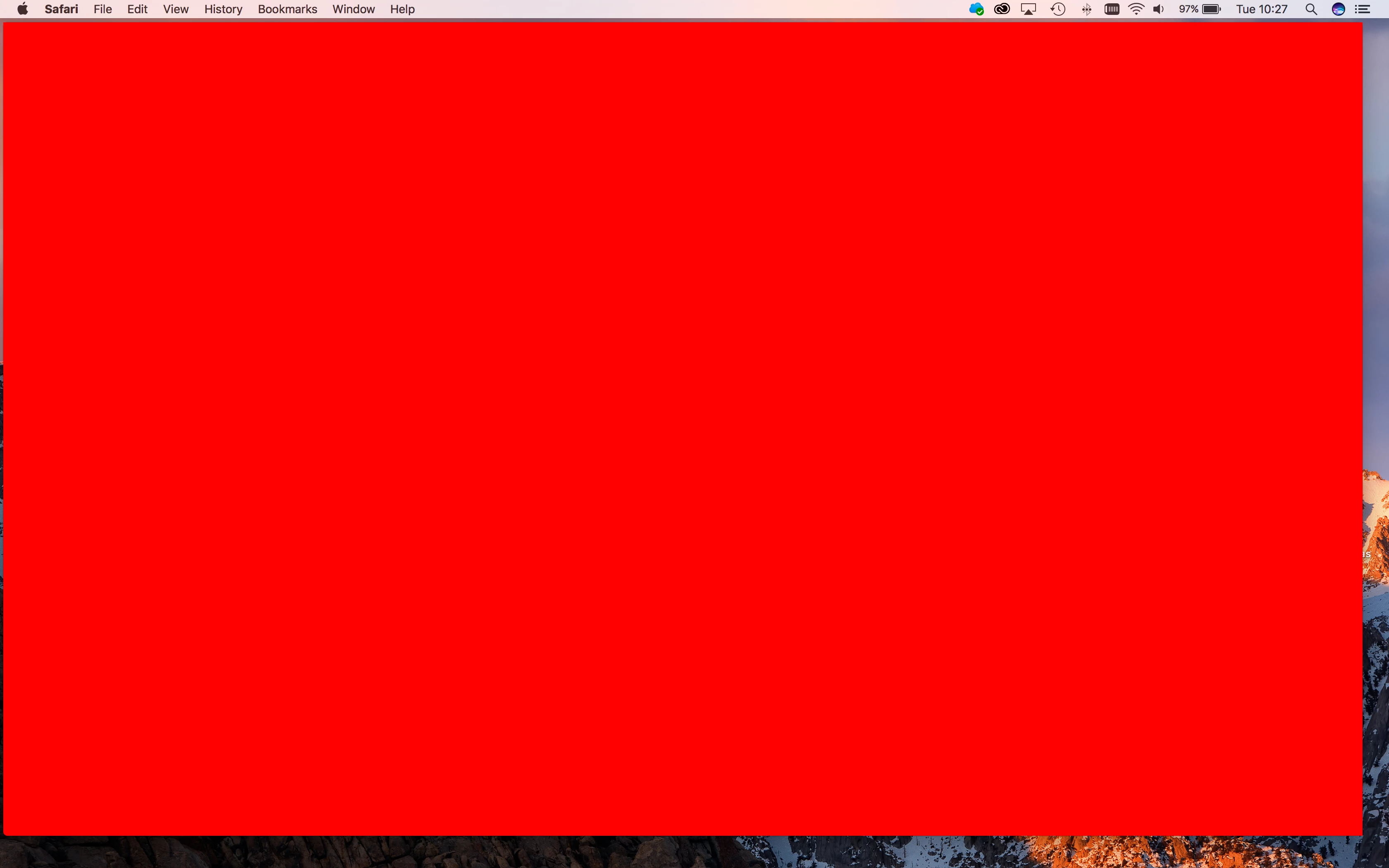
On my new MBP 2017 I get strange red square boxes like in te the screenshot below.
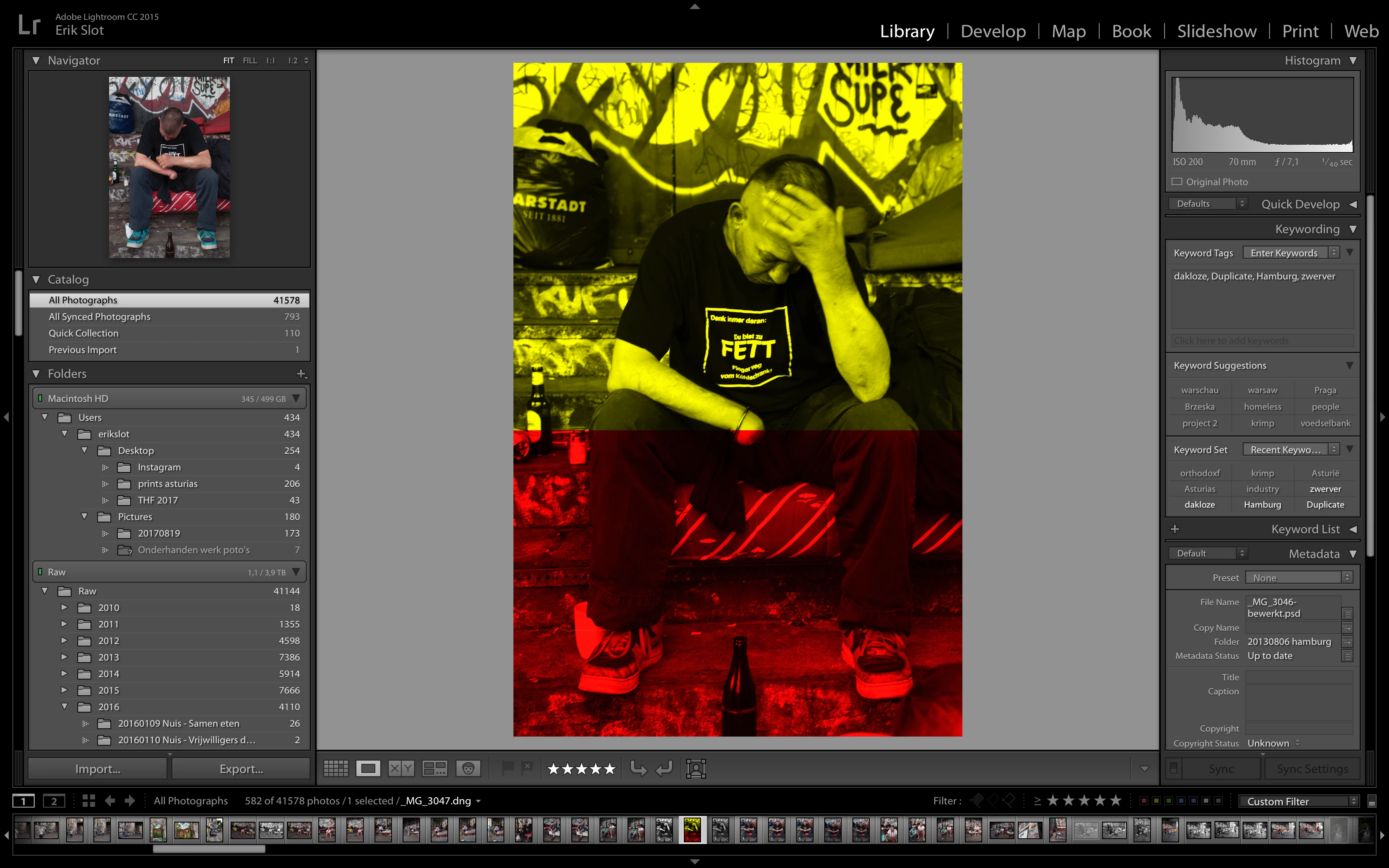
And strange preview distortions like the image below.
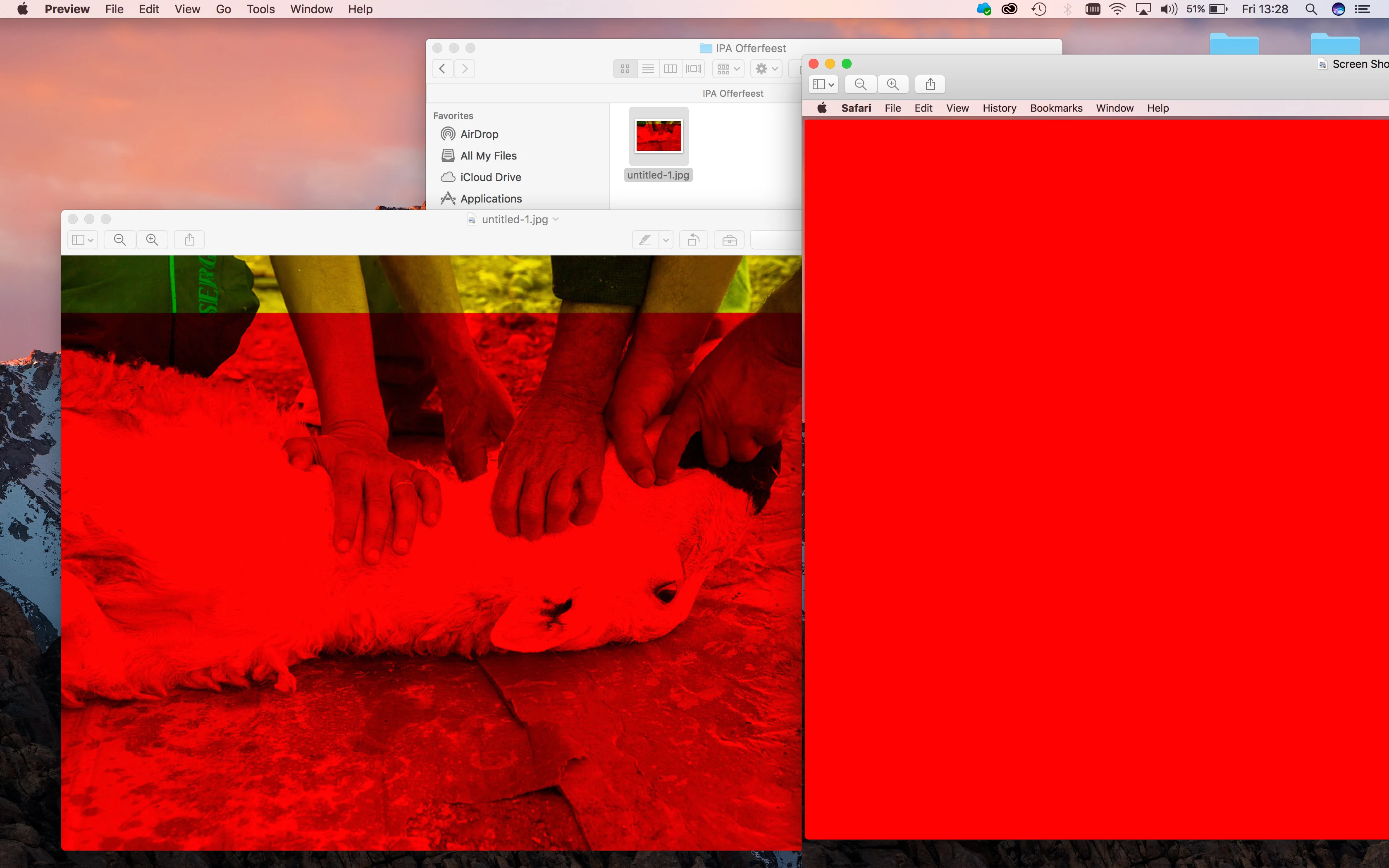
And some exported images look like this.....
These problems occurred with my new MacBook Pro 2017 which I bought 2 month ago. I got a new one but now I am having the same problems and they are getting worse.

Another strange thing is that when I change from library to develop mode somtimes the Lightroom part of the screen flickers for a couple of seconds.

Please can anybody help me or tell if the have the same problems?

This topic has been closed for replies.
Correct answer F. McLion

What is the exact version of your Lightroom?

Please try to deactivate the GPU and see if it helps: Adobe Lightroom GPU Troubleshooting and FAQ

1 reply

F. McLion
Community Expert
F. McLionCommunity ExpertCorrect answer
Community Expert
September 1, 2017

What is the exact version of your Lightroom?

Please try to deactivate the GPU and see if it helps: Adobe Lightroom GPU Troubleshooting and FAQ

--- Got your issue resolved? Please label the response as 'Correct Answer' to help your fellow community members find a solution to similar problems. ---
Erik SlotAuthor
Participant
September 9, 2017

Sorry for the delayed reply but I am in Greece right now with bad internet connections.

The version of LR is 2015.12 so the latest cc version. build 1125239.

I already disabled the GPU to no avail. Made a new library for the guy from Adobe thought the catalogue was damaged. But I am still having the problems sometimes. I am working on the newest Apple MBP and the Adobe guy told me the GPU should be compatible.

The 18th I will be back home and try again.

October 29, 2017

I'm having horrendous problems with distorted previews - only occurred since updating to All new cc and classic cc.

Disabled gpu, created new catalogue all without success!