Answered
DJI Mavic Pro blur pano when Stitching
When I try to stitch a photo using Lightroom Classic 10.2 on mac, the result is always blurry, does someone knows how to fix it?
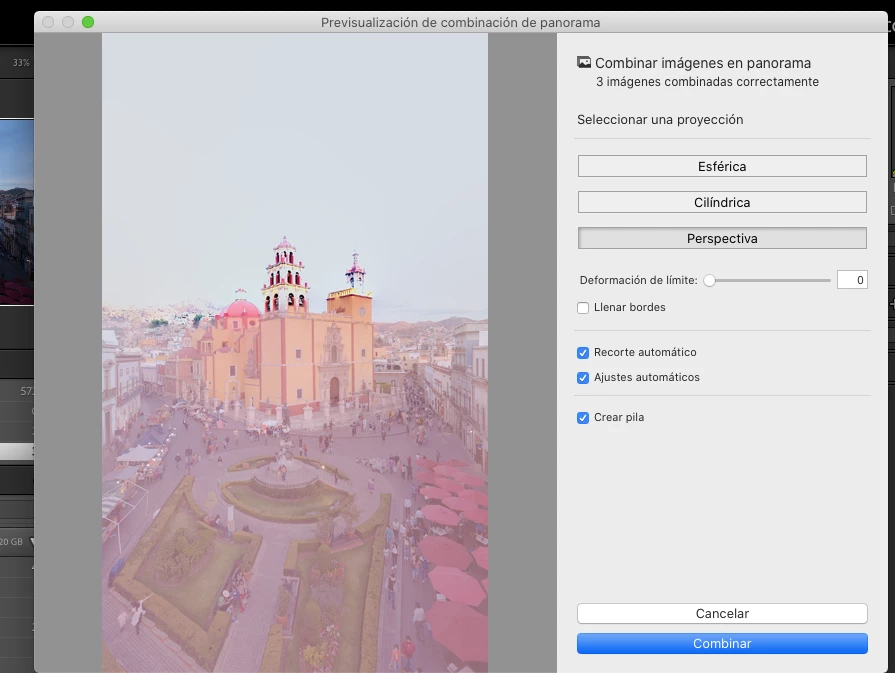
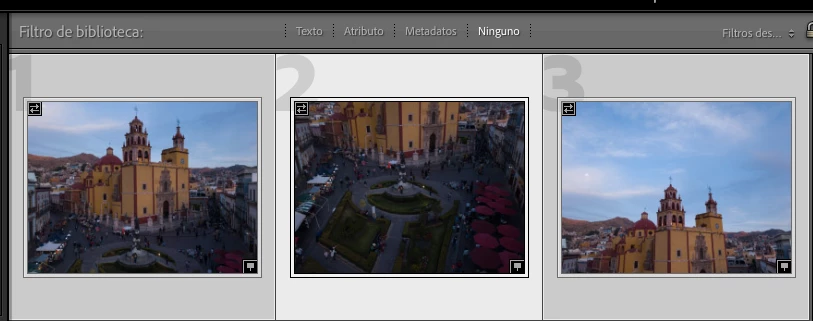

When I try to stitch a photo using Lightroom Classic 10.2 on mac, the result is always blurry, does someone knows how to fix it?
[This post contains formatting and embedded images that don't appear in email. View the post in your Web browser.]
The problem is caused by the camera recording an incorrect shutterspeed for PANO0003.DNG:
PANO0001.DNG: 1/100, f/2.2, ISO 100
PANO0002.DNG: 1/50, f/2.2, ISO 187
PANO0003.DNG: 1/4000, f/2.2, ISO 100
The exposure for 3.DNG is close to that of 1.DNG, but it's shutterspeed (1/4000) is obviously wrong. You might consider reporting this to DJI.
Two workarounds:
1. Do the merge in Photoshop using Photo > Edit In > Merge To Panorama In Photoshop. PS doesn't appear to look at the exposure metadata.
2. Use Exiftool to change the shutter speed of 3.DNG to the same as 1.DNG:
exiftool -exposuretime=1/104 PANO0003.DNG
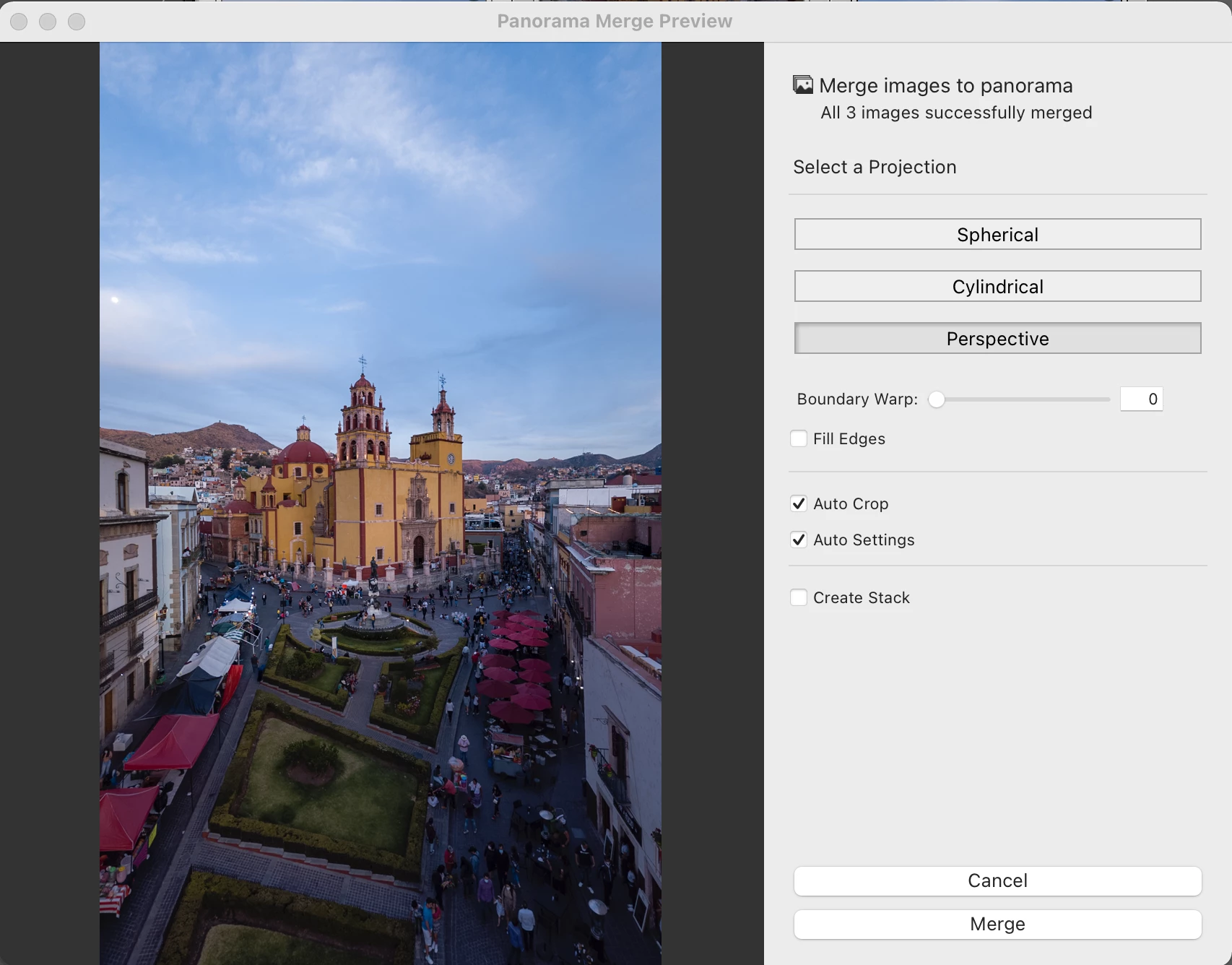
That allows LR's Photo Merge > Panorama to work:
Already have an account? Login
Enter your E-mail address. We'll send you an e-mail with instructions to reset your password.
 AdChoices