Participant
July 26, 2024
Question

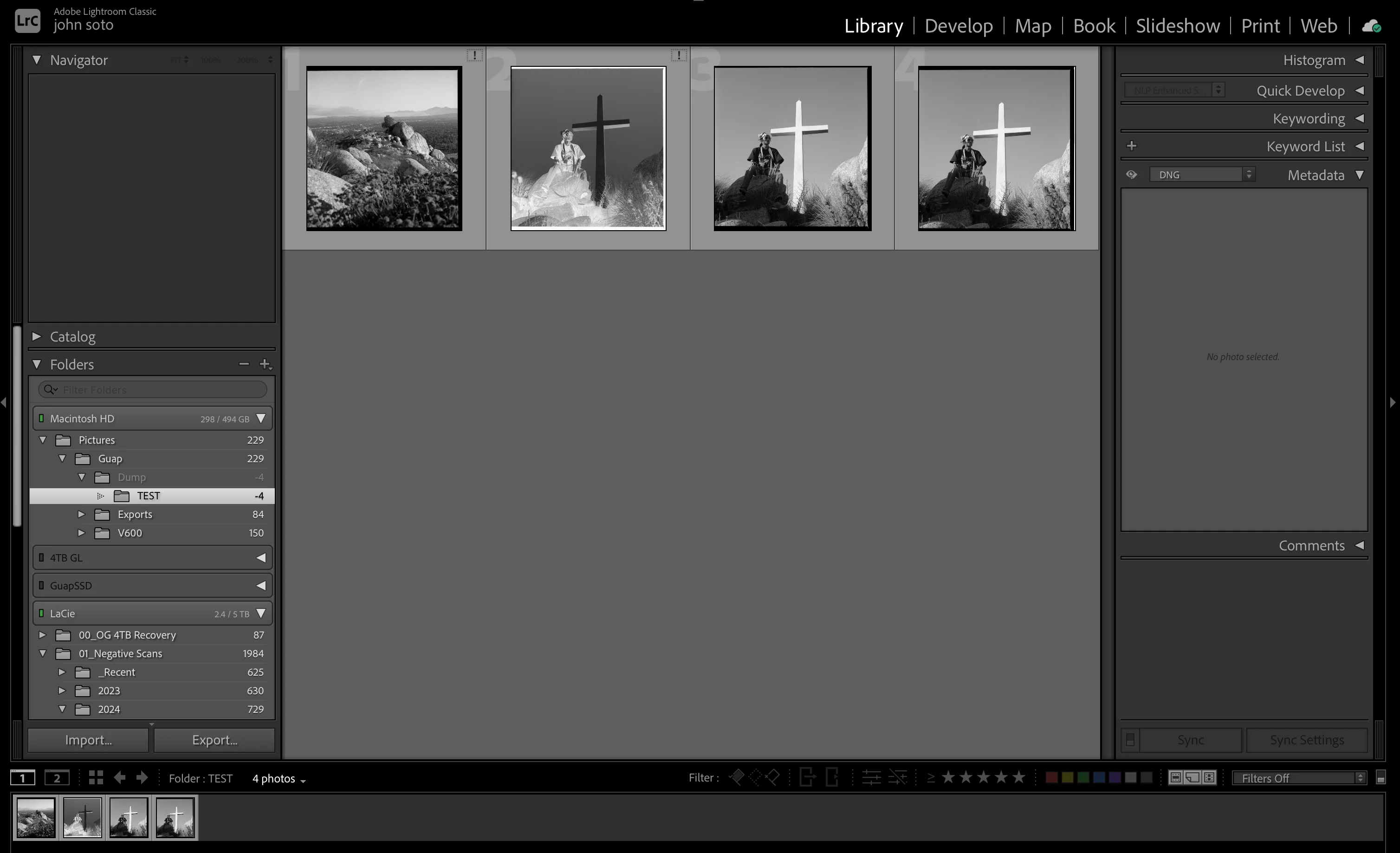
DNG scans via Silverfast not importing to catalog

  • July 26, 2024
  • 2 replies
  • 535 views

Hello,


I recently noticed when scanning some 120 negatives with my v600 & Silver Fast 9 the DNG files do not properly import to my LrC catalog. I scan them as 48bit/16bit raw dng files to convert in LrC with the Negative Lab plug in. I have done this for a few years now and never had an issue until yesterday when importing some scans. 


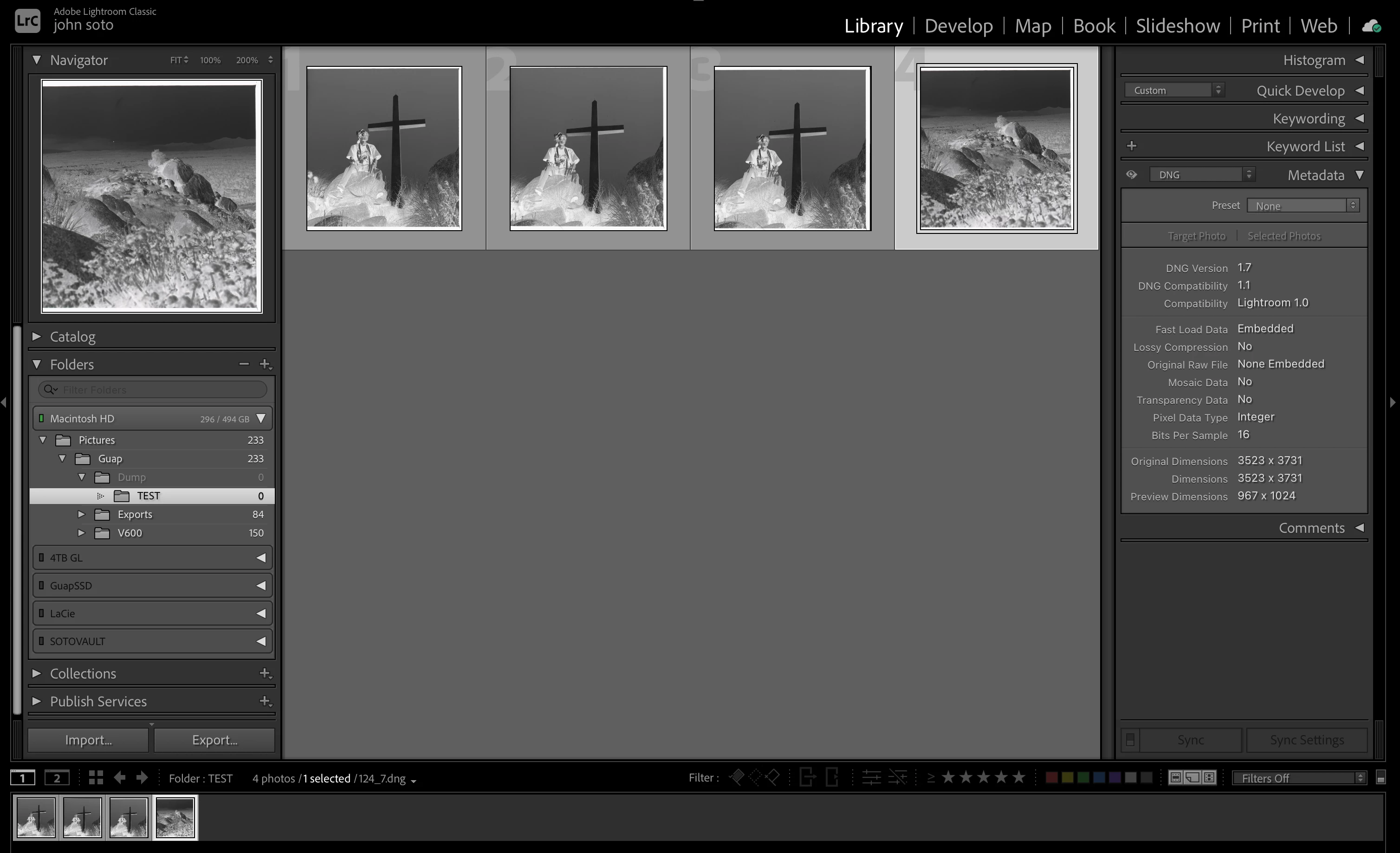
LrC will set up a preview of the file but won't show a numerical presence in the side menu. Any ideas?


This topic has been closed for replies.

2 replies

JohanElzenga
Community Expert
Community Expert
July 26, 2024

Try this: open your catalog folder and trash the 'catalogname helper.lrdata' file. Then start Lightroom Classic again and see if that solved the problem.


-- Johan W. Elzenga
johnrellis
Legend
July 26, 2024

To build on Johan's reply, your screenshot shows a negative count of photos for a folder, a sure indicator that the Helper.lrdata got corrupted due to a LR bug and needs to be deleted.

GuapSotoAuthor
Participant
July 26, 2024

Update: I tested if it would also act this way with RAW files from my camera. Sure enough my RAW files from my Canon R are also not being recognized. I do get a preview of the files but I cannot edit them. I have had no issue with RAW files prior until now. I haven't changed any settings recently to my catalog or import settings. Any ideas on what may be the issue? Thinking of moving to a prior version of LrC to see if that may be the issue. 

Community Expert
July 26, 2024

Can you share one of your files?  I don't think it is a Lightroom problem.  Instead, it might be an operating system problem.  Maybe "write permissions" were changed in an update.