blwegrzyn
Known Participant
September 16, 2018
Question

Dodging the highlights

  • September 16, 2018
  • 1 reply
  • 369 views

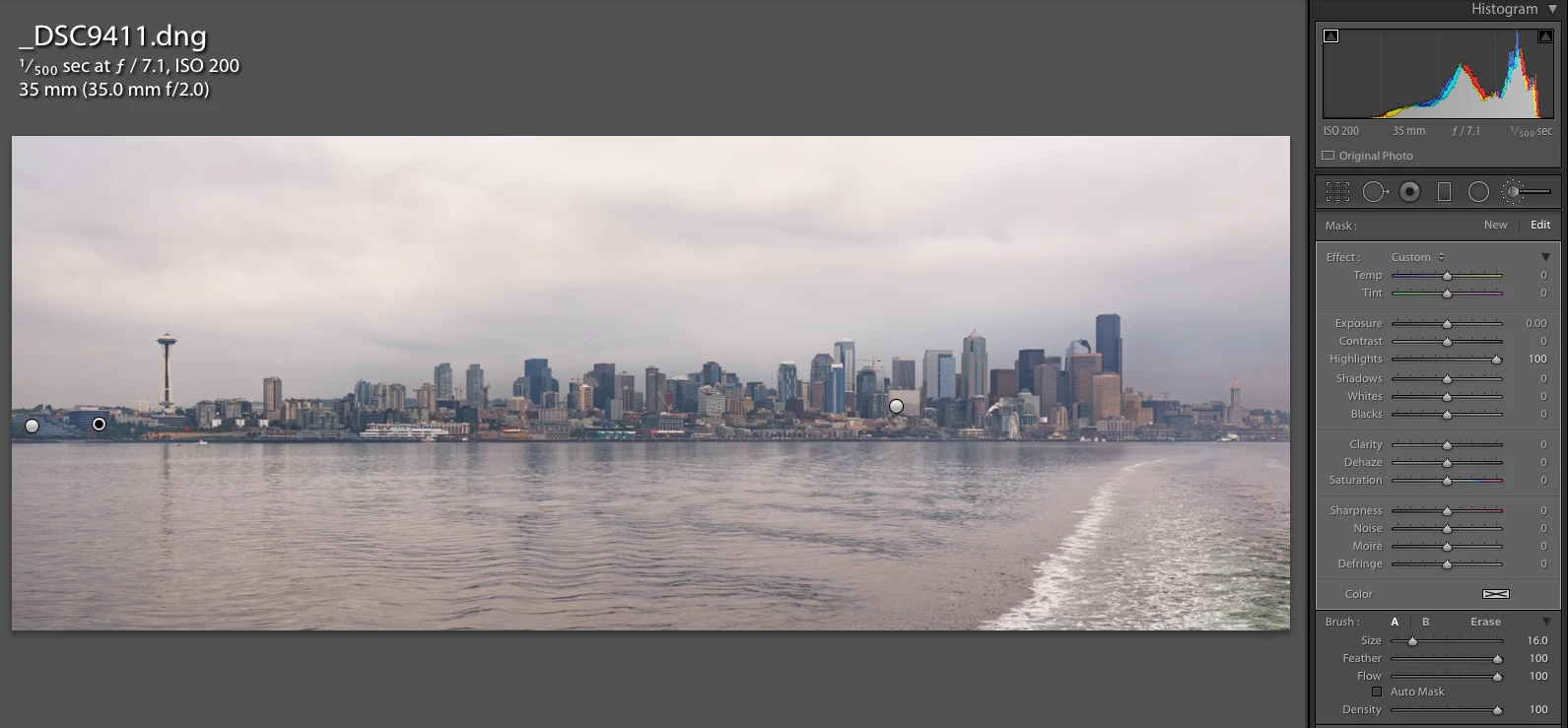
I am trying to get similar functionality as in photoshop and be able to dodge highlights in light-room through local adjustment.

What i noticed that highlights barely change even with the highlights slider set to 100%.

Is this normal?

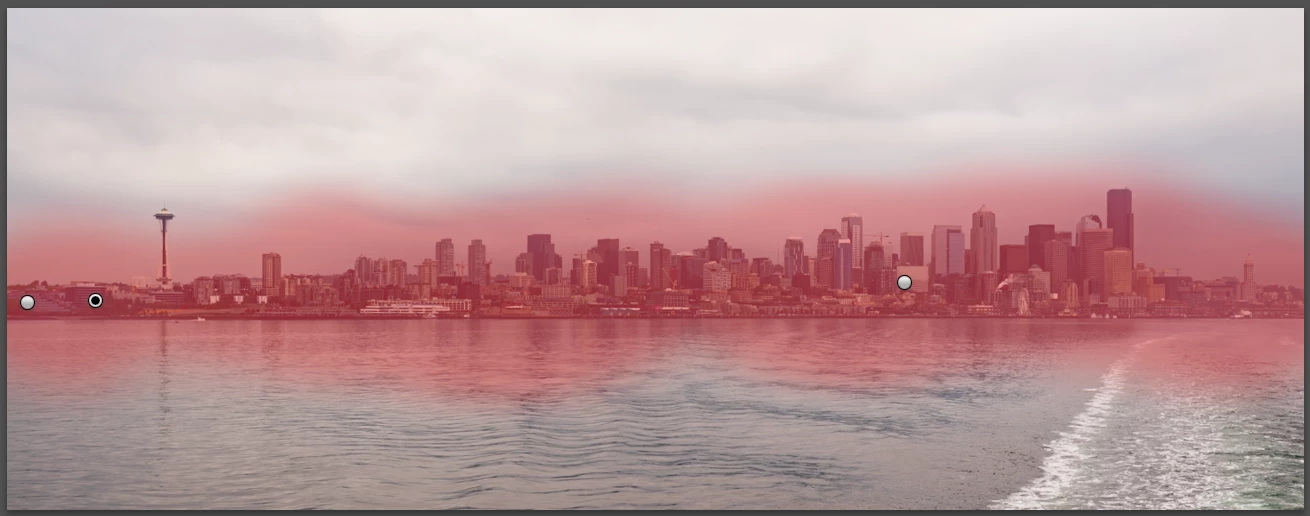
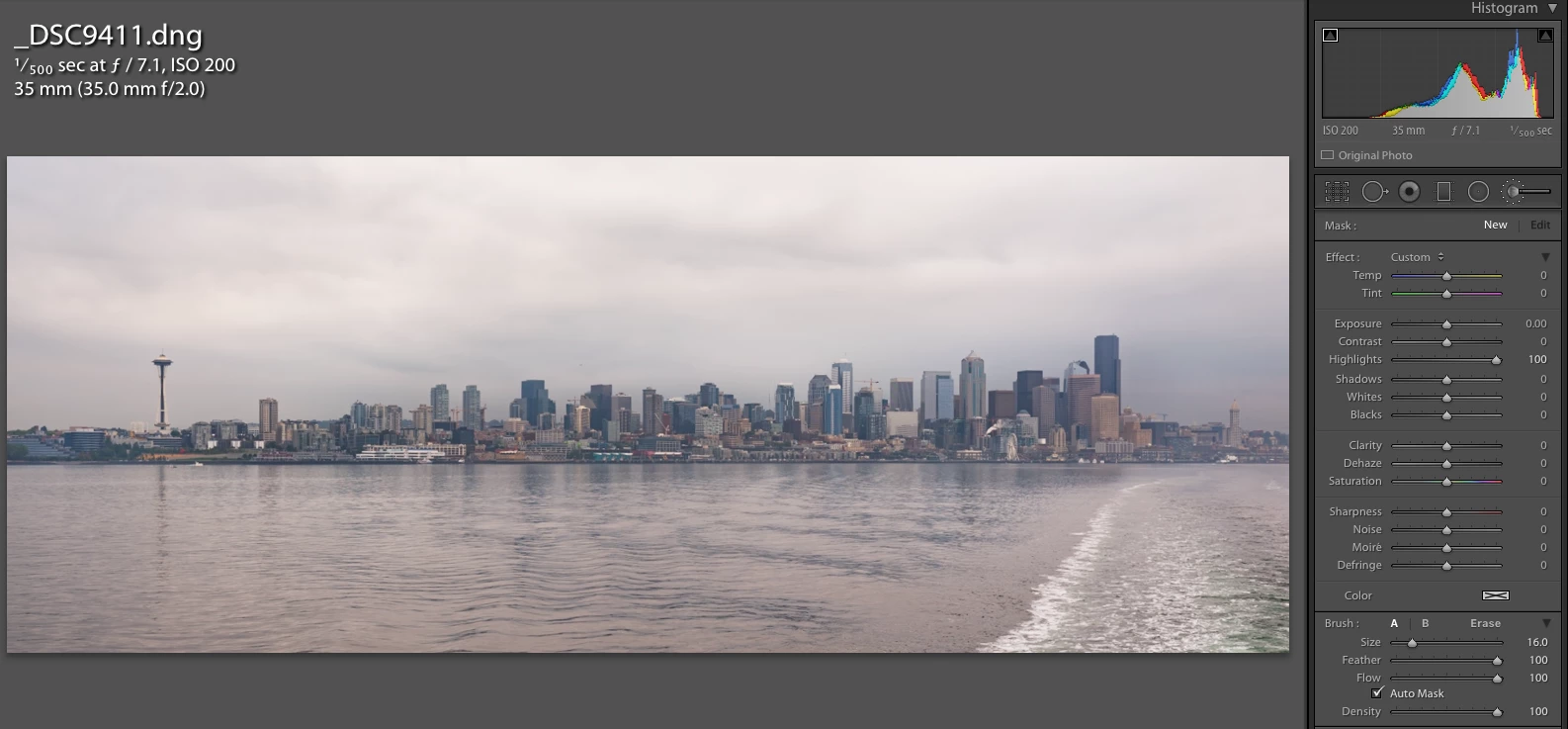
Attached the photo of the mask and before and after.
    This topic has been closed for replies.

    1 reply

    JP Hess
    Inspiring
    September 16, 2018

    From what I'm seeing on my monitor, there aren't really any highlights to suppress in that area to make much difference even with the slider set at -100. I wouldn't expect to see much change. Now if you changed the exposure slider that would be a different story.

    blwegrzyn
    blwegrzynAuthor
    Known Participant
    September 16, 2018

    I agree, but with photoshop when you dodge highlights there is a difference.

    Not sure if same would be accomplished if you dodge mid-tones instead.

    But burning mid-tones and dodging highlights i get can a very nice effect in photoshop.

    I used a little bit of clarity in lightroom to get a similar effect.

    JP Hess
    Inspiring
    September 16, 2018

    Can't comment on why there is that difference when using Photoshop. But that is why Photoshop is such a good companion for Lightroom. There are just some things that are more easily done using Photoshop. When that is the case, use Photoshop. Someone who is more technically oriented can probably give you a better answer.